


oprie_ma
Inspiring
January 28, 2024
Question

Scrolling along the timeline with mousewheel

  • January 28, 2024
  • 2 replies
  • 1388 views

Hello,


Since I only found one thread from 2011, I'm wondering if there is now a solution to this problem.
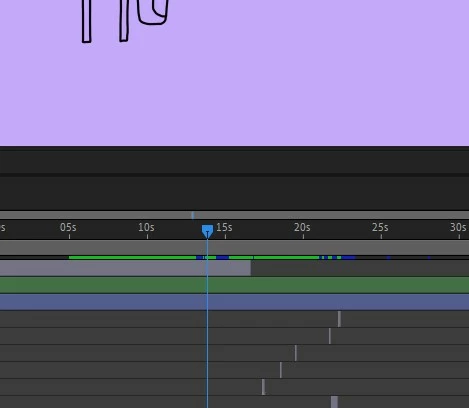
I want to scroll through the timeline in Audition (latest version, windows 11)  using the mouse wheel or the ring on my tracking ball. It works in combination with the Shift key, but in very small increments. So if I want to scroll from minute 1 to minute 40, it's completely useless. Is there a solution?


Thanks

This topic has been closed for replies.

2 replies

LuMags
Inspiring
March 29, 2024

Hi All, 

I use a Logitech MX Master 3 and in other Adobe software the thumbwheel on the mouse is great but for some reason only in Audition its really small increments as described. 

I've checked settings within Logitech Options+ software and have found if I add Audition to the Point + Scroll section and set the Thumbwheel from 50% to 80% thats much better for scrubbing through audio. 

#TheMoreYouKnow


SteveG_AudioMasters_
Community Expert
January 28, 2024

I think you have to control that from your mouse settings. The only thing you can alter to do with the mouse in Audition is the position that zooming is centred on. The only way that I'm aware of to scroll faster is to use the < > arrow keys, and that is a lot less painful than using the mouse wheel anyway, as far as I'm concerned!

oprie_ma
oprie_maAuthor
Inspiring
January 28, 2024

Ok, thanks and that's interesting. Doesn’t anyone need that?

SteveG_AudioMasters_
Community Expert
January 28, 2024

I don't think so - which is why you've only found one reference to it.  The main reason though is that whilst there isn't a solution to controlling mouse scrolling, there's a better solution using the mouse for scrolling anyway - which is to pick up the yellow part of the time indicator (at the top of it, and your mouse pointer will turn into a hand) and drag that. This gives you scrolling - with audio - at any speed you care to drag the mouse at.