


Answered
2017 - Responsive - Transparent text boxes - Looks different when i preview
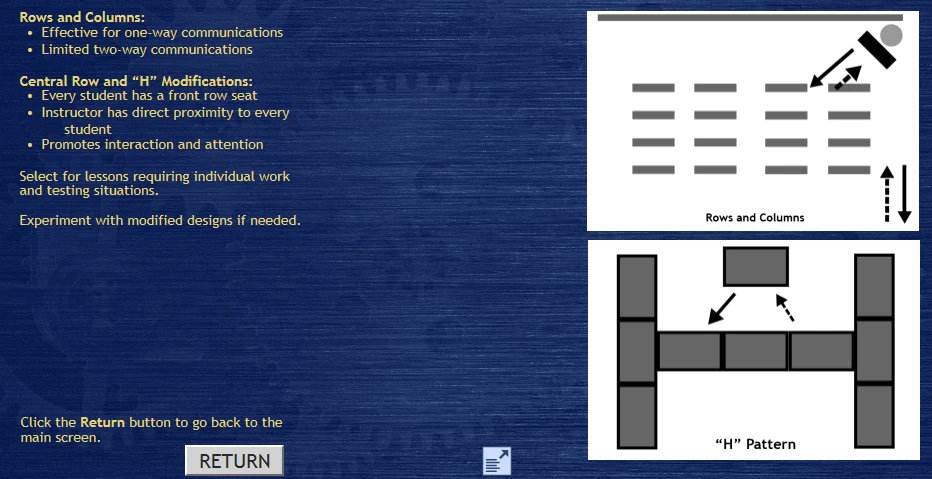
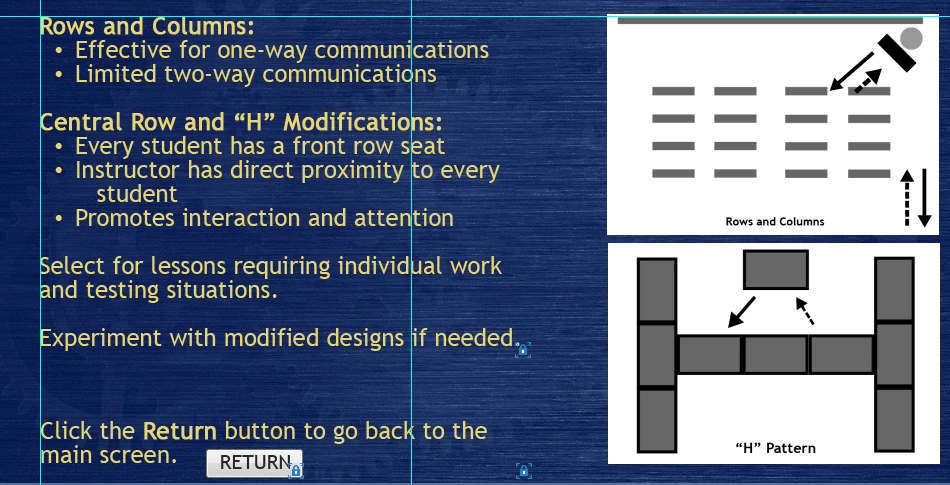
I am fairly new to Captivate and this is my first time working in a responsive project. I have text in a transparent text box - when I go to preview the project the text looks different from when I am working in it. Sometimes it changes the size of the text and its changing placement too. I have seen in other posts/forums that in previous versions there was something about an anti -aliasing option, but I don't see that in the 2017 version. the first image is how it comes out when I preview it. and the second one is how it looks while working in the program.
 AdChoices