


Adding a video to Captivate-two player skins?
I have a few questions:
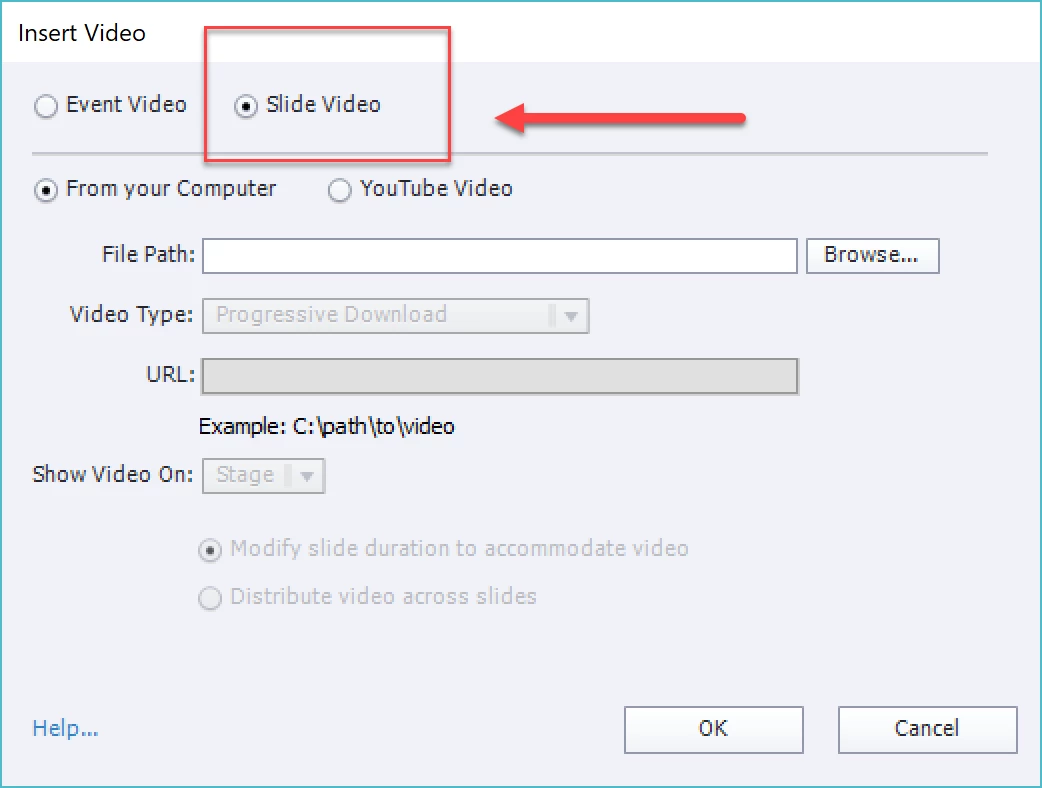
I have a training that is essentially just a 15 minute video. Because of a multitude of issues that I won't get in to, the only way I can put the video on our LMS is to have it within a Captivate project.
There will be no other slides, animations, etc. Just the video. I tried this yesterday, but when I insert the video I have the video player and then another set of controls (the Captivate project skin).
My questions are:
1. Is there a way to only have ONE set of controls, just to control the video, since users will not be advancing slides.
2. On the video player is there a way to add rewind and fast forward? By default the player only has play and pause.
3. When I play the video on its own it is high quality and clear. Within Captivate it is pixelated and the quality is awful. I'm not sure how to correct this.
 AdChoices