


Answered
Adding Closed Captioning to embedded videos in Captivate 2017
Hi All
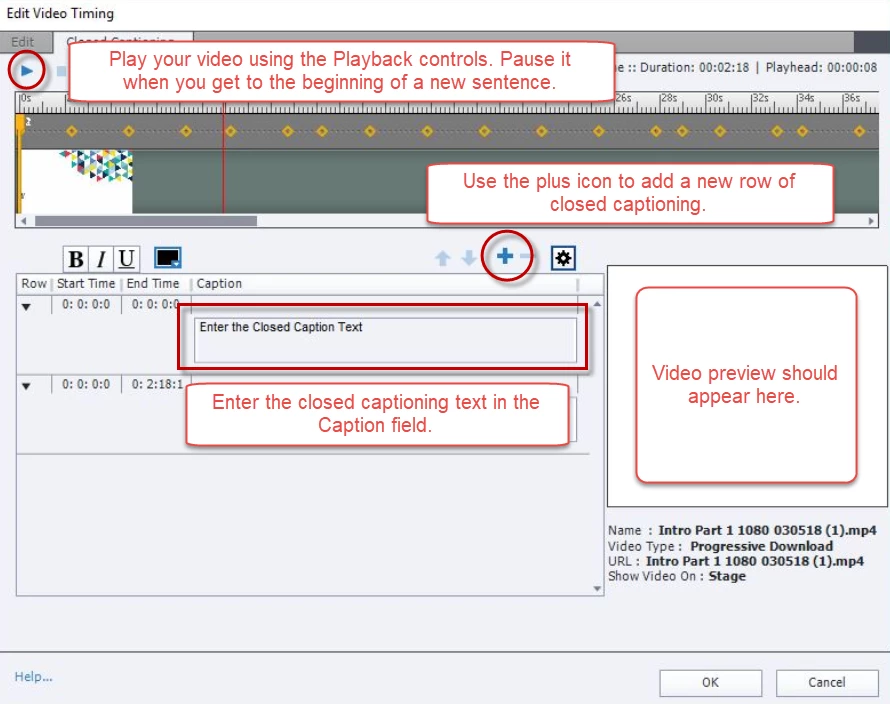
I'm trying to work out the best way to add closed captioning to my embedded videos in Captivate. I've followed this online turorial Adobe Captivate - Adding Closed Captioning to Embedded Videos - YouTube but when i get to the point on clicked th Closed Captioning box nothing happens... see my screenshot below...
I understand the other option is to extract my transcript (.srt file) for my video from my You Tube Channel - is this easier to do? If so how do I align it to my video in Captivate?
Many thanks
Kim
 AdChoices