

Answered
Align PDF and video side by side
In Captvate 12.5, how do I place a PDF (as a web object) and a video wall (with 1 video selected), adjacent to each other, instead of being vertically aligned?
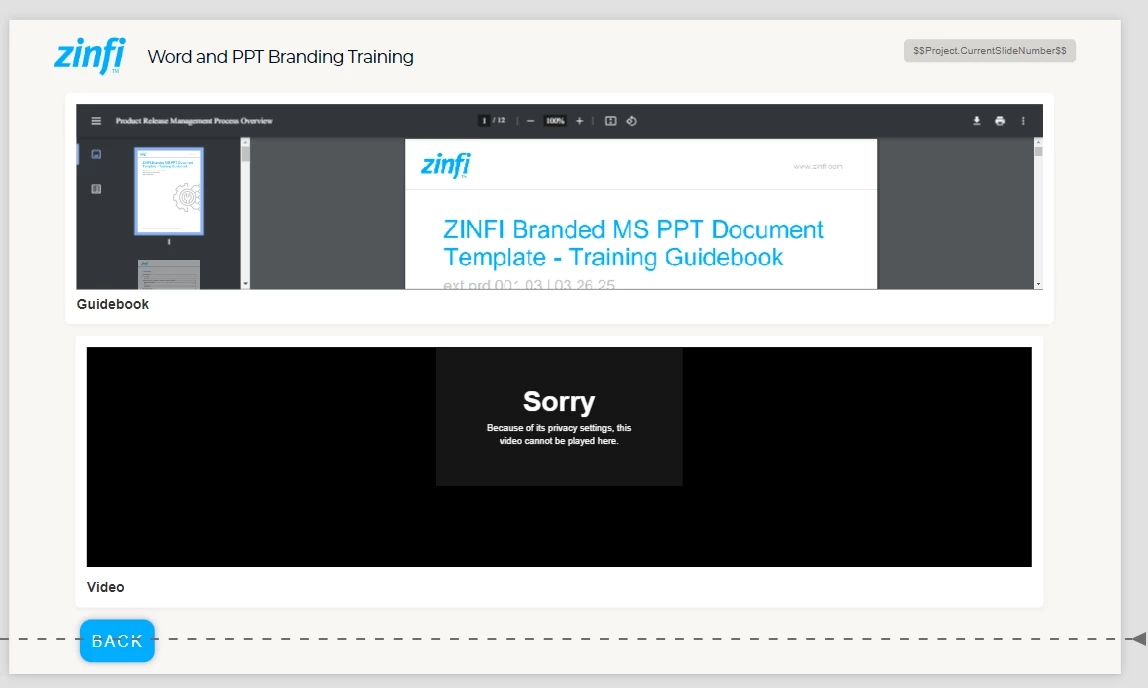
At present, the slide looks like this:

In Captvate 12.5, how do I place a PDF (as a web object) and a video wall (with 1 video selected), adjacent to each other, instead of being vertically aligned?
At present, the slide looks like this:
Place a media object: Web Object with Number of web objects set to 2 and set the Web Object Source in one to System and select your PDF. For the second web object host your video in an HTML5 video tag on a server and link it. On desktop and tablet there will be nicely on left and right. On a mobile though they are stacked vertically.
Already have an account? Login
Enter your E-mail address. We'll send you an e-mail with instructions to reset your password.
 AdChoices