Inspiring
July 6, 2017
Answered

Audio not playing in Project Preview in Captivate 8

  • July 6, 2017
  • 1 reply
  • 488 views

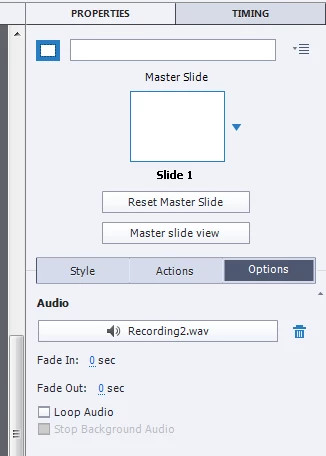
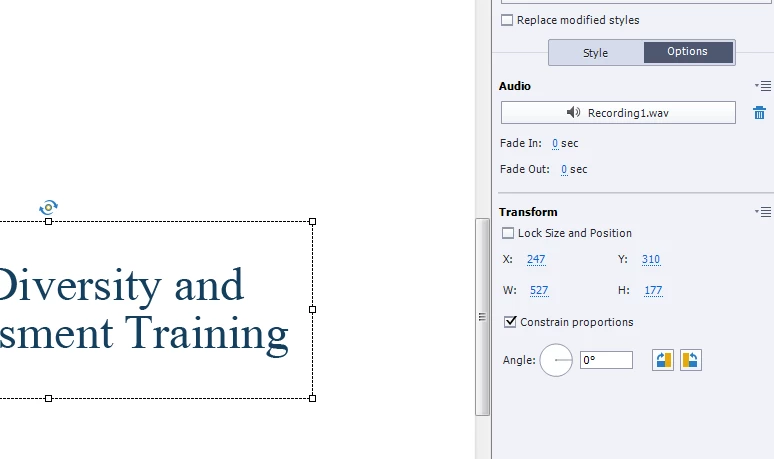
I've directed recorded audio in my project. It's on the Options tab of properties. I've also tried embedding it in an object in a slide. I can see it and play it back in the timeline, and everywhere else. But when I preview the project, I hear nothing. Any ideas?
This topic has been closed for replies.
Correct answer Lilybiri

Can you check Preferences, Project, Publish settings: is Include Audio checked?

1 reply

Lilybiri
LilybiriCorrect answer
Legend
July 6, 2017

Can you check Preferences, Project, Publish settings: is Include Audio checked?

Inspiring
July 6, 2017

There are times in life when you're so glad to just feel like an idiot. This is one of them. THANKS! That was it!

Lilybiri
Legend
July 6, 2017

Don't feel like an idiot. It helps when you understand the difference between Play Slide, which is not a Preview method at all (although it is under the big button) and the real Preview methods. In the last case a temporary output file is created (SWF or HTML5) and the Publish settings are honored for that temp file.

I was more than happy to be able to post such a short answer