



Answered
Buttons not showing captions
I'm trying to use a shape as a button to show text. Here are the directions I followed:
- Add a Text Caption and a Button (or Smart Shapes) to the slide.
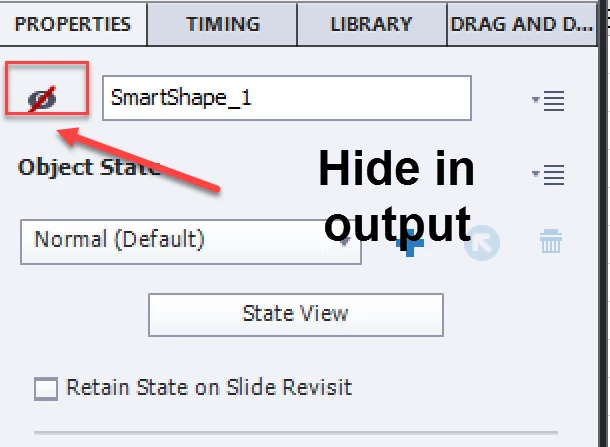
- Hide the Text Caption from the output. (Not hidden in screenshot below because wanted to show text box on slide).
- Select the Button and access the Actions section of the Properties panel.
- Select Show from the On Success dropdown list.
- Select the Text Caption from the Show dropdown list.
This did not work. I tried with a button and smart shape.

 AdChoices