


Cannot change layer order on SmartShape used as button - Captivate 10
I am using a MacBook Pro with Captivate 10.0.0.192.
I created a rectangular SmartShape and made it into a button and added some custom states which are activated by other buttons on the slide. I needed this shape to be on the very top layer, but when I tried to drag it up there, it behaved strangely. The following screenshot is what the timeline looks like after trying to drag SmartShape 188 to the top of the timeline. You see it stays where it is and leaves an empty space.
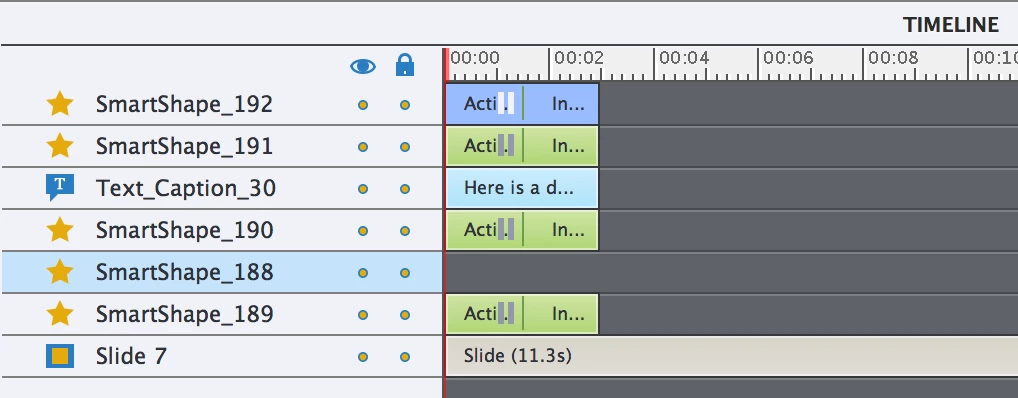
Then I go to another slide and back to the slide with the problem - and it is back the way it was before I tried to move it.
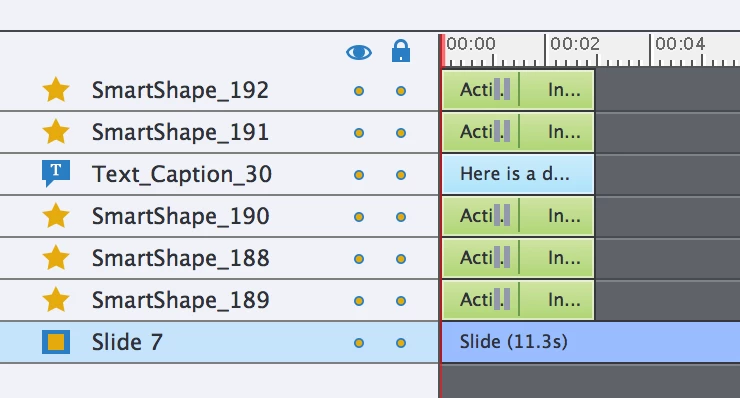
I found a similar problem in this forum and Lilybiri said to repost it with more details... so maybe this post kind of does that.
Thanks for any help!
 AdChoices