


Captivate 7 Characters
I'm new to Captivate 7 and I've been trying to incorporate characters into my project. When I first tried, I got a message that the images were not installed and to click a link.
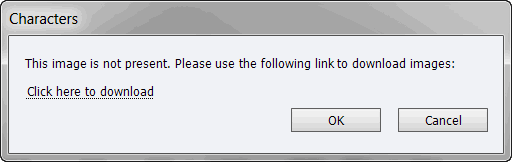
I selected "Click here to download" and downloaded the extremely large file to my Adobe folder. I tried to insert the characters again but got the same message every time. I gave up and closed the project. I opened my project again today and tried a couple more times. It didn't work so I downloaded the same files again. I can see the following images when I go to Insert > Characters
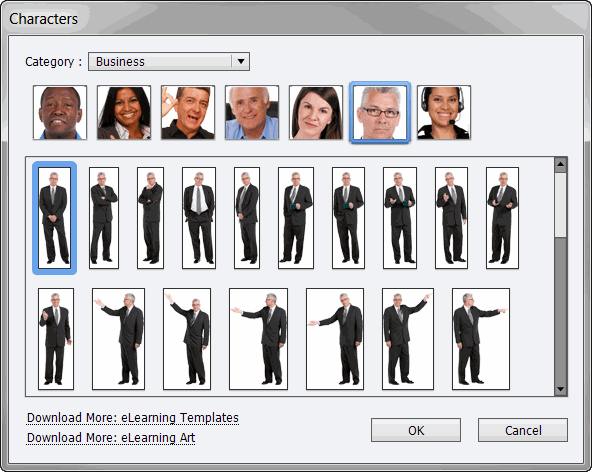
I was able to insert maybe three images from the menu after the second download but all the others kept giving me the same error message that the image wasn't present. Why is it only allowing me to insert a couple of the characters in the menu?
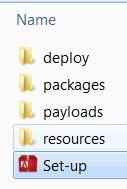
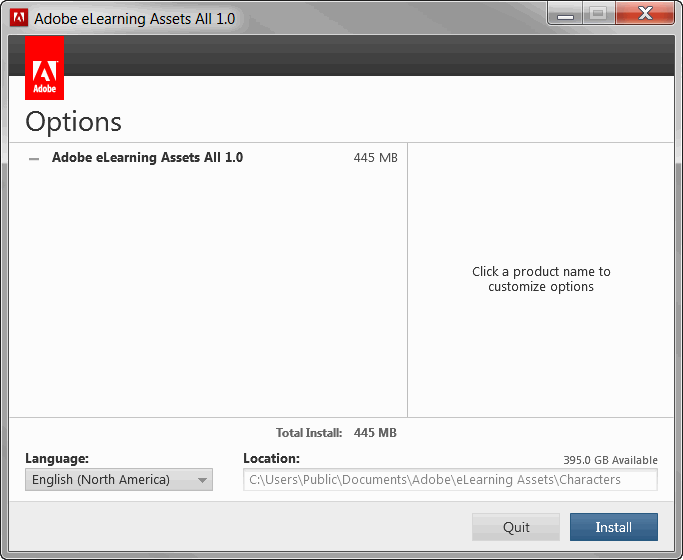
The one thing I noticed when I went into the downloaded file is that there is a setup icon. When I click it, it goes through a very long process and then asks me to install a 445MB file called Adobe eLearning Assets All 1.0. What is this and do I have to install it in order to be able to insert all the characters I can see in the menu?
This is all very confusing and I've been searching high and low for detailed instructions for beginners on how to use your new features. Detailed instructions are very hard to find, if they even exist at all.
Can you please help?
 AdChoices