


Inspiring
May 5, 2016
Answered

Captivate 9 after SWF publish showing blank screen.

  • May 5, 2016
  • 1 reply
  • 1169 views

Hi,

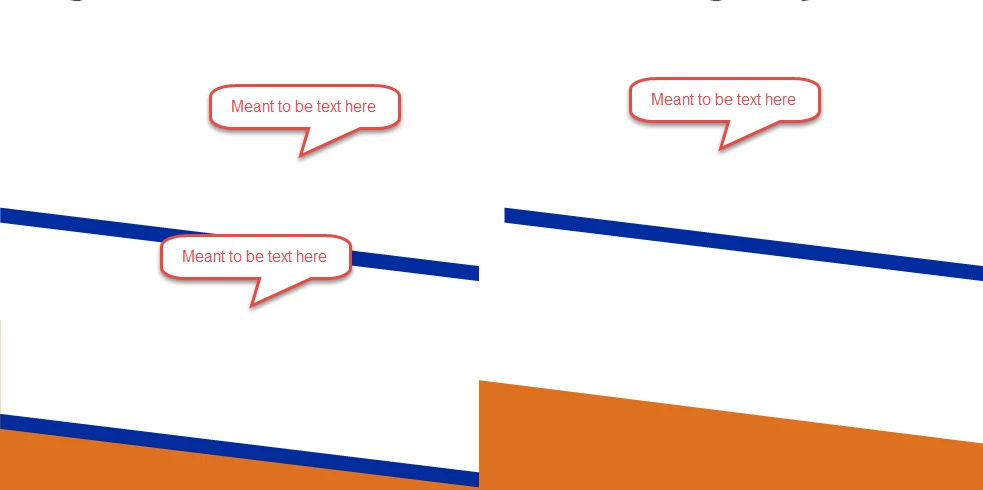
I've been trying to publish captivate v9 to a swf file but comes up with blank screent showing only template. No images no text no animation nothing....

All I get is a blank screen. I am not using a quiz, I have my own navigation images so i am not using a playbar either. it worked until yesterday but not today. All I've done is added animation.

If you could please help? Thanks
    This topic has been closed for replies.
    Correct answer SheMcGee

    Thank you Rod, yes I had done that too but to no avail.

    But I seem to have stumbled across the solution. So I had a playbar before and them we decided to have nav buttons of our own.

    because I had a Back button sitting in the footer from the start of every slide and its inactivity status came after 2.4 secs from the beginning of the slide, all images, text after that were not being displayed. I am a Camtasia user, but my company now uses Captivate so doing a bit of cross skilling here....

    Nice to know that help is just a question away...

    thank you...but now I need to make sure nothing else is broken...thanks

    1 reply

    RodWard
    Community Expert
    Community Expert
    May 5, 2016

    Try clearing out your Project Cache using the button in Preferences, but before you do, make sure you have backups turned on in Preferences and that you open and close each project you are working on at least once, then confirm that the backup is actually created as a file alongside the CPTX.

    SheMcGeeAuthorCorrect answer
    Inspiring
    May 5, 2016

    Thank you Rod, yes I had done that too but to no avail.

    But I seem to have stumbled across the solution. So I had a playbar before and them we decided to have nav buttons of our own.

    because I had a Back button sitting in the footer from the start of every slide and its inactivity status came after 2.4 secs from the beginning of the slide, all images, text after that were not being displayed. I am a Camtasia user, but my company now uses Captivate so doing a bit of cross skilling here....

    Nice to know that help is just a question away...

    thank you...but now I need to make sure nothing else is broken...thanks

    RodWard
    Community Expert
    Community Expert
    May 5, 2016

    OK.  Yes if the slide has been paused BEFORE the other objects appear then they won't show until you click the object that is pausing the timeline.

    Lots of people new to Captivate stumble over that one.  I should have thought to suggest it first.