


Question
Captivate 9 drag and drop issue with moving source to target
Sometimes, when I drop a source to a target in a drag and drop interaction, the source will be moved to the target directly above, For example: in the interaction below, when I move the source "Name changes to ACA" to the target "2000", the source is placed in the target above "1998". This is a non-responsive project. Looking for suggestions to fix this issue.
Thank you.
Kelvin
the s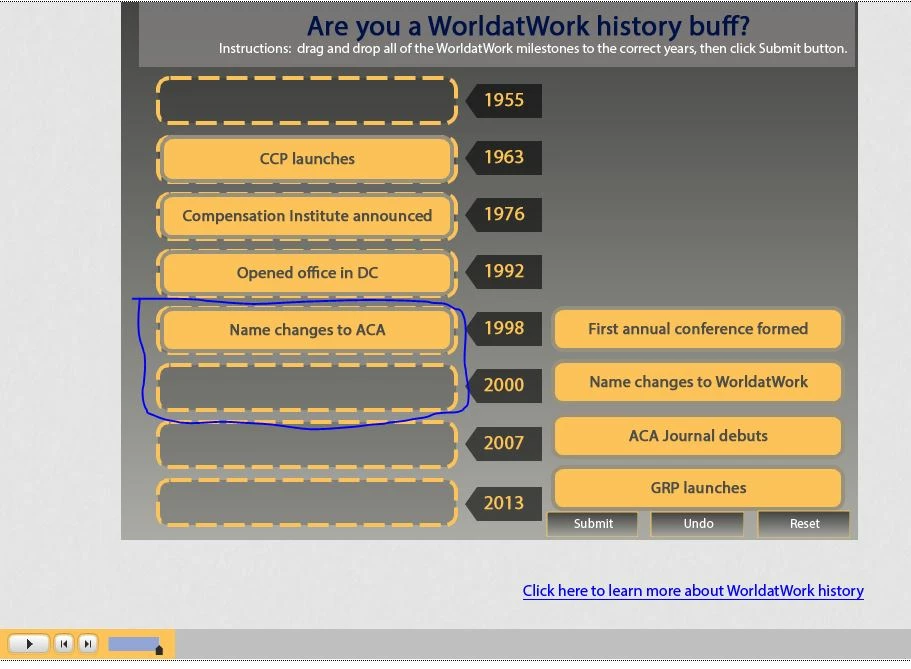
 AdChoices