Inspiring
March 7, 2017
Question

captivate 9 problem viewing quiz pages after returning to course after completion

  • March 7, 2017
  • 1 reply
  • 568 views

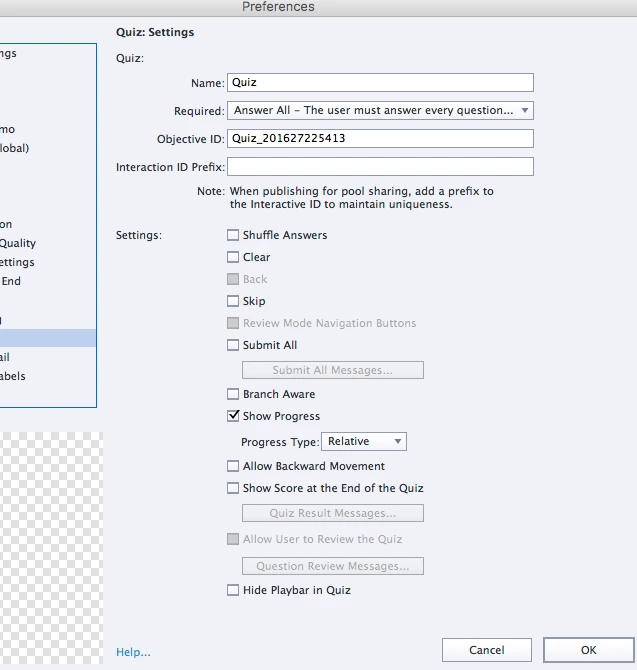
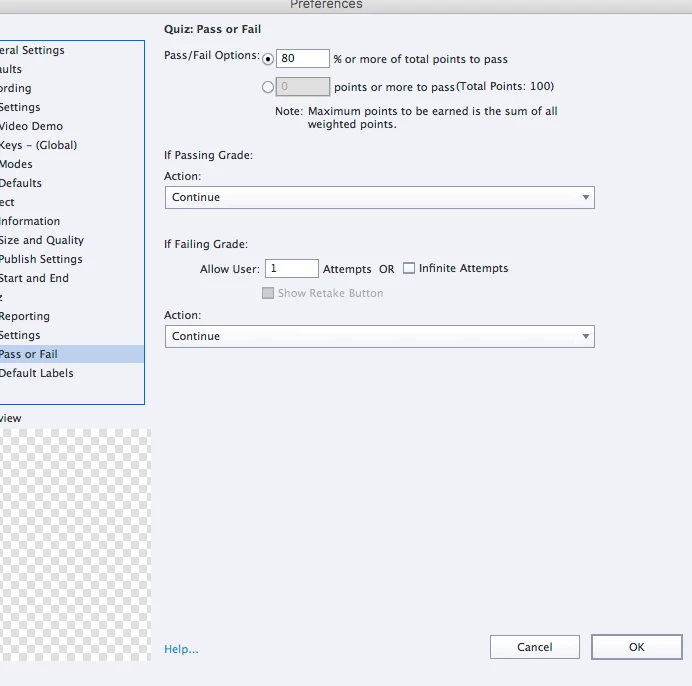
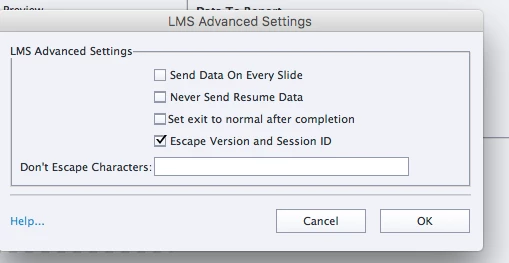
Re: captivate 9 .0.2.437problem viewing quiz pages after returning to course after completion. This is a strange problem that I cannot work out alone. I upload course to scorm cloud and the same problem persists. Attached are my settings. Thanks for any help. Much appreciated.
    This topic has been closed for replies.

    1 reply

    Lilybiri
    Legend
    March 7, 2017

    There is a contradiction in your settings.

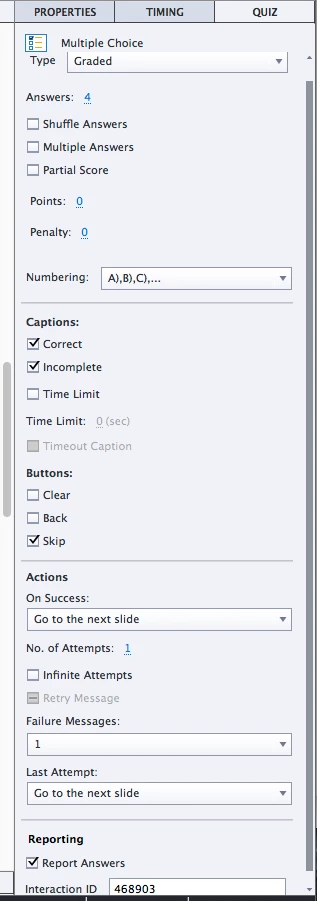
    For Required you choose a very strict, limited option 'Must answer....' but the only button on the question slides that is checked (besides the compulsory Submit button) is Skip? This is bit confusing.

    Inspiring
    March 7, 2017

    Hi Lieve,

    I have "skip" selected and am using/naming it as a Next button. Shall I uncheck it and make my own next button?

    Thanks so much, R

    Lilybiri
    Legend
    March 7, 2017

    You don't need a Next button at all if you didn't 'tweak' then normal quiz setup. The Submit process has two steps:

    1. User clicks submit, playhead is not released but the feedback messages appear with the warning to press Y or click on the slide for the second step
    2. Playhead is released and the actions defined for Success or Last Attempt are done, except if there are still attempts on question level. The default actions  are Continue, which means that the playhead will continue. Bu dragging the pausing point closer to the end of the slide, the waiting time (while the playhead continues, default is 1,5secs) can be reduced.

    Why need a Next button? If you allow Review dedicated Next buttons will appear. Skip is meant only to allow the user to skip a question without answering, which according to your Required setting is not allowed.