


April 5, 2021
Answered

Drag and Drop Navigation

  • April 5, 2021
  • 2 replies
  • 882 views

Hi:

I have a drag and drop that is the first question of a pre-test. If not answered correctly it is set to take the leaner to the first lesson. Instead, it is continuing with the test, and not going to the first lesson. I checked and triple-checked the Success and Fail setting, and navigation is set correctly. How do I get the question to work?!
This topic has been closed for replies.
Correct answer Lilybiri

Hi:

Yes, I have no backward navigation. 


Turn it on, please!  That doesn't mean that you need to put a Back button on question slides.

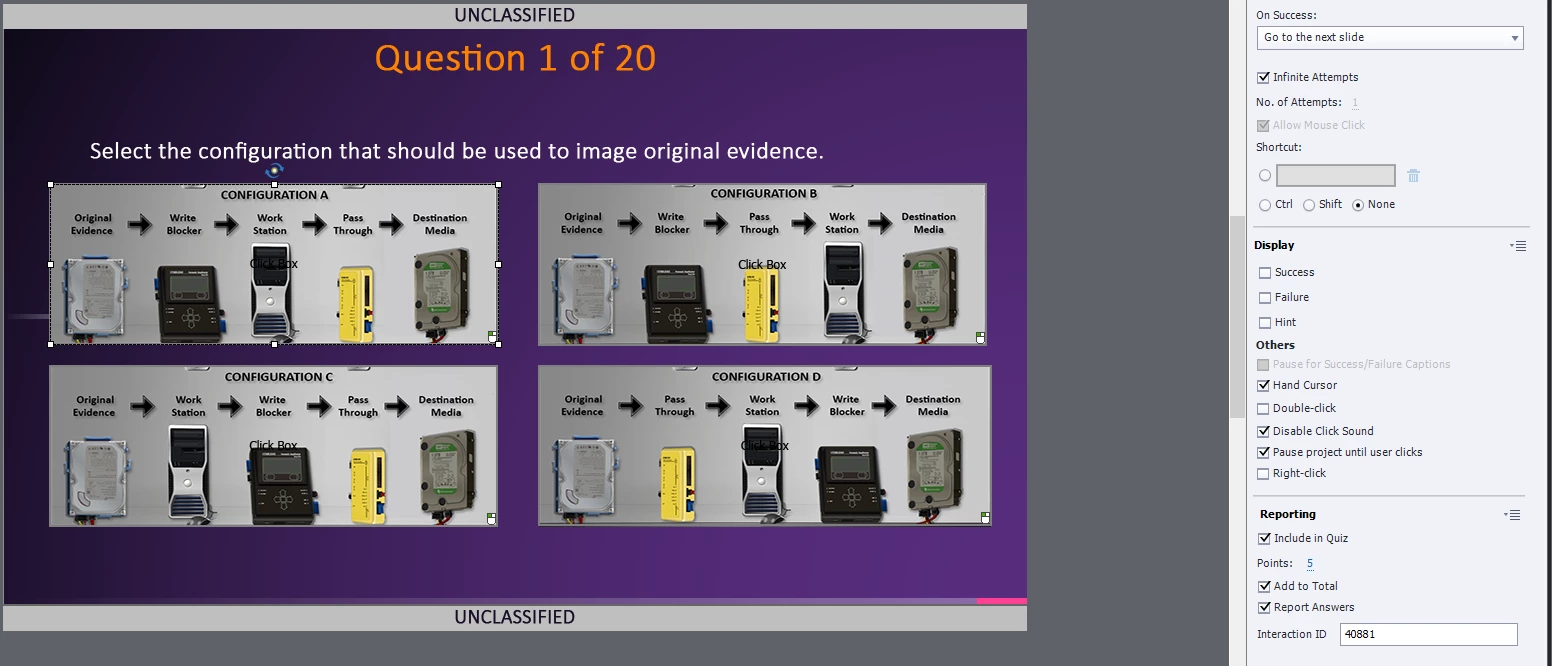
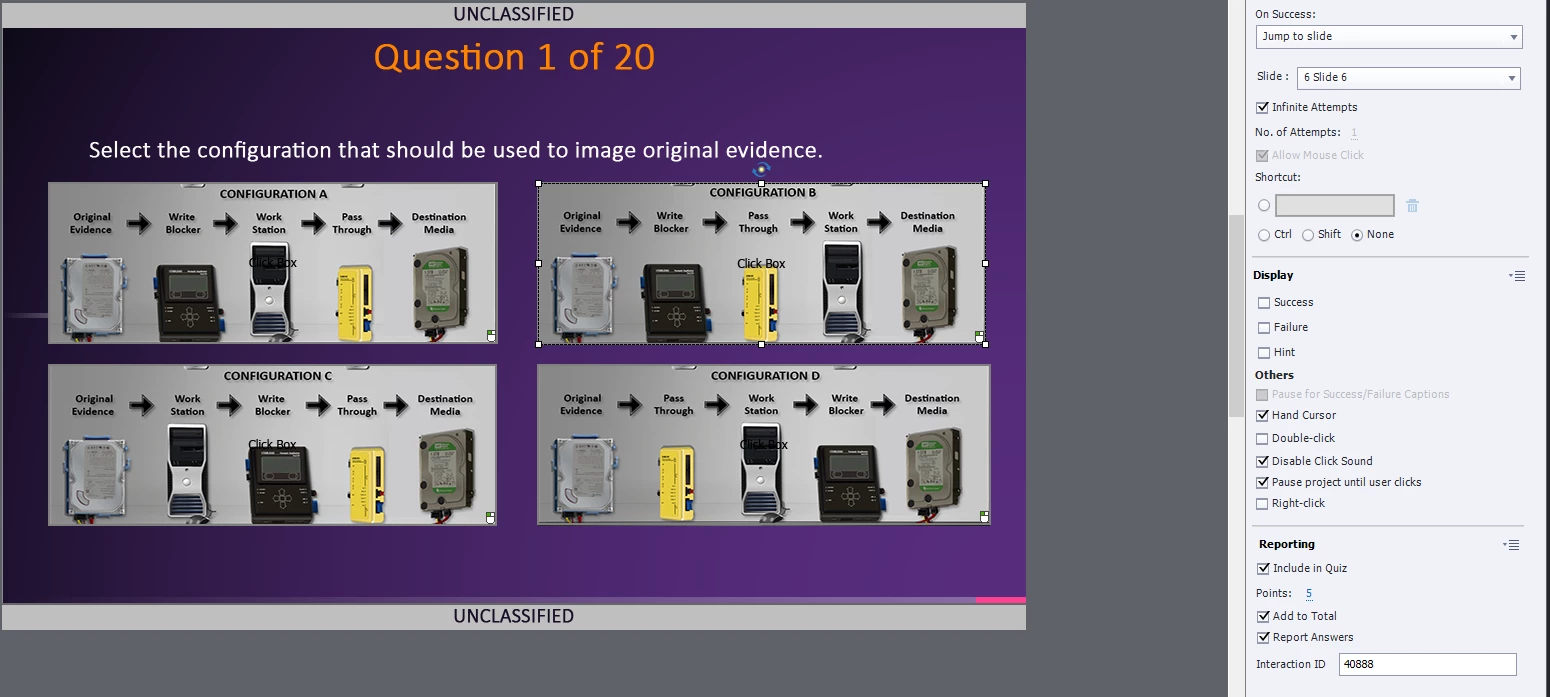
Now I am totally confursed, this is not a D&D question slide at all.  The properties show actions On Succes, which means probably that those images are used as buttons to be clicked on? I expected to see the D&D actions...

2 replies

Lilybiri
Brainiac
April 6, 2021

Not sure if you really talk about the 'pretest' which is a term with a specific meaning in Captivate. To create a Pretest you insert Pretest slides from the Quiz menu, and Drag&Drop is never a possibility. For that reason I doubt that you are talking about a Pretest. You can have a scored D&D slide, but the score of a Pretest (which has dedicated system variables) can never be included. Personally I never use Pretests because they are to limited: all pretest slides need to be at the start of the course, in sequence. All navigation will be disabled (by playbar or TOC).

If you give some more details telling how you did set up the D&D slide maybe a better answer is possible.

If it is set up as a normal scored slide, you need to check in Quiz Preferences, Settings if Backward Movement is allowed, at least if you are moving backwards with one of the actions on the D&D slide.

April 7, 2021

Thank you for your quick response! I was thinking as an ISD when I said "Pretest" and not in the context of Captivate, my apologies! I did not use the Pretest features of Captivate. Instead, I used the Quiz Builder. In the course, the learner has the option to take a pretest at the beginning to opt out from the rest of the training. The catch is if they get the first question wrong it takes them to the beginning of Lesson 1. This morning I replaced the Drag and Drop with four images with a click box to simplify things, as you noted (please see attachment). I intentionally get the first question wrong, but it still takes me to Question 2, instead of taking me to lesson 1.

I have successfully built two other courses using the same build methodology, except there is no penalty for getting the first question wrong, they just continue with the rest of the test, and they work as designed. Again, thank you for your help!!

Lilybiri
Brainiac
April 7, 2021

Did you check Backwards movement? Is it possible to see the action you are using On Failure?


Sorry but I don't open attached images anymore,  please insert them as image.  The possibility to open it with this forum ends in an error at this moment.

RodWard
Community Expert
April 6, 2021

When you add a pretest to a Captivate project, you have to select a quiz question and also select from the drop down that it is a pre-test question.  There is no drag and drop slide you can select from the quiz slide list.  This is because Drag and Drop slides are not true quiz slides, even though you can set them to have a score and report to the quiz.   


I'm guessing here but that might mean the issue is that Captivate is not seeing your drag and drop slide as part of the pretest.  There is a special system variable called cpQuizInfoPretestScorePercentage that calculates whether or not the learner has achieved a passing score in the pretest before executing one of two actions.

If you insert cpQuizInfoPretestScorePercentage into a Smart Shape on each of your pretest slides and then watch to see whether or not its value changes as the learner progresses through the pretest, I think you may find that your drag and drop question has no effect on the system variable.


Try that and let us know what you find.