


sam_amara
Known Participant
August 14, 2023
Question

Hide Playbar on Project Entry

  • August 14, 2023
  • 1 reply
  • 549 views

Good day, all;

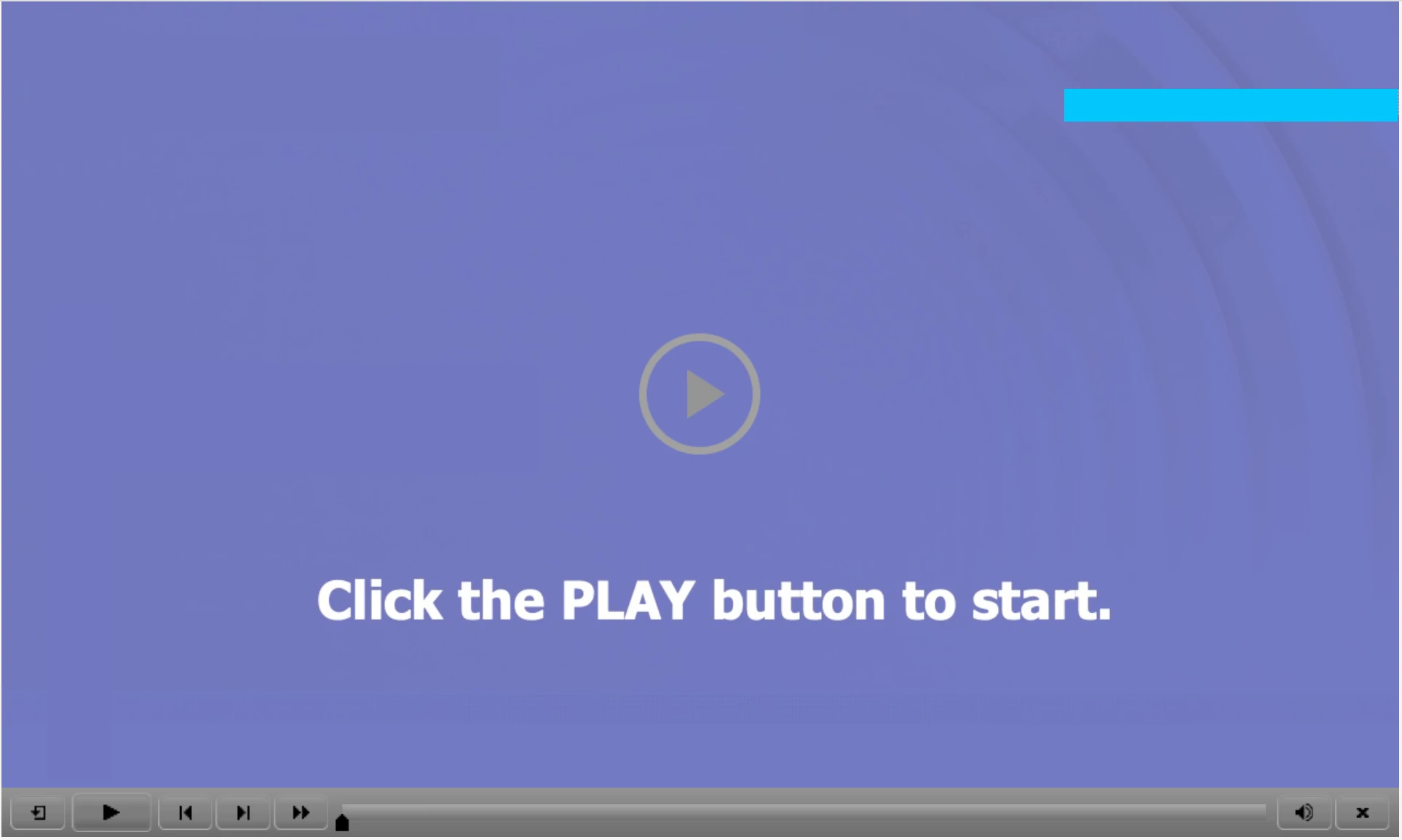
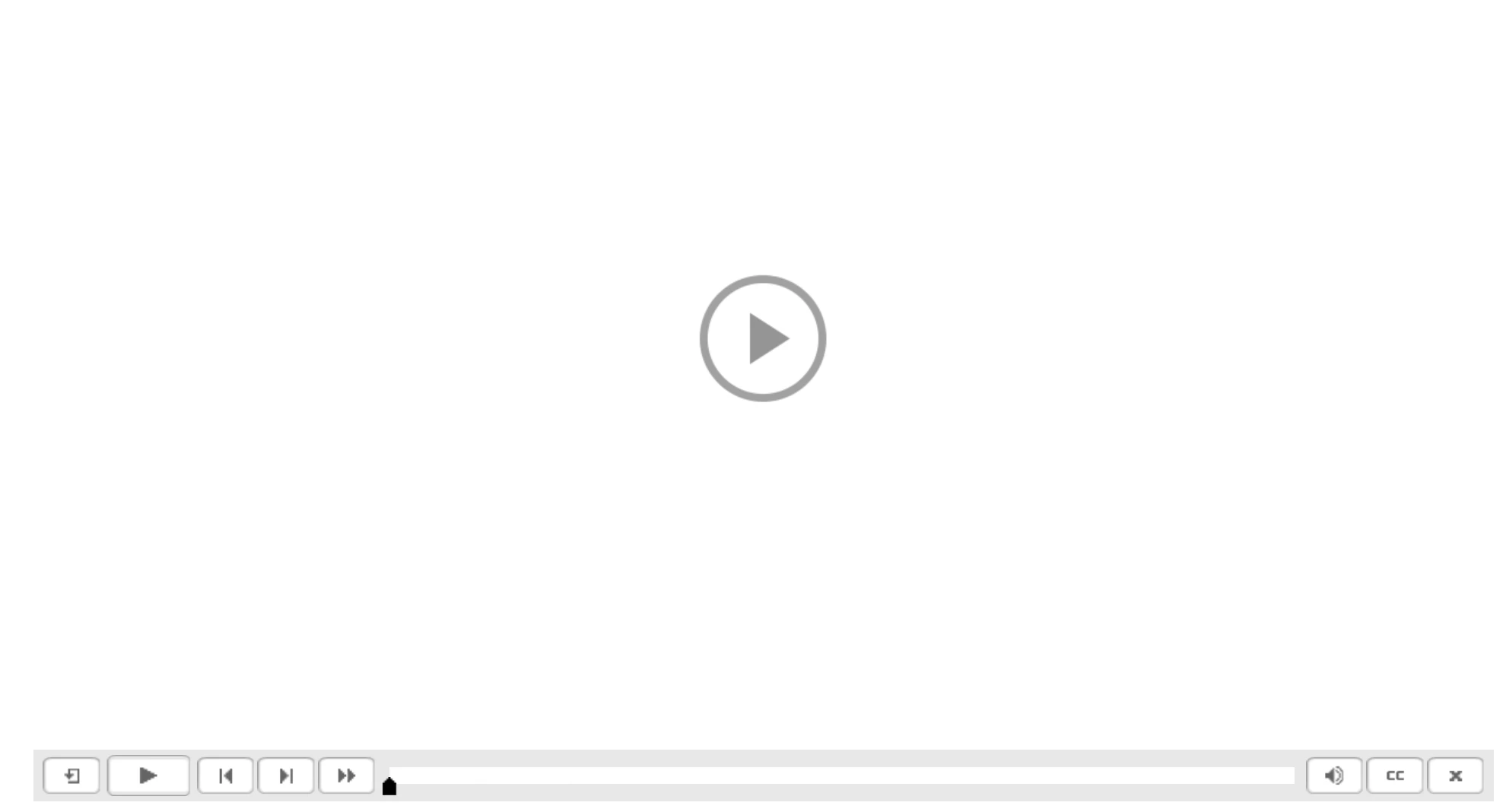
Just a quick question: I have added a playbar to a project and only want it visible on 1 or 2 slides. I have set the OnEnter action to Hide Playbar on all the slides I don't want the playbar on and everything is working great. The issue however, is that when the project starts, the playbar is visible on the first slide (the slide with the 'play to start' button. Below are images of my project start (with an image we add to start) and a more generic one, both with the playbar. Does anyone know if it is possible to remove the playbar from that starting slide?


Thanks!

samamara

    This topic has been closed for replies.

    1 reply

    Lilybiri
    Brainiac
    August 14, 2023

    I suppose that you are talking about Captivate Classic, not about the new version 12?

    Sorry to disappoint you, but if you have activated a playbar, whether in overlay or not, it will appear on the static screen with the play button. AFAIK there is no way to hide it there. You can make it less visible by using a poster images and/or by changing the colors of the playbar.

    https://blog.lilybiri.com/poster-image-autoplay


    But since you only need the playbar on a couple of slides, why do you not create custom navigation buttons on those slides? 

    sam_amara
    sam_amaraAuthor
    Known Participant
    August 14, 2023

    Thank you @Lilybiri for your prompt and helpful reply, as always 🤩! I'm disappointed that there is no way to hide the playbar on the static screen, but at least now I know so I can think of alternatives. I did think about creating custom navigation, but the most important reason I wanted a playbar on at least one slide was to let the user control a YouTube video. I put the video in as a slide video but no controls are visible and following a previous post I found here in the community I tried doing so as a web object using the video embed code, and while that worked it didn't work consistently (I don't know why). So creating the custom navigation isn't going to help much if I just want the user to be able to control the YouTube video - unless I am missing something...?

    Thanks again!

    samamara

    Lilybiri
    Brainiac
    August 14, 2023

    Did you try to insert it as event video? Event video has its dedicated control bar.

    Other alternative: use the slide video and convert it into an interactive video (since you probably publish to HTML5). You can add bookmarks, and a menu allowing the user to navigate to important points in the video. Much more user friendly, but that is my opinion.

    https://blog.lilybiri.com/interactive-video-navigation-bookmarks