


Inspiring
August 8, 2023
Answered

How to Center Playbar (vs. Left-Aligned) - Captivate 2023

  • August 8, 2023
  • 1 reply
  • 1693 views

I am trying to center my playbar in between the back and forward buttons I've created. I don't see how I can adjust the alignment of the playbar. With it left-justified, it blocks my back button. Any ideas?
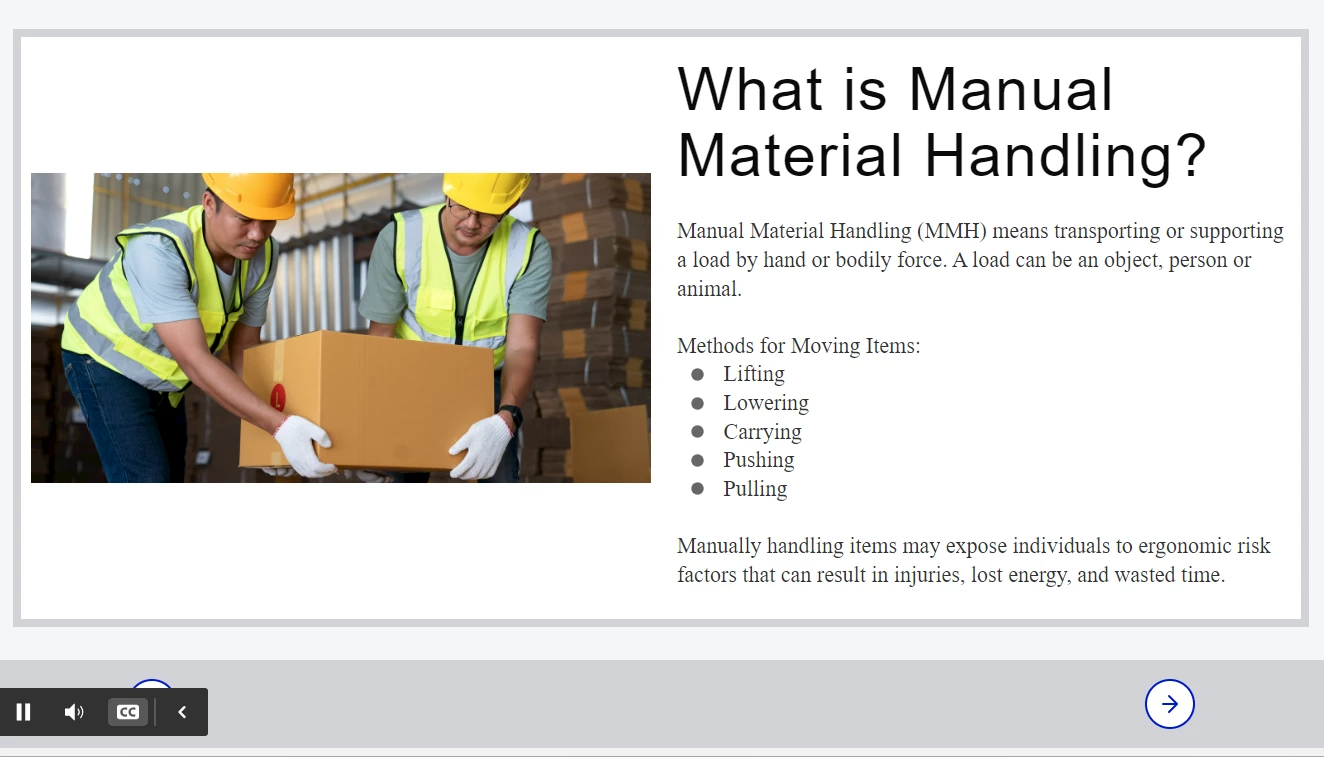
    This topic has been closed for replies.
    Correct answer Stagprime2687219

    Do a preview - then you can move it around.

    Once published - the learner should be able to put it where they want as well.

    1 reply

    Stagprime2687219
    Legend
    August 8, 2023

    If you have your own built-in navigation - do you need the playbar?

    I believe you can simply drag the playbar where you like (four corners or bottom center)

    The learner can - in the published project...

    Inspiring
    August 8, 2023

    I wanted to keep the playbar so that closed captions could be turned on and off. Maybe I can explore doing this with buttons? (I'm a total newbie to Captivate so unaware of full functionality.)


    I don't see where I can drag to a different location. The only place I even see the playbar is by clicking on "TOC and Playbar" > "Playbar." While the playbar is visible, it's location is static. Funnily enough, it shows the playbar as centered, but when you launch the course, it's left-justified. 

    Participant
    September 12, 2024

    On my machine it defaults to the left. I would prefer it to be in the center. 


    On preview it is center but not on publish.


    Same here on Windows, preview is centered but in Edge browser it's left-aligned. We only have one browser authorized here at work.