



Question
How to print 3 slides per page to a Word doc but not as tiny thumbnails
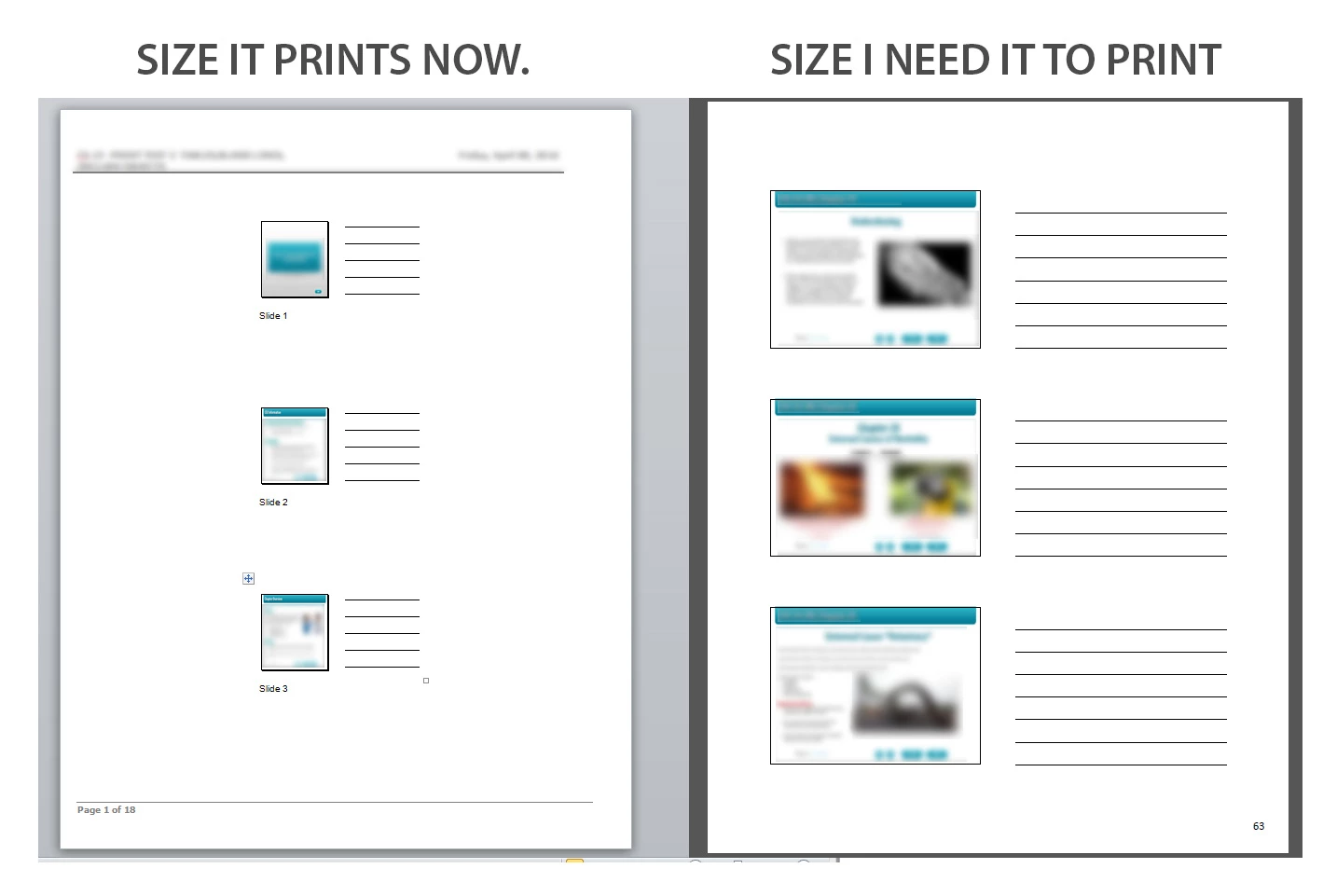
I'm trying to get my Captivate project to print 3 slides to a page with lines for notes. So far, I can get it to work, but the images and lines are very small. I need the images and lines larger so the user can read what's on the slides and be able to take notes. I know it can be done as I've seen it done before. Unfortunately, I don't have access to the person that set it up the way I need mine set up.
I've attached an image of what my Captivate-generated Word doc looks like versus what I actually need.
Any help is appreciated.
Thanks in advance.
 AdChoices