


Participating Frequently
June 29, 2017
Question

I Made a Project on Captivate but it Won't Upload Successfully

  • June 29, 2017
  • 2 replies
  • 468 views

Hello I created a project on adobe captivate and published to Hmt5 format.

This project was zipped so I can load it to moodle

but when I try to access the project it just stays loading and never successfully opens. below are the contents of the zip file and how moodle behaves
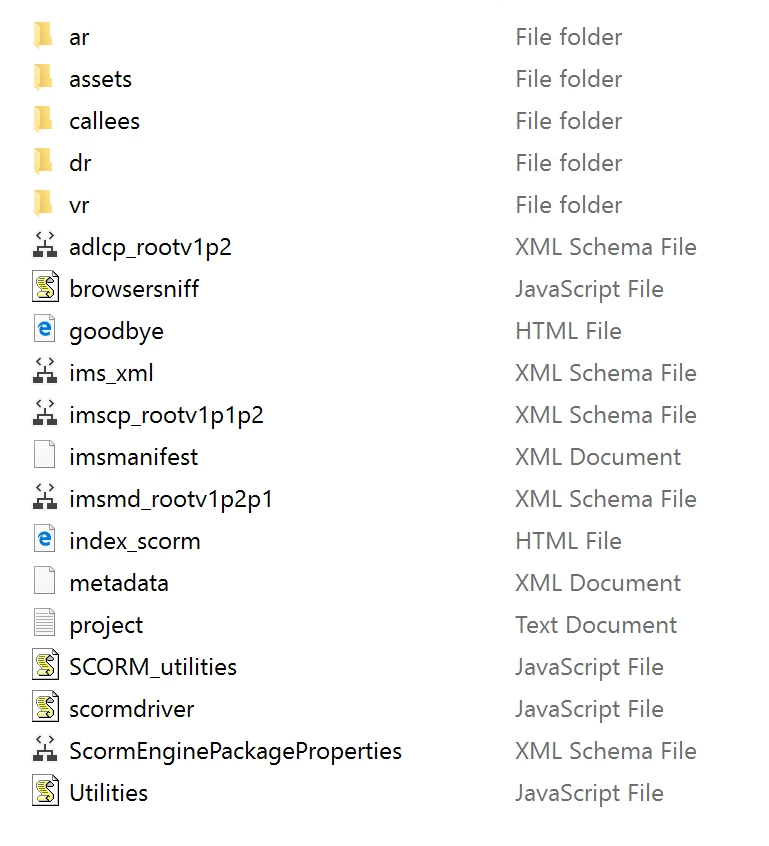
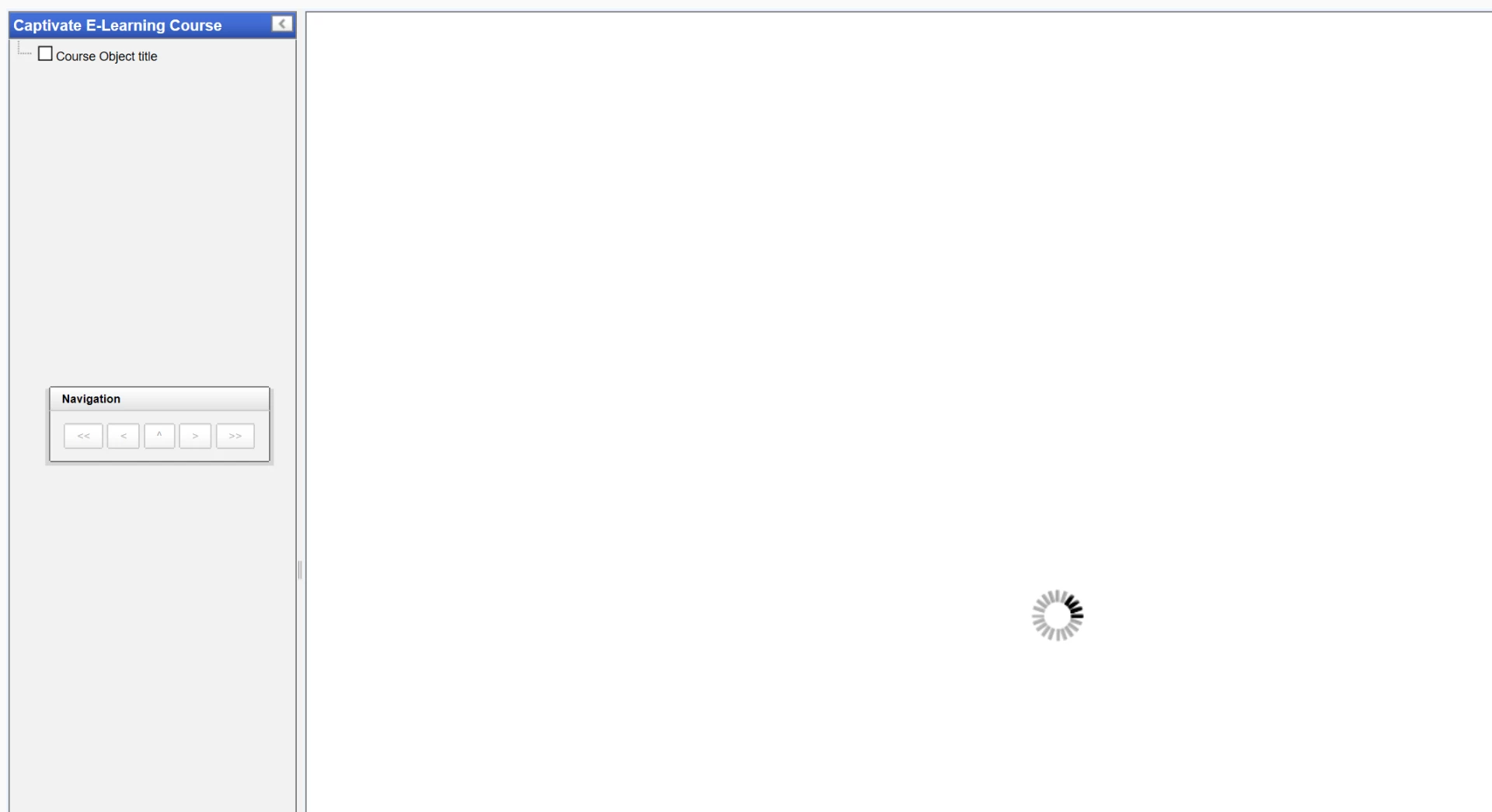
CAN you please explain, how to make this work

    This topic has been closed for replies.

    2 replies

    Paul Wilson CTDP
    Community Expert
    Community Expert
    June 30, 2017

    What version of Captivate are you running?

    Paul Wilson, CTDP
    medvisualAuthor
    Participating Frequently
    June 30, 2017

    I did run scorm cloud and it runs fine there but that is not moodle which is what I need though

    Paul Wilson CTDP
    Community Expert
    Community Expert
    June 30, 2017

    To Lieve's point, be sure you are running the latest version of Captivate (9.0.2.437). There were bugs in previous releases that were fixed in this release. Be sure to enable mime type for JSON files on your web server (moodle). Captivate uses JSON files in their publishing process with version 9.0.2.437 and if the mime type isn't setup to display this files, the results are a spinning loading icon forever. If your project works in SCORM Cloud then it's 99% certain not to be Adobe Captivate. My guess is that it is the JSON mime type not being identified on your Moodle server.

    Paul Wilson, CTDP
    Lilybiri
    Legend
    June 29, 2017

    It is a SCO. I am bit confused by the sentence 'the project was zipped..'. The default behavior when publishing a SCO results in a zipped folder, no need to zip it manually. Maybe it is just misunderstanding.

    How big is that project? Do you have weird characters in the name of the file?

    medvisualAuthor
    Participating Frequently
    June 30, 2017

    Hi,

    I've created some simple MC questions in Adobe Captivate.  (you can see the non-LMS result at this location).

    http://dwulab.com/MRIhtml5/index_scorm.html .  On a conventional website it says.

    Here's the adobe prep part:

    BACK to moodle (version 2.3)

    medvisualAuthor
    Participating Frequently
    June 30, 2017

    So above I can't get it to Adobe Captivate to be compatible with moodle even though I thought I was very careful to this point.