


New Participant
September 28, 2018
Question

Learning Interactions

  • September 28, 2018
  • 1 reply
  • 274 views

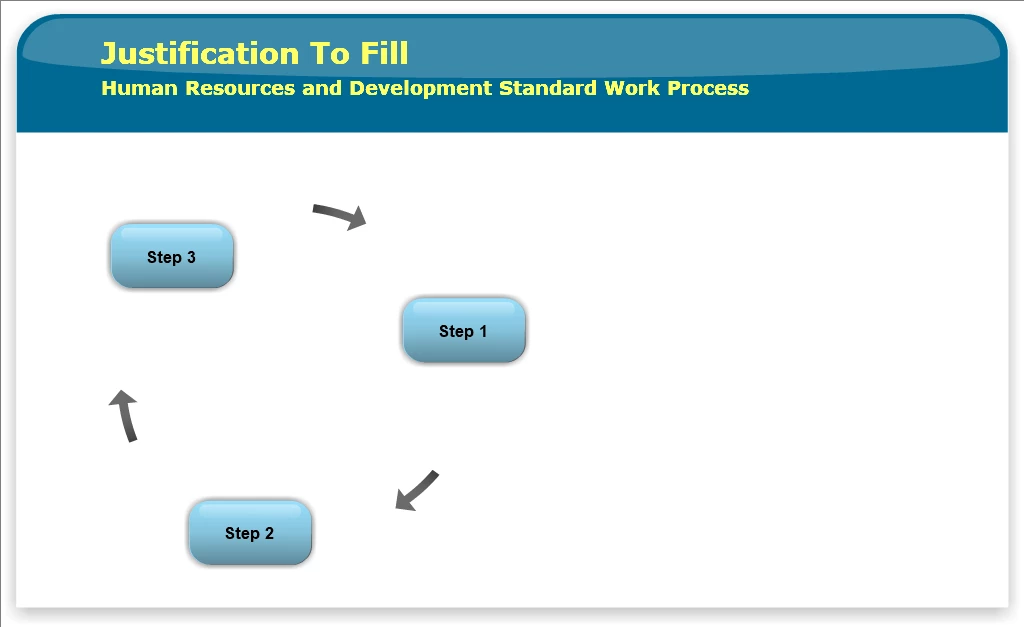
Is there a way to click on a step and have text-to-speech audio start? and have my text show at the same time. I can get the text to appear when clicking on step, but audio plays without clicking on step.

Thoughts? How to? ideas?

Thanks much.
This topic has been closed for replies.

1 reply

Lilybiri
Brainiac
September 28, 2018

For the interactions you are restricted in control. You can attach audio to one of the buttons in the proress cicle. A table with an overview of the interactions (except the most recent ones like Bulletin) can be found in this blog:

Tips - Learning Interactions - Captivate blog

I suspect you generated TTS, and left the audio like that which is slide audio. You'll find the audio clip in the Library. You souldn't use slide audio in this case, but aatach the audio to the buttons in the interaction.

New Participant
September 28, 2018

Have they made any updates in Captivate 2019 with regards to attaching audio to process circles in Learning Interactions

Lilybiri
Brainiac
September 28, 2018

No, same as in previous versions.

On Fri, 28 Sep 2018 at 15:50, alanc81530434 <forums_noreply@adobe.com>