tonyb4835892
Inspiring
January 20, 2021
Answered

Master slide buttons not showing on all sub slides

  • January 20, 2021
  • 1 reply
  • 1280 views

Guessing this is a carbon based error but - I have a Master Slide with next and back buttons which for some reason show on some of the other Master Slides but not all of them. Would love some suggestions. 

    This topic has been closed for replies.
    Correct answer Lilybiri

    LOL - Okay, from the top.

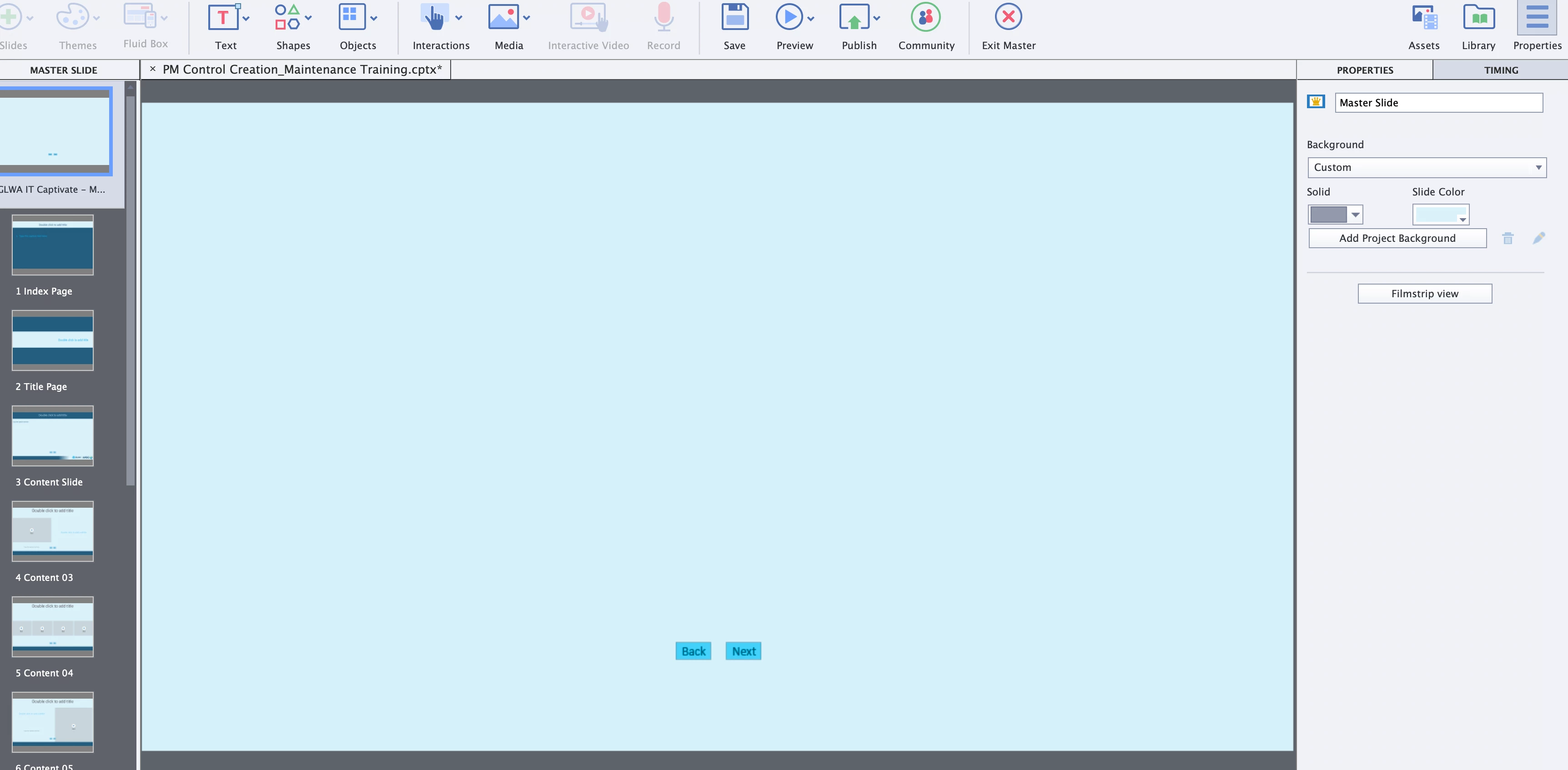
    First image is the Master Slide with the two elements I want to use/carry over


    This next screen is a daughter of the master I named Index Page
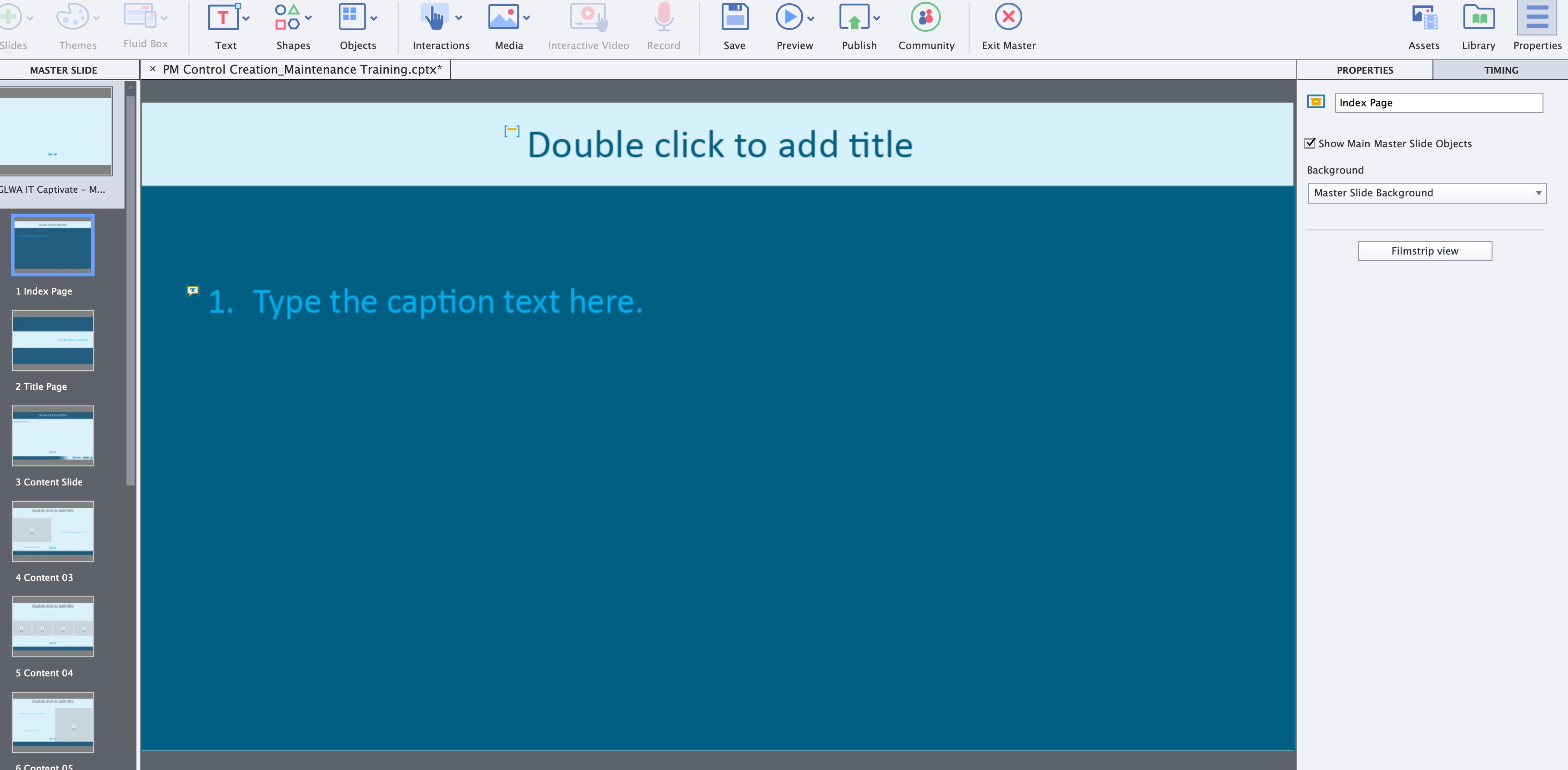
     

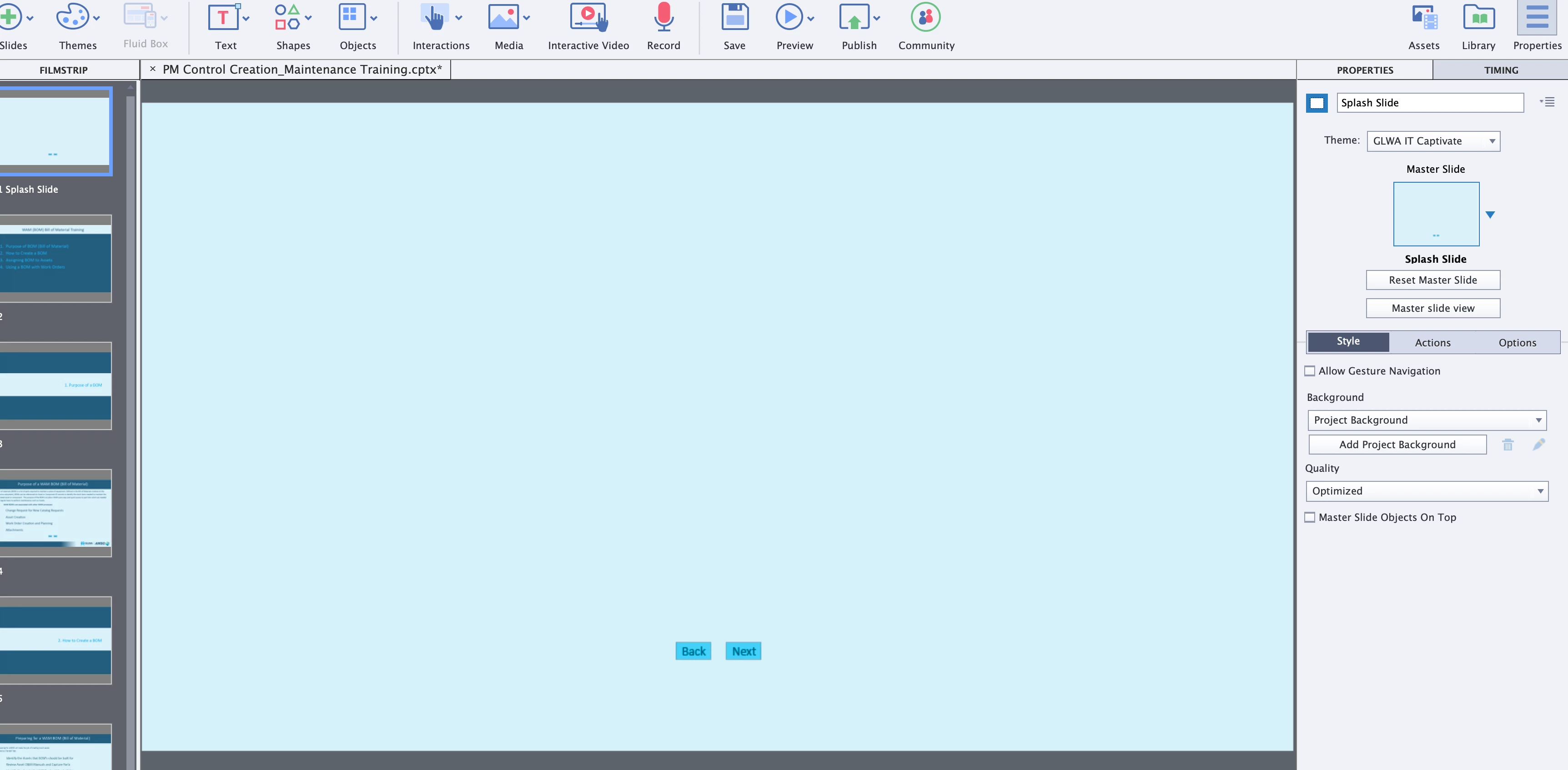
    Image 3 is filmstrip view of basically the Master Slide (will be a Splash page ultimately)


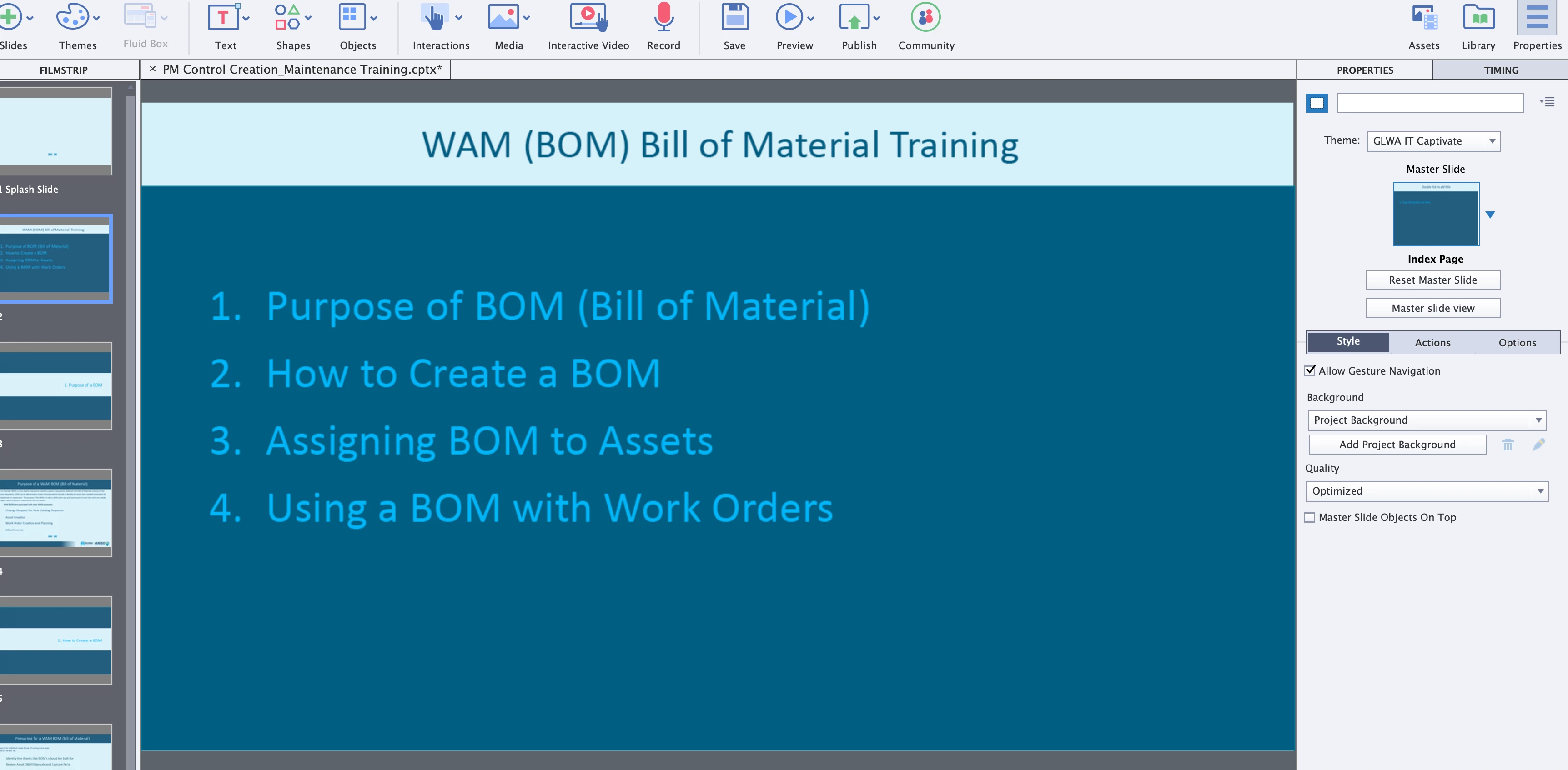
    Below is the film strip version of the Index Page - I know the Master Slide Objects on Top is NOT checked because if I do the text goes away per the next screen
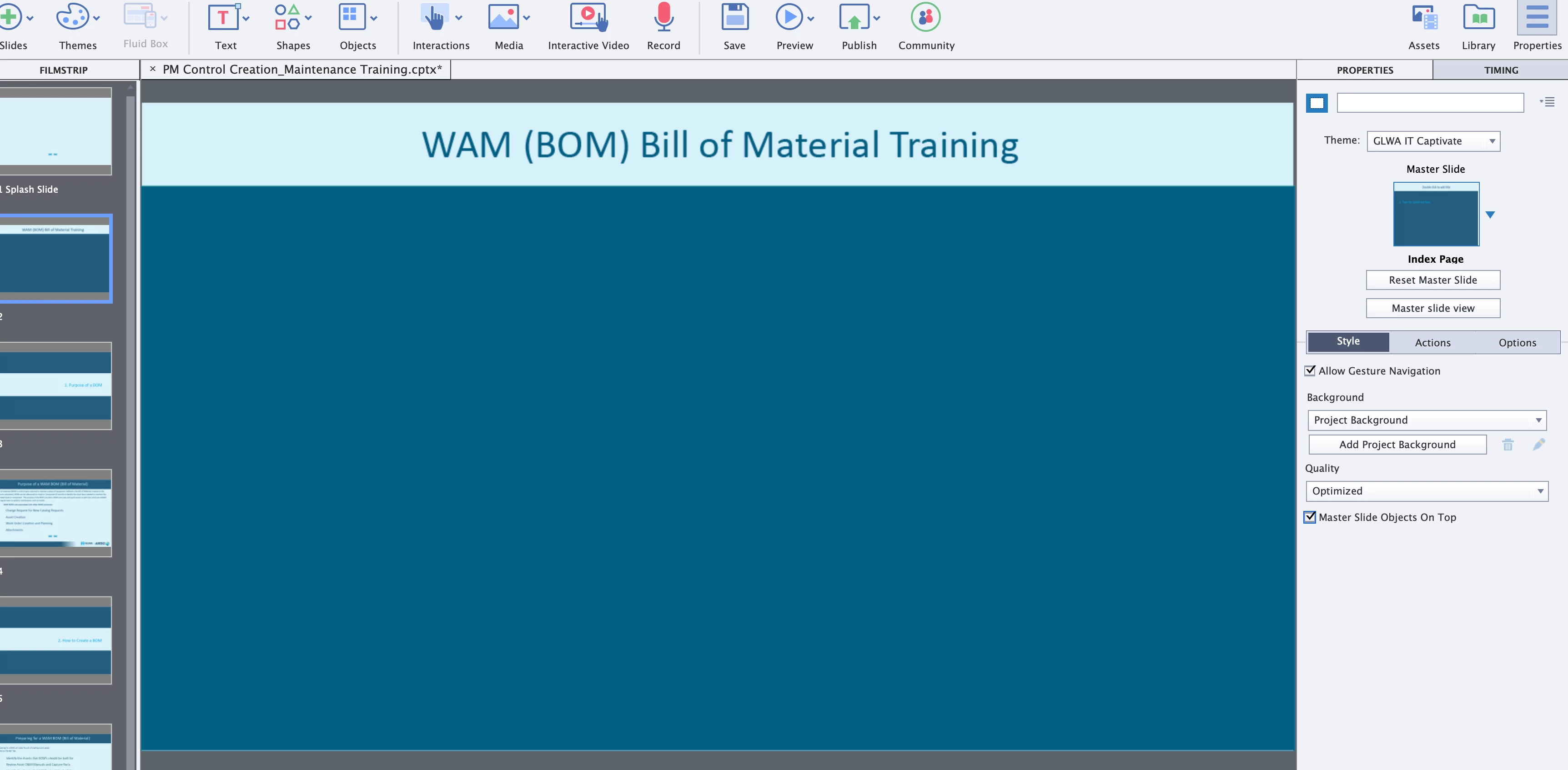
     

    I have tried using the Arrange option to see if that would help but no success so far.


    Hope this helps. Continued gratitude.


    Now I know what I am looking at. I don't understand what you mean by 'I know the Master Slide Objects on Top is NOT checked because if I do the text goes away per the next screen'. 

    My bad, should have insisted to see the Timeline everywhere. How you define the background in the Master slides is not clear to me.  Is the light blue color of the Main master slide the Fill of that master slide, or is that a blue shape on top of the background? Better to use a Fill Solid color.

    Since you probably created a shape for the dark blue color on the daughter master slide, it will cover up the buttons from the main master slide. Two ways to avoid that: do not use buttons on the Main master slide or replace the individual shapes (dark blue) by filling the daughter master slide with a gradient:
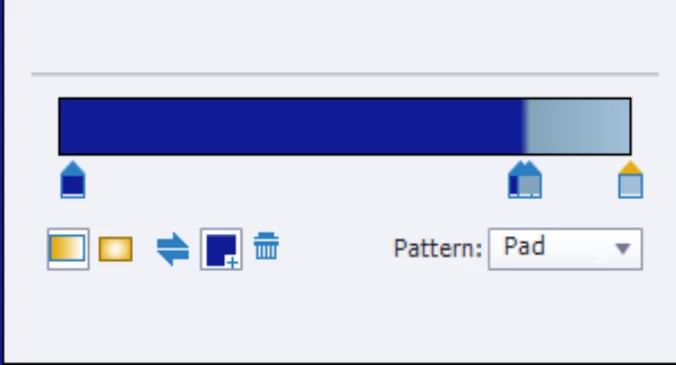
    The screenshot was for a gradient which is not perfect. I wonder when we will be able to import a gradient (using CC Libraries) from Photoshop or Illustrator where the creation is much easier.

    I see that you have several master slide with alternating colors. I really would prefer in that case to use buttons on each daughter master slide, instead of on the Main master slide, if you cannot keep the area for the buttons empty on the daughter master slides. After all you don't need a back button on the first slide, nor a Next button on the last slide. 

    1 reply

    Lilybiri
    Legend
    January 20, 2021

    Not sure to understand. Are you talking about buttons on the Main master slide? They are not automatically inherited by the daughter master slides. It is necessary to have this checked:

    If you are talking about buttons not showing up on slides based on a particular master slide, they may be covered by objects on that slide. It is important to check the opion 'master slide objects on top'.

    tonyb4835892
    Inspiring
    January 21, 2021

    Your assumption turns out to be correct - I thought this was the case yesterday but couldn't quite prove it.

    Yes, there are objects on the pages where the buttons don't show, but those pages also have the Show Main Master Slide Objects selected and it's still not  working. I'll include examples.

    I've tried using the Arrange option to send objects backwards and fowards but that hasnt helped.


    Thank you for your response and any forthcoming assistance is appreciated.


    tonyb4835892
    Inspiring
    January 21, 2021

    Thank you for the response. Yes the Next and Back buttons are what I would like to see on all pages.


    The first image with the sort of dark Aqua block where the Caption text will go is where those items don't show despite the check mark on Show Main Slide Ojects.


    The next image is the same slide once the block is deleted. As I mentioned I have tried using Arrange to set the image all the way to the back or the buttons all the way to the front with nothing working.


    Next thoughts? And thank you for the help.

