

emluc
Known Participant
April 11, 2016
Answered

Multiple Videos in a single slide

  • April 11, 2016
  • 2 replies
  • 2961 views

I have three videos that I am trying to run in a single slide. I have tried multiple versions of advanced actions, but they all still start at the same time when not hidden. Ideas?

    This topic has been closed for replies.
    Correct answer Lilybiri

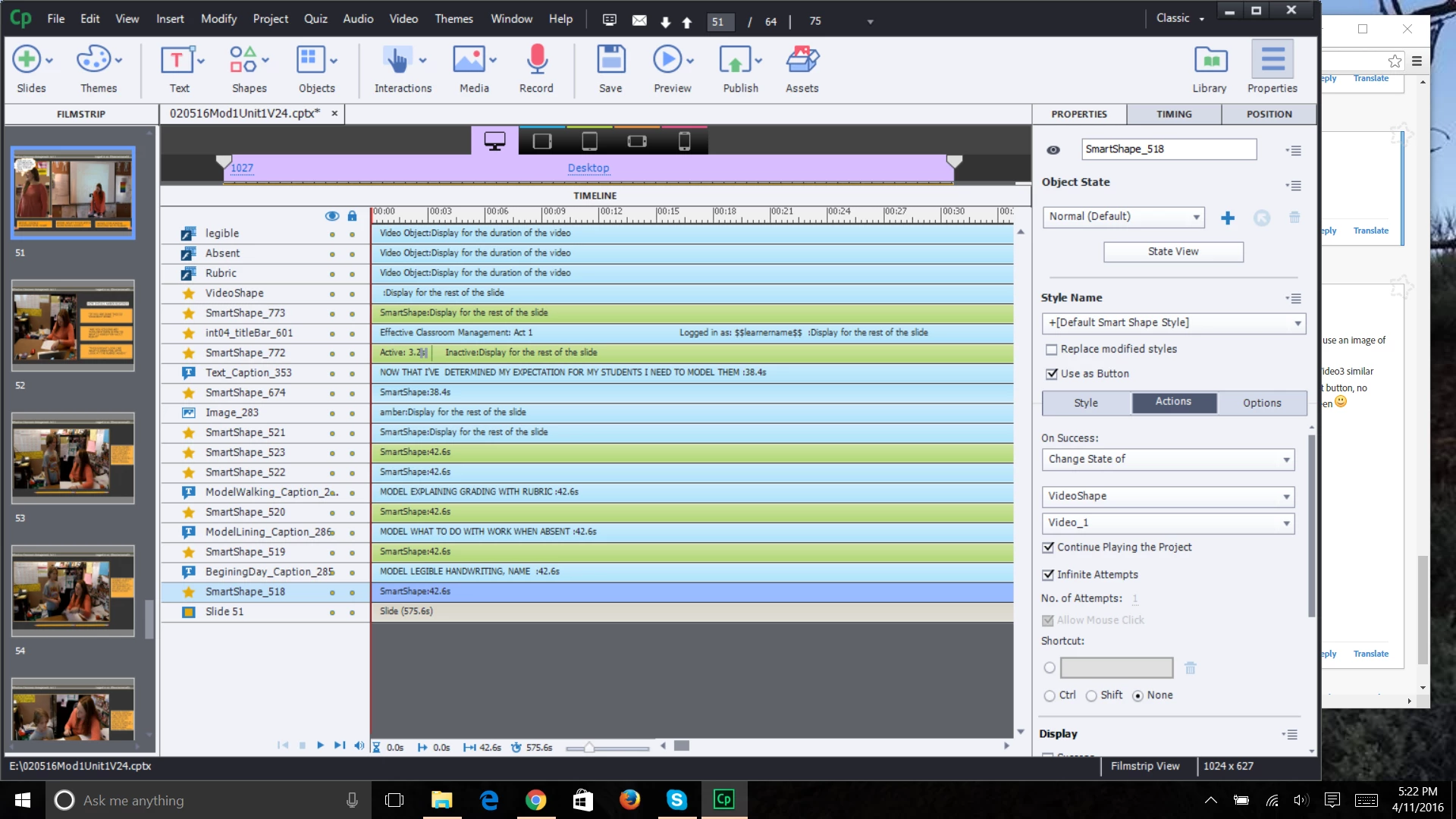
    Does this look right? I tried it, but all the movies are still playing at the same time...I feel like I missed something...

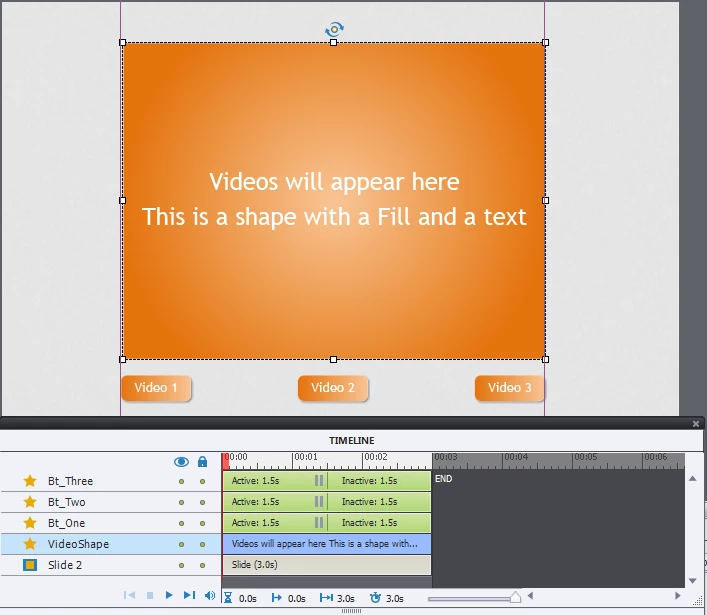
    Sorry, deleted that file that I quickly assembled yesterday. You still have each video object separately on the slide, not in states! I recreated the example, here is the screenshot of the stage + timeline. The selected object 'VideoShape' in Normal state is a shape with a gradient fill  and text in this example:
    For that shape I created 3 extra states, as you can see in the next screenshot. I used the same labeling as in my previous example for the states.
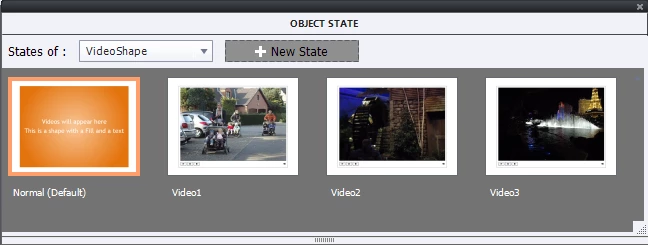
    Each of the buttons (Bt_One....) has to trigger the action to change the state to the proper video. Works beautifully. It will be event video!

    2 replies

    New Participant
    January 10, 2020

    Hallo! Thanks for your advice 🙂 I've created 2 buttons and 2 states (associated to 2 videos). When I click the first button, change the state and so open the first video. It works but I have one problem/question. At the end of this first video how can I go back to first state (in your example the orange video shape) and click the second button...?
    Thanks in advance!!!

    Lilybiri
    Brainiac
    January 10, 2020

    That was not asked for originally. You can click the second button, no need to go back to the original Normal state.  Since event video plays independently from Captivate you would need to use JS to detect the end of the video and return to the Normal state.

    New Participant
    January 10, 2020

    Thank you very much! I'll try with JS 🙂
    Ross

    Lilybiri
    Brainiac
    April 11, 2016

    Captivate 9? Use the videos in states on one object, and create a button 'Go to Next State' that will allow the user to go to the next video.

    emluc
    emlucAuthor
    Known Participant
    April 11, 2016

    This is the advanced action I am currently using.

    emluc
    emlucAuthor
    Known Participant
    April 11, 2016

    I don't see that the variable is being incremented by the action at all. What do I miss?

    Please tell me in normal English what you want to do ?


    After I created my three buttons on the bottom of the screen, I made variables for each of them, so that when clicked, they would follow the action I gave them.

    Then I created the Advanced Action using these variables, but it is not working.

    This method has worked within this same project before for moving between and returning to specific slides. I have never tried it within the same slide, which is why I am running into some trouble.