



Percentage from Captivate to HTML
Hi everyone, hope all had or having a great 4th of July weekend!
Background:
I Designed a pilot program where the user completes 10 slides as part of a “pre” test. As the user goes through each slide, a percentage is displayed to let the user know how much he/she has completed. I want to take the percentage and send it to a custom HTML file as illustrated below. I find a custom HTML much easier to manipulate for this project, as I will be adding additional topics for the user later down the road.
User clicks on study:
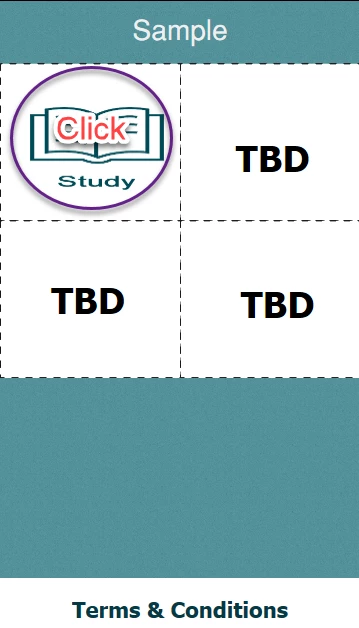
User goes through several slides, and a percentage is displayed.
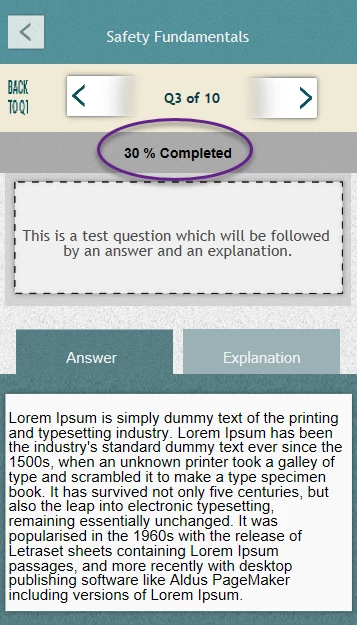
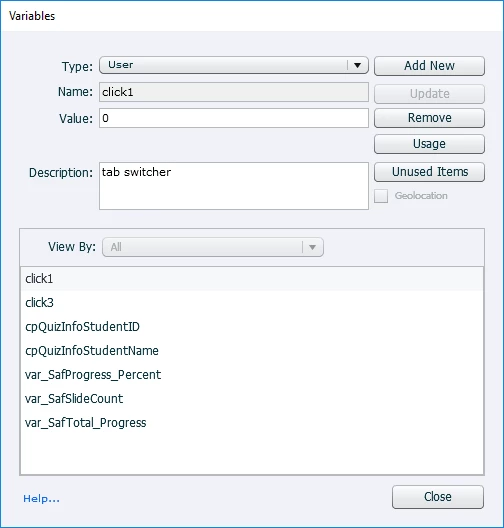
Need to take the current percentage from Captivate and send to custom HTML.
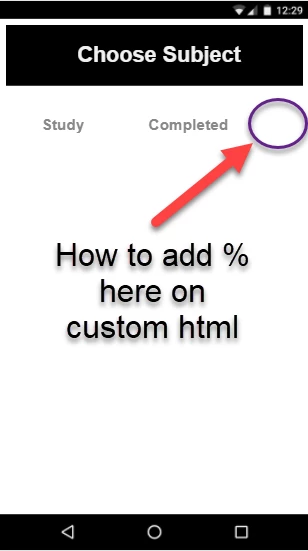
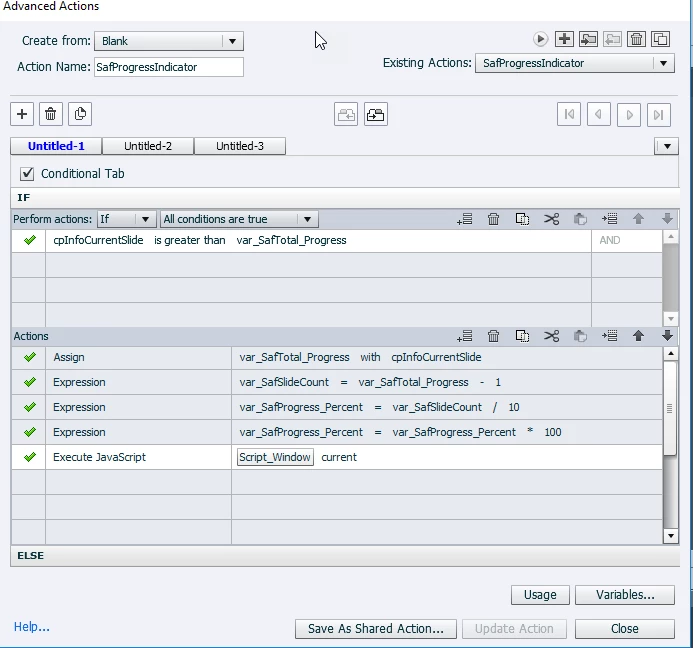
HMTL - Source
<!DOCTYPE html>
<html lang="en">
<head>
<meta charset="UTF-8">
<title></title><!-- Mobile Specific Meta -->
<meta content="width=device-width, initial-scale=1" name="viewport">
<!-- Meta used for SEO -->
<meta content="Bootstrap Accordion Framework" name="description">
<meta content="responsive, creative, html5, css3, form, layout, new layout, bootstrap element" name="keywords">
<style>
/* Cosmetics */
.panel-body {
height: 100%;
}
.panel-group .panel {
border-radius: 4px;
margin-bottom: -1em;
}
/* Panel Image Inactive */
.panel-heading1 {
background-size: 100% 100%;
padding: 10% 12%;
position: relative;
}
.nj-title1 {
color: #888888;
font: 5vw Helvetica, sans-serif;
font-weight: bold;
left: 5%;
/*position: relative;*/
top: 40%;
}
.nj-title2 {
color: #888888;
font: 5vw Helvetica, sans-serif;
font-weight: bold;
left: 27%;
position: relative;
top: 40%;
}
.nj-safeperc {
color: #4c4c4c;
font: 7vw Helvetica, sans-serif;
font-weight: bold;
left: 66%;
position: absolute;
top: 30%;
width: 35%;
}
.nj-return1 {
background-color: black;
background-size: 100% 100%;
padding: 6% 0%;
position: relative;
}
.nj-return1txt{
color: #f0f0f0;
font: 7vw Helvetica, sans-serif;
font-weight: bold;
left: 24%;
position: relative;
/* top: 40%; */
}
</style>
<!--- Capture percentage from Captivate? -->
<script>
$(document).ready(function()
{
$("#link1").click(function(event)
{
window.parent.window.cpAPIInterface.getVariableValue("var_SafProgress_Percent");
});
});
</script>
</head>
<body>
<div class="nj-return1">
<span class="nj-return1txt">Choose Subject</span></div>
<a id="link1" href=""></a>
<div class="panel-group" id="accordion">
<div class="panel panel-default">
<div class="panel-heading1">
<span class="nj-title1">Study<a class="accordion-toggle" data-parent="#accordion" data-toggle="collapse" href="#collapseOne"></a></span>
<span class="nj-title2">Completed</span>
</div>
</div>
</div>
</body>
</html>
Any feedback/advice you can provide is much appreciated.
Using:
CP2019
 AdChoices