


New Participant
May 15, 2025
Answered

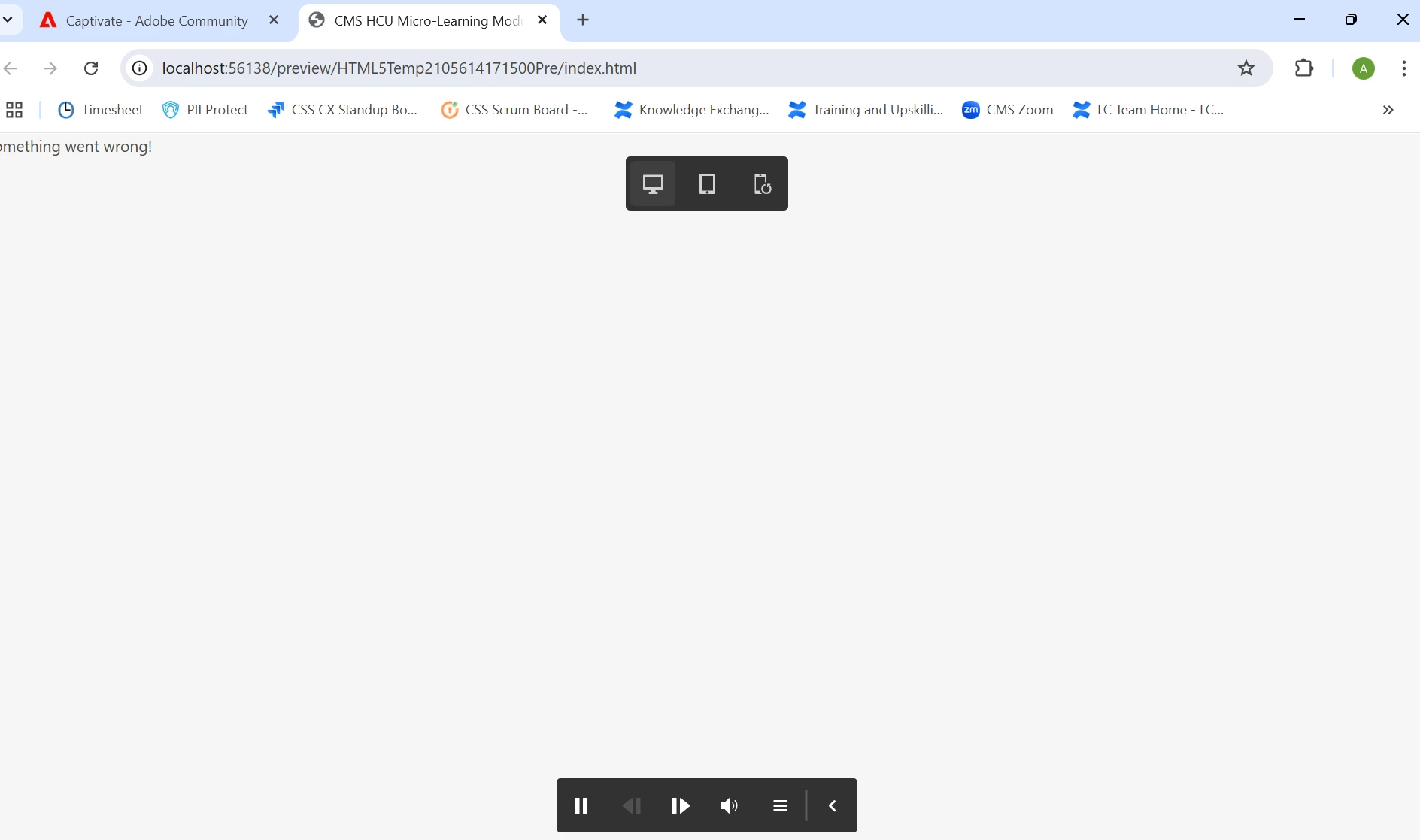
"Something Went Wrong" Error When Previewing Project in Google Chrome

  • May 15, 2025
  • 1 reply
  • 381 views

Hi All,

I am running Captivate 12.6 and receive an error message "Something Went Wrong" every time I try to preview a project in Google Chrome. Initially, I was able to preview without difficulty and then this started happening. I have cleared the cache in my browser and Captivate, and still cannot preview. I would appreciate any ideas or solutions anyone may be able to provide. Thank you. *Screen Shot Below.


    Correct answer alley771

    This issue was resolved with guidance from Adobe Support. Please follow the steps below and check if it resolves the issue:

    • Close Captivate
    • Open File Explorer, click on “View” in the top menu bar, and check “Hidden items”
    • Go to C:\Users\”username”\AppData\Local\Adobe, and rename “Adobe Captivate 12.0” to “Adobe Captivate 12.0.old”
    • Go to C:\Users\Public\Documents\Adobe\eLearning Assets and rename “12.0” to “12.0.old”
    • Go to C:\Users\Public\Documents\Adobe and rename “Adobe Captivate” to “Adobe Captivate.old”
    • Launch Captivate and check
    • Create a new project.

    • Copy the slides from your impacted project to this new project.

    1 reply

    alley771AuthorCorrect answer
    New Participant
    May 16, 2025

    This issue was resolved with guidance from Adobe Support. Please follow the steps below and check if it resolves the issue:

    • Close Captivate
    • Open File Explorer, click on “View” in the top menu bar, and check “Hidden items”
    • Go to C:\Users\”username”\AppData\Local\Adobe, and rename “Adobe Captivate 12.0” to “Adobe Captivate 12.0.old”
    • Go to C:\Users\Public\Documents\Adobe\eLearning Assets and rename “12.0” to “12.0.old”
    • Go to C:\Users\Public\Documents\Adobe and rename “Adobe Captivate” to “Adobe Captivate.old”
    • Launch Captivate and check
    • Create a new project.

    • Copy the slides from your impacted project to this new project.

    New Participant
    August 12, 2025

    Is there a way to do this on Mac?