


Question
Resize/reposition objects for different screens in Captivate 2017
I finally downloaded Captivate 2017, and really like the updates. One thing I can't seem to figure out though...in previous versions, I could create a smartshape and change its size/position in the various views. Here is an example of a layout I used to explain a checklist:
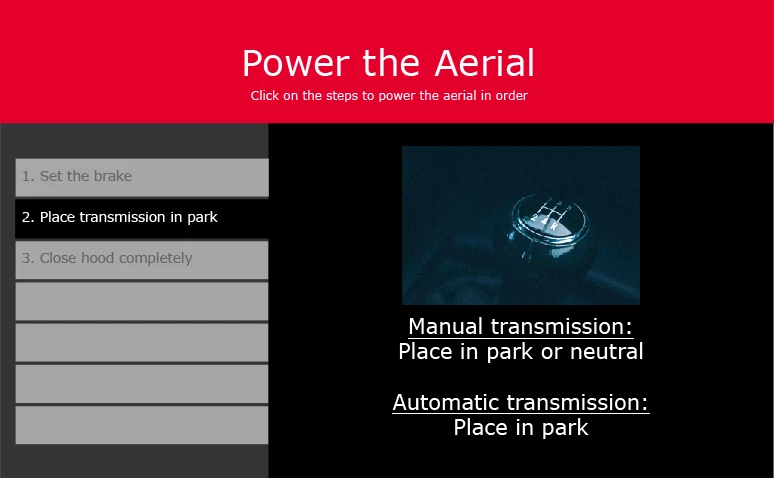
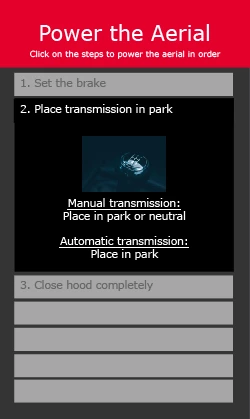
I really want to use the new version because of the way it treats text in fluid boxes. But I can't figure out a way to move those Smartshape buttons around the way I did previously - whether or not they're locked to a fluid box:
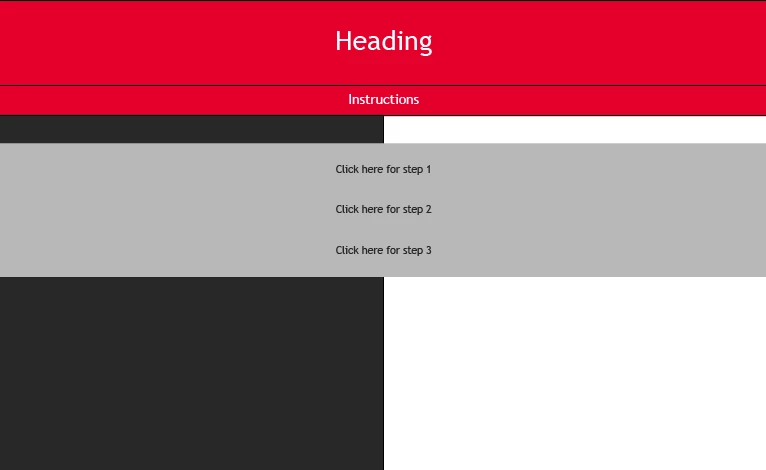
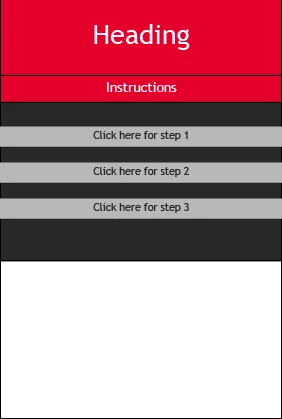
Any ideas? Or do I need to decide between using Captivate 9 and rethinking layouts completely?
 AdChoices