


SCORM 1.2 Package in Moodle Not Playing Video
This is in regards to the new Adobe Captivate (called Charm I guess?). I finally was able to complete a project build. I zipped it to a SCORM 1.2 package and uploaded the files to a Moodle course. This is a paid Moodle version by the way.
Everything built into my Captivate project seemed to work--weeks ago. Now the video features are non-functioning--though all other interactive components are running smoothly. This includes both the events video and a multi-slide synchronized video. A black box appears over the events video (see below) and the playback skin is inoperable.
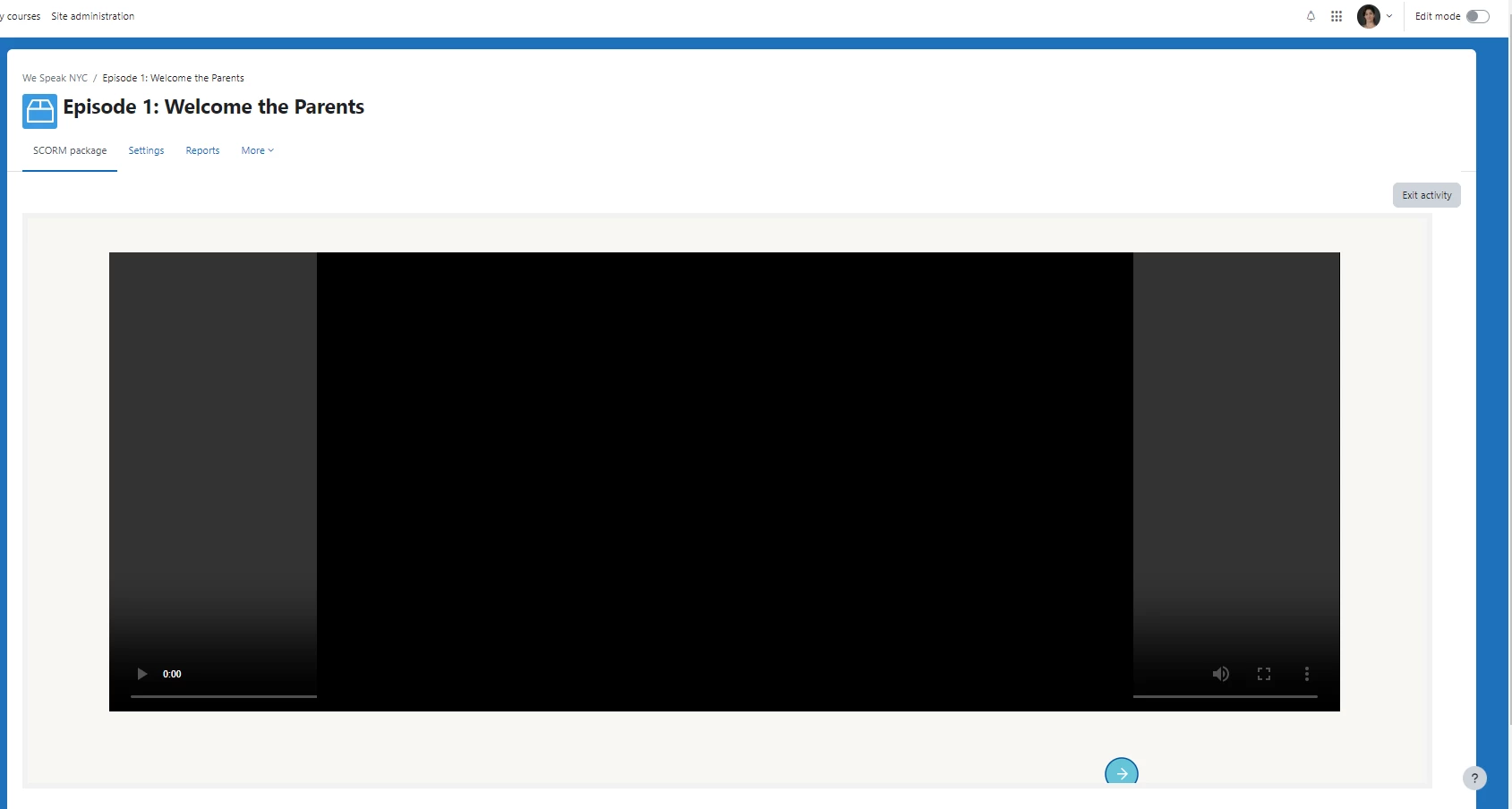
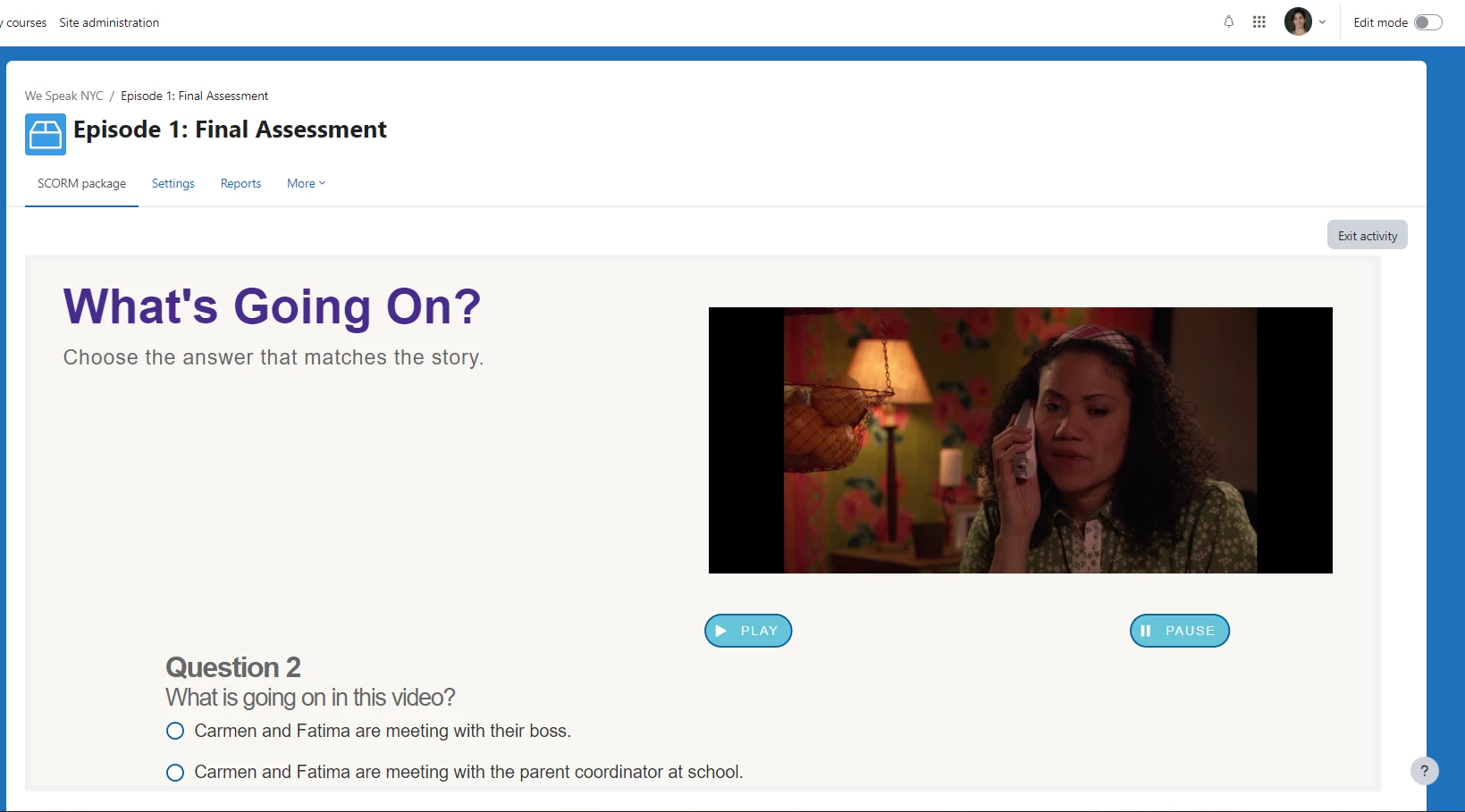
And the 'play' and 'pause' buttons that I coded to start and pause the timeline (and pause and start the slide video) also no longer function properly (see above). All of this works within the 'Preview' mode via Adobe Captivate. And these features did function in Moodle weeks ago. Now granted, I made some changes to the original project--aesthetically. Like changing the background for some slides, the color of a button, etc. But, again, all the interactive components (including video) still work within the 'Preview' mode. Just no longer in Moodle.
I am beyond stumped. Does anyone have experience with Moodle as their LMS and multiple Captivate projects uploaded to one Moodle course? My intuition keeps pulling me towards storage capacity. Even zipped, these SCORM packages are massive and our L&D plan is for the Moodle course to run at least 10 episodes (20 SCORM packages in total). Maybe this isn't even viable?
Thanks in advance for any help or guidance you may offer in this matter. Our IT is contacting Moodle to explore the ADMIN-side of things. I'm reaching out to all of you wonderful folks to cover the Captivate side of things. Thanks!
 AdChoices