Known Participant
March 6, 2015
Answered

Show button after rollover slidelet

  • March 6, 2015
  • 1 reply
  • 849 views

I've seen a few discussion about this but something's not clicking in my head so hopefully someone can give me some very specific help.

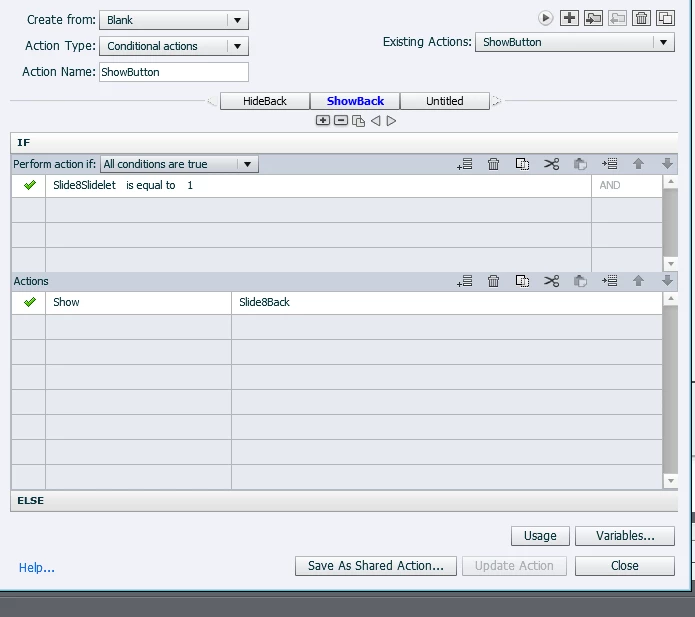
I want a button to appear after the user rolls over a slidelet.  I can get the button to hide, but not reappear. 

I'm very new to advanced actions/variables and mathematical thinking is not my strong suit.
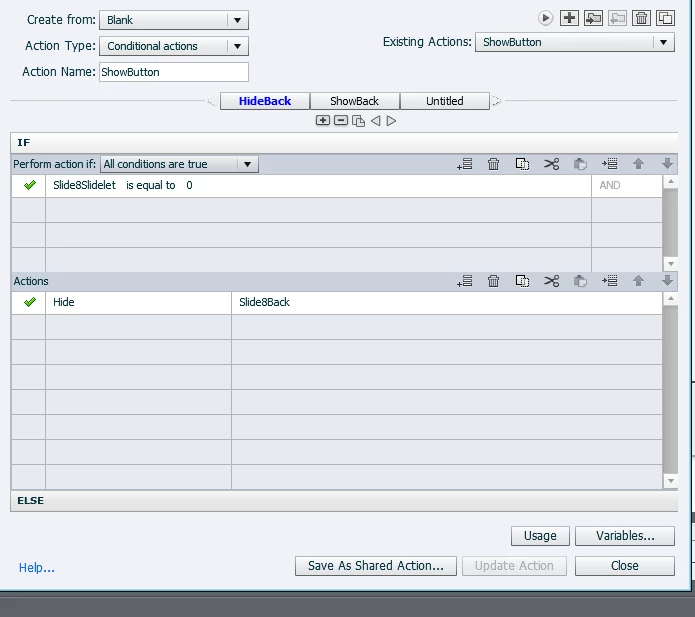
I appreciate the help!

This topic has been closed for replies.
Correct answer Lilybiri

Yes, that's exactly what I want, and it's only for two slides that I need it.


To be sure that the back button is hidden:

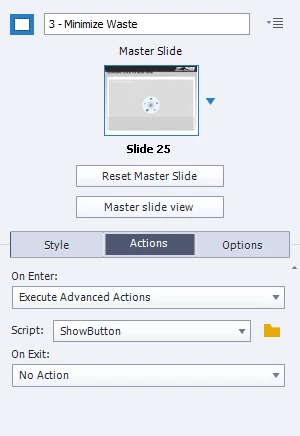
             For On Enter of the slide, use the simple action 'Hide Slide8Back'

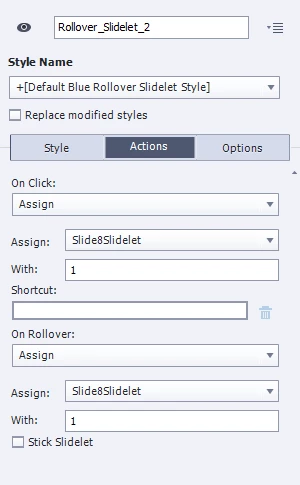
For the Rollover event (On Rollover in the Actions Tab of the Properties panel of the slidelet), use this action:

            Show Slide8Back

Maybe it is better not to use a Simple action here, because that will release the play head, but a one-line standard advanced action will do the trick.

Something you didn't tell: is there another object pausing the slide, like a Next button? I'm asking this because the pause for the Back button will not be active as long as that button is not visible. If there is no other interactive object pausing the slide, and the user doesn't rollover the slidelet area in time, slide will be finished.

1 reply

Lilybiri
Legend
March 6, 2015

Which event is triggering that conditional action?  Do you want to show a slidelet or only to use the event 'rollover' of the slidelet area?  And that rollover should show a button the first time and hide the button when rolling over the second time? There is no 'roll-out' event, you are not able to hide the button by rolling away from the slidelet area.

Rolling over the slidelet itself has no sense, it has no events. The normal behavior of the slidelet area is to show a slidelet, which can have multiple objects on it like on a slide. But the slidelet area can also be used because it has two events: On Click (same like a button or a click box) and On Rollover.

NSGirlHRAuthor
Known Participant
March 6, 2015

My brain is literally hurting trying to answer your questions. LOL

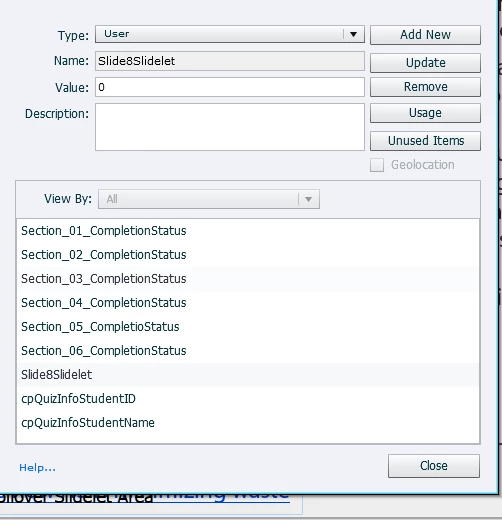
The advanced action is currently set to execute on enter of the slide the slidelet is on.  The variable is on the Rollover Slidelet Area.

Yes, I want the slidelet to show and for the back button to appear as soon as they rollover the the Rollover Slidelet Area and stay on the page for the rest of the timeline.

Lilybiri
Legend
March 6, 2015

On Enter has no sense whatsoever for that conditional action. It can have sense to use an advanced (or shared) action On Enter for the slide, just to hide that Back button, could even be done with a simple action. A variable is never 'on' something, it is just a container that can store a value. Do I understand it is this scenario that you want:

  • When entering the slide, the Back button, labeled Slide8Back is hidden (do you need this on many slides?)
  • User can roll over an area (slidelet area) and a slidelet appears for the time set up for that slidelet
  • At the same time on Rollover the Back button has to appear

When you confirm, will explain what you need, no variable needed at all, not even a conditional action.