



Answered
Simulating f6 and f12 keys and the tab key in Captivate 2017
Good day,
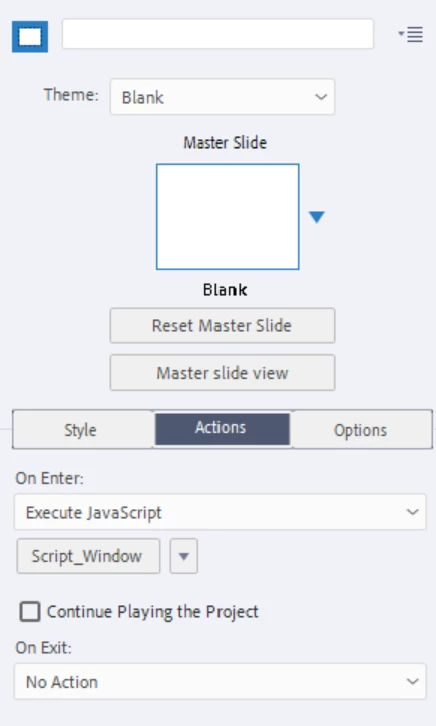
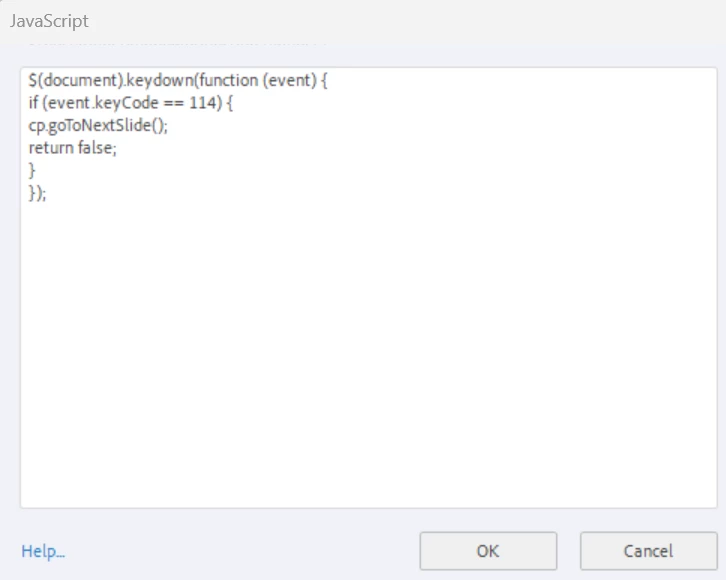
I'm using Captivate 2017. I've created a simulation for a systems training where the learners need to click f6 (to go to the next slide), f12 (to go to the next slide), and the tab key (to advance 1 space in the slide). As you can imagine, Chrome does like this, and when I publish and view the file in HTML5, the following happens:
f6 - the cursor visits multiple places on the browser window
f12 - A Chrome debugger window opens
tab - Has to be clicked 3 times in order for the cursor to move to the tab position on the slide.
Are there any workarounds for these issues?
 AdChoices