


danielb51742821
Inspiring
September 28, 2017
Question

Smart Objects as buttons are not working as expected. Weird.

  • September 28, 2017
  • 1 reply
  • 2522 views

Hi,

CP 9.0.2.437.

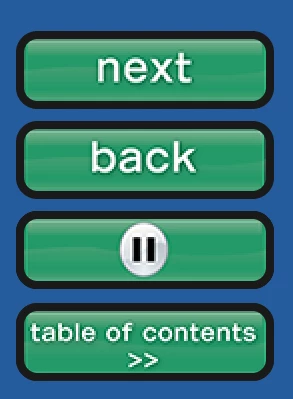
I have a course with 4 smart shapes on every page used as buttons. Next, Back, Play/Pause and Open close TOC. It really total of 6 buttons, but the the two toggling buttons are placed on top of each other and using advanced actions they hide the undesired one for the obvious reason. The toggle buttons are placed on slide 2 and set to appear for the rest of the project "on top". The Next and Back buttons are placed on every slide individually due to some have pause buttons and others do not. Each button has 3 states - up, over and down.

The issue:

Each button does not react to a state change and is inactive for the top half of the button. Placing the mouse on the upper half does not display the hover state, and the button is not clickable. Only moving the mouse to the lower half works.

Any solutions or ideas?
    This topic has been closed for replies.

    1 reply

    Lilybiri
    Brainiac
    September 28, 2017

    Publishing to HTML5? Never put two interactive objects on top of each other in that case. Why do you not use a custom state to show the toggling? Have a look at:

    1 action = 5 Toggle Buttons - Captivate blog

    Do you have shadows on those shape buttons?

    Known Participant
    June 28, 2023

    I have this very same issue with a button that was made from a shape and placed on a quiz results slide. Only the bottom half of the button shows the hand curser and allows a click.  I'm on mac in 118.1.185

    Known Participant
    June 28, 2023

    Please update your version, the most recent is 11.8.1.219. Let me know after updating if you still have the problem. I have to confess that I am not a Mac user, they are very rare in this forum.


    The updator is already saying I'm up to date.  Must not have that version for mac as yet.  But anyway my issue was the same. I even pasted the button onto another side to see. I mouse over the bottom part of the button and the hand cursor appears and I can click it, but if i mouse over the top 2/3 of the button then nothing happens, no hand cursor appears and the button is not clickable.  I better try a different presentation in case there is corruption.