


antons87216159
Known Participant
February 23, 2021
Answered

Sound doesnt play on one slide only

  • February 23, 2021
  • 1 reply
  • 378 views

I'm kinda stuck on why my slide-audio doesn't play on one of my slides. It works fine in all other slides and I am not sure what I'm missing.


I attached a screenshot of my timeline, maybe there is something that I don't see here that's causing this?
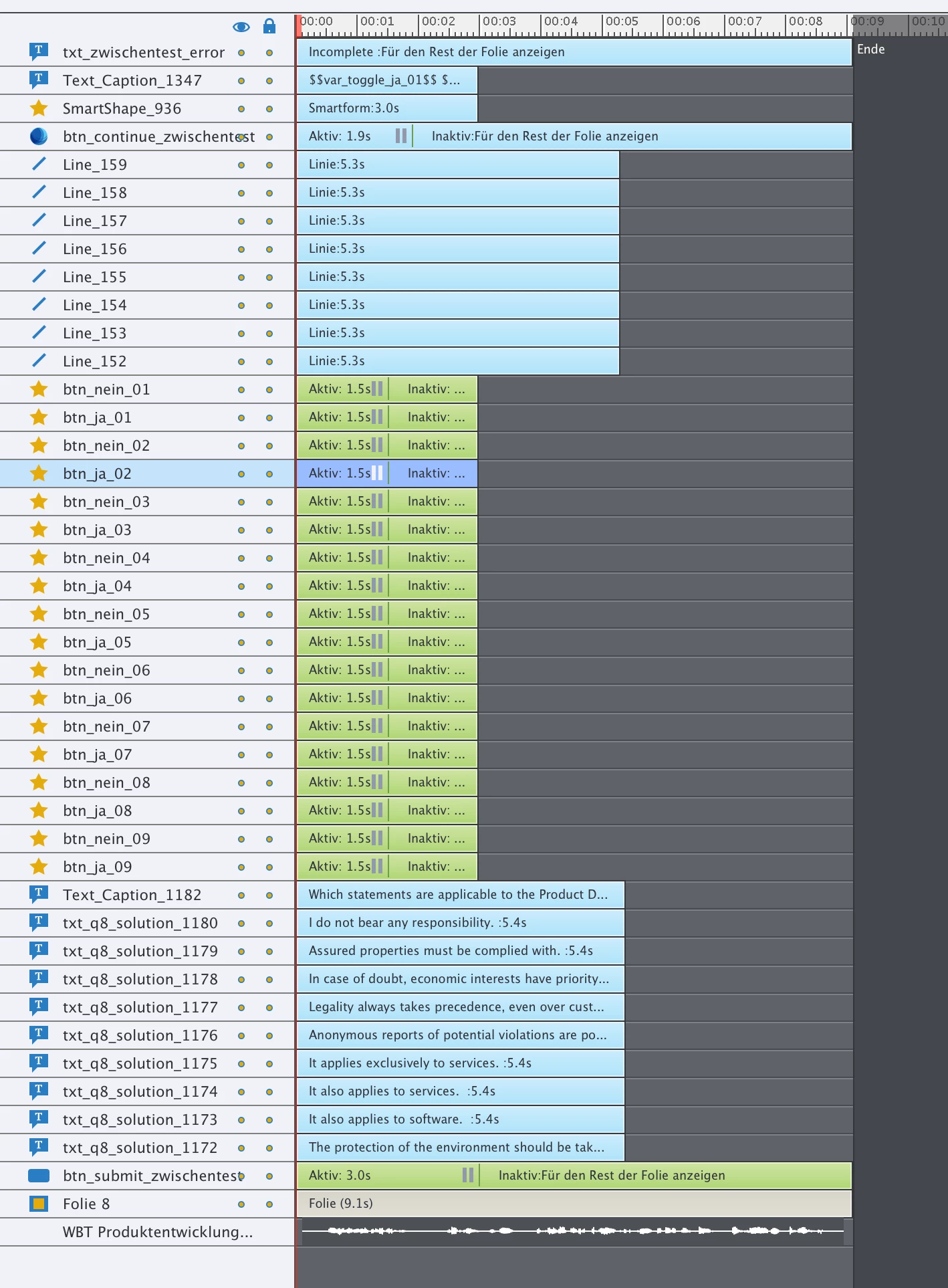
 

Slide-audio doesn't seem to be affected by a button pausing the slide, so that shouldn't be causing any issues, and even if it would it should play the audio for the first couple seconds.
 

    This topic has been closed for replies.
    Correct answer Lilybiri

    Here is a possible cause:

    • You have the On Enter event of the slide set to 'Pause'
    • You have used the On Enter event of the slide to Mute

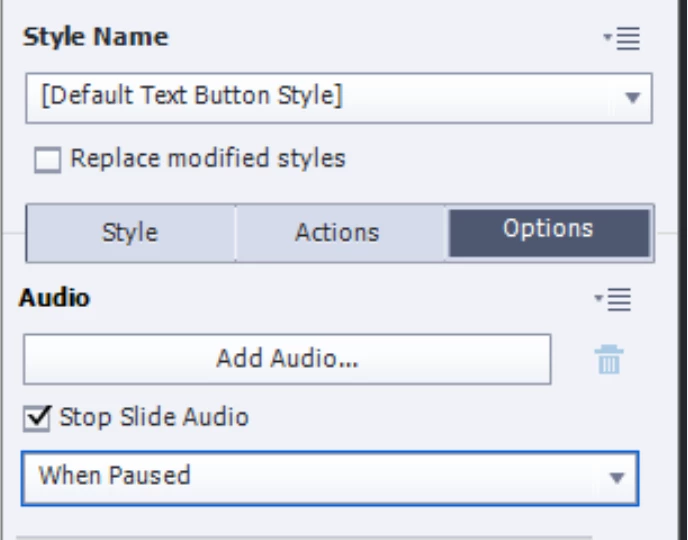
    The multiple interactive objects have pausing points (one has a later pausing point) but by default that will not at all pause the slide audio. Only when you check that feature in the Properties panel of the interactive object will it pause, but would have started to play since part of the audio is before the first pausing point:

    1 reply

    Lilybiri
    LilybiriCorrect answer
    Brainiac
    February 23, 2021

    Here is a possible cause:

    • You have the On Enter event of the slide set to 'Pause'
    • You have used the On Enter event of the slide to Mute

    The multiple interactive objects have pausing points (one has a later pausing point) but by default that will not at all pause the slide audio. Only when you check that feature in the Properties panel of the interactive object will it pause, but would have started to play since part of the audio is before the first pausing point:

    antons87216159
    Known Participant
    February 23, 2021

    Thank you so much! I didn't consider the OnEnter event! That was the one thing the other slides (at least the ones with sound) didn't have. And indeed it was set to pause.

    Lilybiri
    Brainiac
    February 23, 2021

    Some of the QSPs in the Assets panel do the same. I have warned already that it is a bad idea. Look at this blog, to see my warnings:

    http://blog.lilybiri.com/tips-adding-audio-to-qsp-slides-ready-to-go-slides