


Technical help: results slide not displaying at all
Hi all,
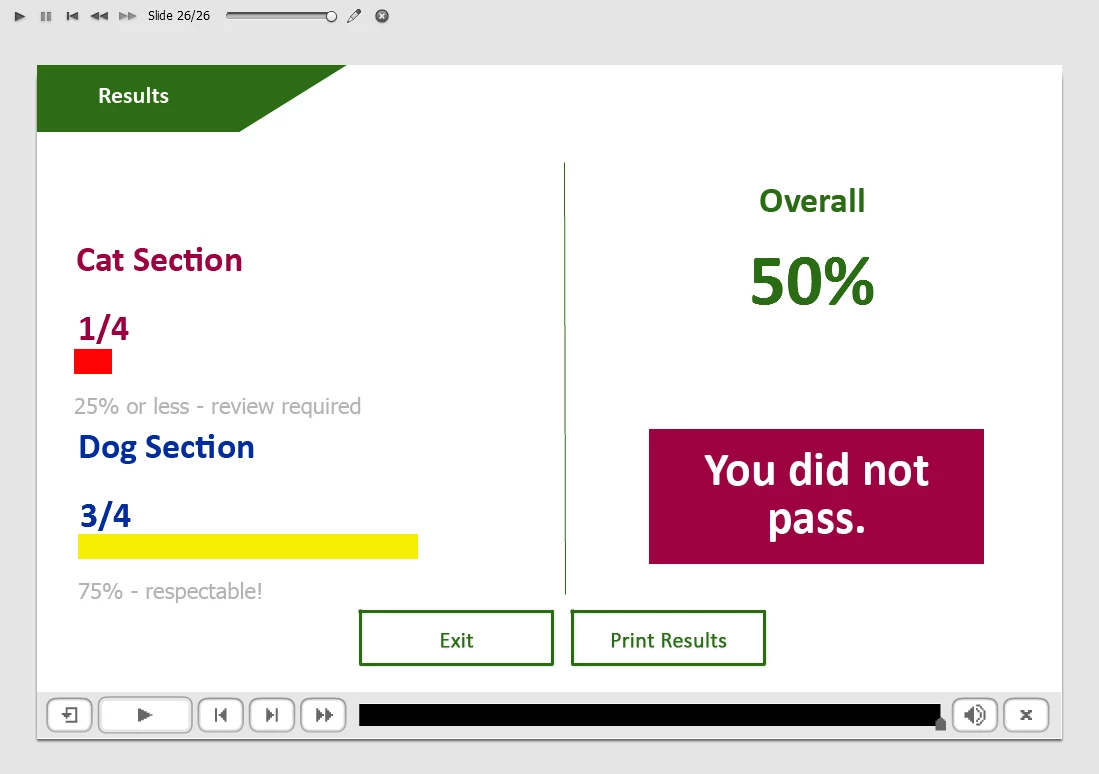
I have a captivate quiz that I've created from scratch as a prototype for a larger project I'm working on. I use advanced actions and variables to track quiz results - I'm tracking overall quiz results and the results for separate sections. On the results page the learner will receive an overall score as well as feedback and results on the individual section performance.
On enter the results slide executes a complex advanced action, with 9 decisions, each of which uses the conditional tab. This basically tells it to change the state of certain results based on the scores tracked for the individual sections using advanced actions. On the results slide I also have 2 buttons: exit, which just exits the course, and print, which executes JavaScript to "window.print()"
I tested the course using preview > project and everything worked exactly as expected. Not a single thing went wrong. But because you have to test HTML5 in browser to test the JavaScript I then tested the project using preview > HTML5 in Browser.
That's where things got funny. Everything worked exactly as expected until I got to the results slide.... which just didn't show up. 100% blank. Just a white screen. The project played - the play-bar advanced to the end, but the slide just appeared as totally white.
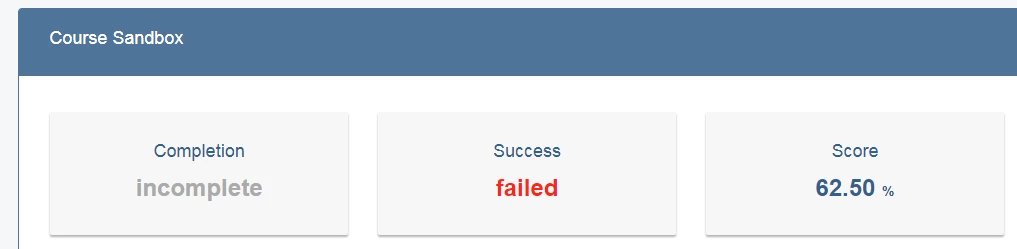
I checked the HTML5 tracker in the project and there's nothing there. I tested in SCORM CLOUD and the results report correctly, but the same thing happened - a white, blank results page. Nothing showed up. I tried removing the JS print button and I had the same results. I checked the debug logs in SCORM CLOUD (here's a link to the log) and... I'll admit, I'm not expert at reading these. There are only 2 items that show up in red at the very bottom, but I'm not sure that means anything went wrong.
I'm completely stumped. I have no idea why the results slide would show up in Preview > Project but not in the browser or SCORM CLOUD. Thoughts/Recommendations?
Thanks!
Aly

 AdChoices