


Text Glitch - Copying over text fields to a new project causes all of the text to disappear
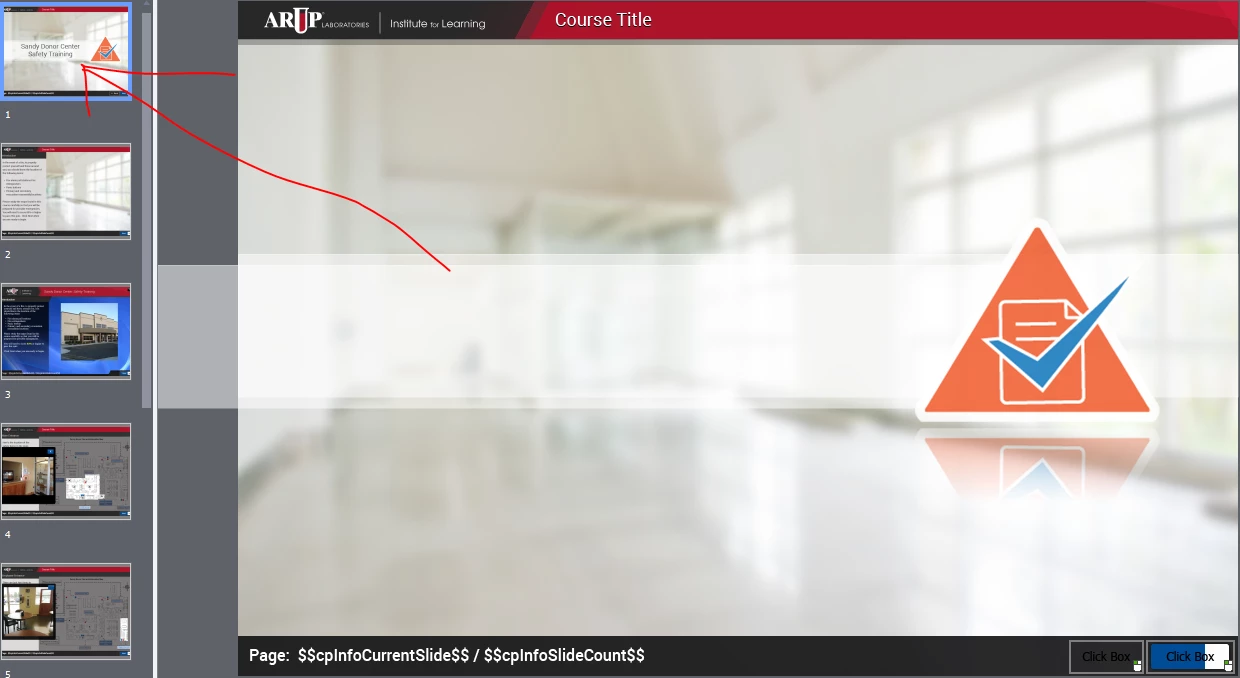
I've been updating courses into a newer training template design (both files are in version 2019). When I copy over text, slides with text, or quiz questions with text it causes problems with the new file. These problems don't show up until I saved the file, closed and then reopened the file. Once it's reopened all of the text in the whole project is invisible. I can see the text in the slide view on the left, but when I click on the slide it doesn't display any text until I click on the text field itself, then it magically appears. Also, when I preview the course all of the text is gone until I have clicked on every single text field in the course then I can preview it and the text will be viewable. Unfortuately this is not a solution because if I save and close the course, once I open it up again the text is invisible again and I have to click on every single text field. This really seems like a technical problem and it makes transfering slides a big pain!
 AdChoices