


Inspiring
March 2, 2016
Answered

Transparent Button Style Issue

  • March 2, 2016
  • 1 reply
  • 575 views

I created a new Captivate 9 blank project. I used the White Theme.

On slide 1, I added a transparent button and set the style to default transparent button style
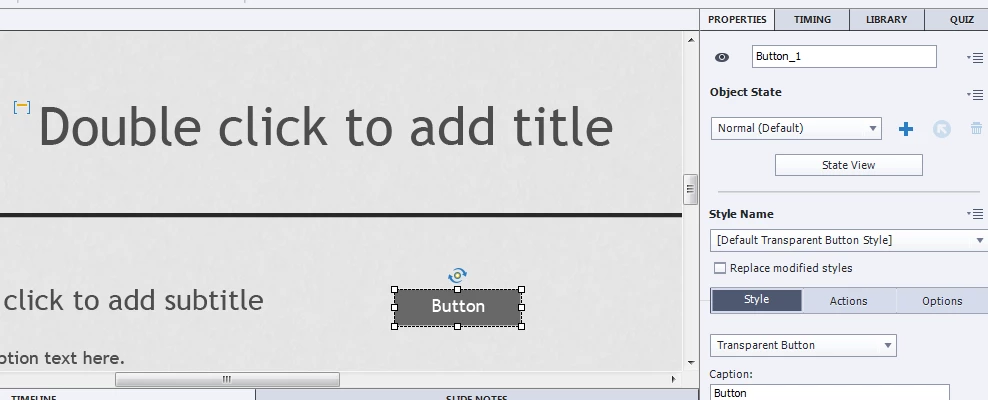
When I preview the program and roll over the button, I get (as expected)
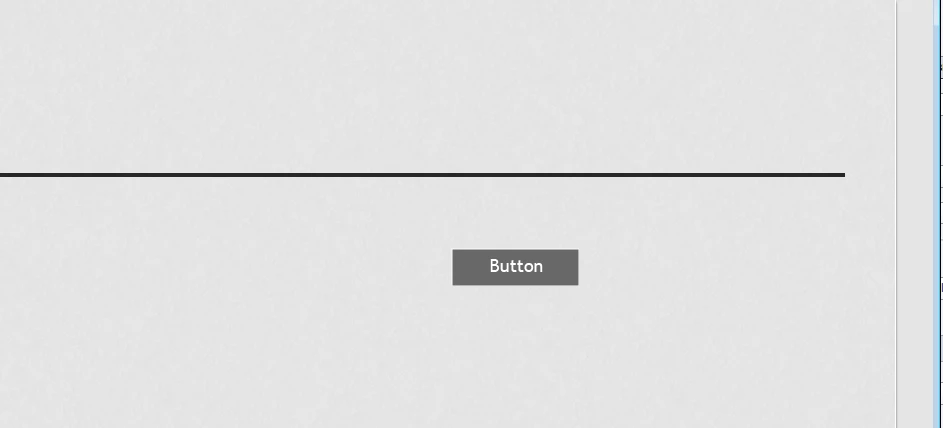
But when I roll over the button, I get (not so expected)
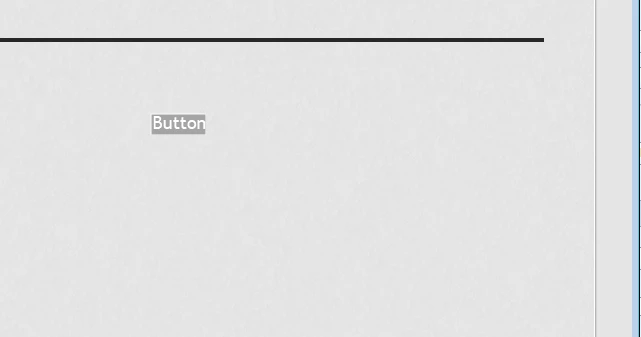
This is the default style that ships with Captivate and no changes have been made in the OSM
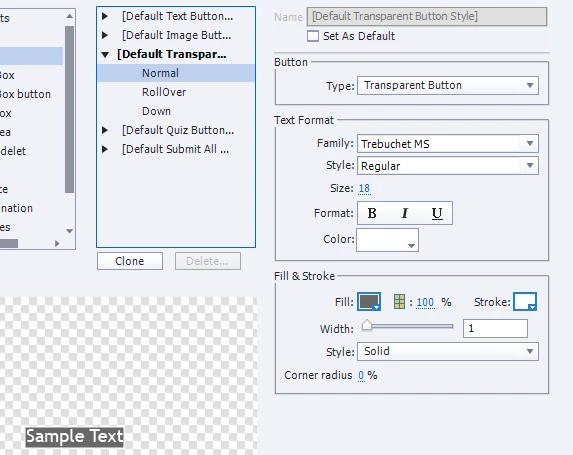
What is causing this behavior and how do I resolve it?

KB

    This topic has been closed for replies.
    Correct answer Lilybiri

    Interesting Observation:

    It seems that if the theme or style rule set used in a project was created BEFORE the Hot Fix was applied, the issues in those themes and styles will remain.

    To test this, I reinstalled the Hot Fix on one of the machines. I created a new project. All worked as advertised. I opened a project created before I reinstalled the Fix, and the issues resumed.


    Thanks for reporting this. Did you try to replace the theme in the Public folder by the original one and re-apply the theme?

    1 reply

    Lilybiri
    Brainiac
    March 2, 2016

    I just double-checked, but do have three states as expected, with same font size. Here is the State View panel for the Default Transparent Button, White Theme and White Theme Color Palette:

    Did you check the rollover state in the OSM? Normally for transparent buttons the label is identical for the three InBuilt States, in this default theme it is Trebuchet Regular, 12pts

    You seem to have a different fontsize for Rollover, and this has been a custom change, it is not the default style for this theme. Did you upgrade from an older version? Are you on 9.0.0.230?

    KB in FLAuthor
    Inspiring
    March 2, 2016

    Hey Lilybiri

    Here is my OSM, my State view and my Version

    In the State editor, you can see that the Normal and Down States are fine, but the over is a problem. BTW this is happening on other machines in use by friends that I just checked with

    KB in FLAuthor
    Inspiring
    March 2, 2016

    More info

    We get the same type of issue if we create a custom style