

Participant
November 5, 2019
Question

When I try to install Adobe Captivate it on my PC, it gives me a blank screen.
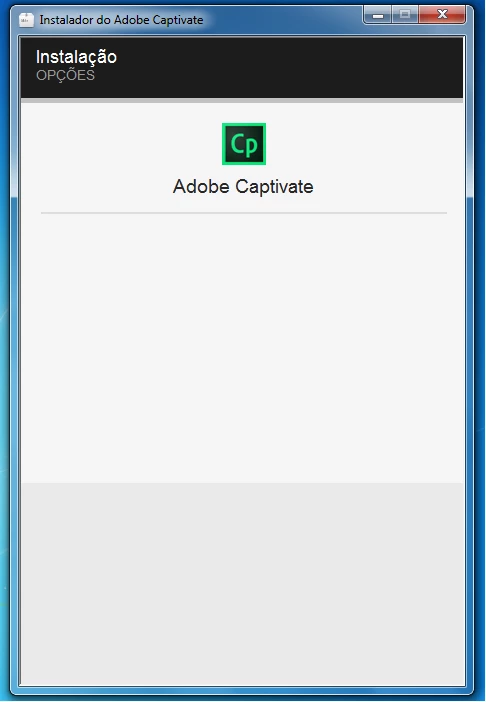
  • November 5, 2019
  • 3 replies
  • 766 views


Win 7 64Bits Service Pack 1
Intel Core i7 3.10Ghz
8Gb Ram

This topic has been closed for replies.

3 replies

Vaibhav Vishwakarma
Adobe Employee
Adobe Employee
November 5, 2019

Hi,


Kindly follow the steps mentioned in the below URL and try to install again.


https://helpx.adobe.com/in/captivate/kb/captivate-installation-blank-page-sign.html


Hopefully this should resolve the issue.


Regards

Vaibhav

Participant
November 5, 2019

We had a similar problem.

This post got us further: https://helpx.adobe.com/africa/tech-comm-suite/kb/blank-screen-install-robohelp-framemaker-2019.html

It is not directed at Captivate but FrameMaker -> I think both are part of the Technical Communication Suite so it might work.

Something else that was required later was updating .NET Framework through Windows updates.

Hope it helps.

Lilybiri
Legend
November 5, 2019

Where did you download the installatino files?

Participant
November 5, 2019

Adobe Site

Lilybiri
Legend
November 5, 2019

You have administrator rights, I supppose. Are you behind a firewall in a company?

If not behind a firewall, maybe something went wrong when downloading the installation files, can you try again? Are you on Windows or Mac?