


New Participant
May 18, 2021
Question

How do you switch from Classic View to Standard View?

  • May 18, 2021
  • 1 reply
  • 491 views

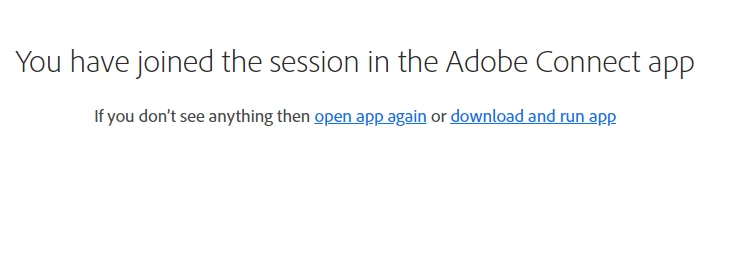
I am on a PC. I have downloaded the latest Adobe Connect. It opens in Classic View. There is no obvious button or window or dropdown that allows me to switch from Classic to Standard. The "opening" page doesn't have the option either (see below). 
    This topic has been closed for replies.

    1 reply

    Jorma_at_CoSo
    Brainiac
    May 18, 2021

    In Connect 11.2.x the Host of the meeting must specify if the room will launch in Classic mode or Standard mode. There isn't the ability to switch between the two modes. If it is launching in Classic mode, then it is doing that for everyone and the Host of the room will need to change the setting on the back end.