



Can't place object in Dimension, stuck on loading screen
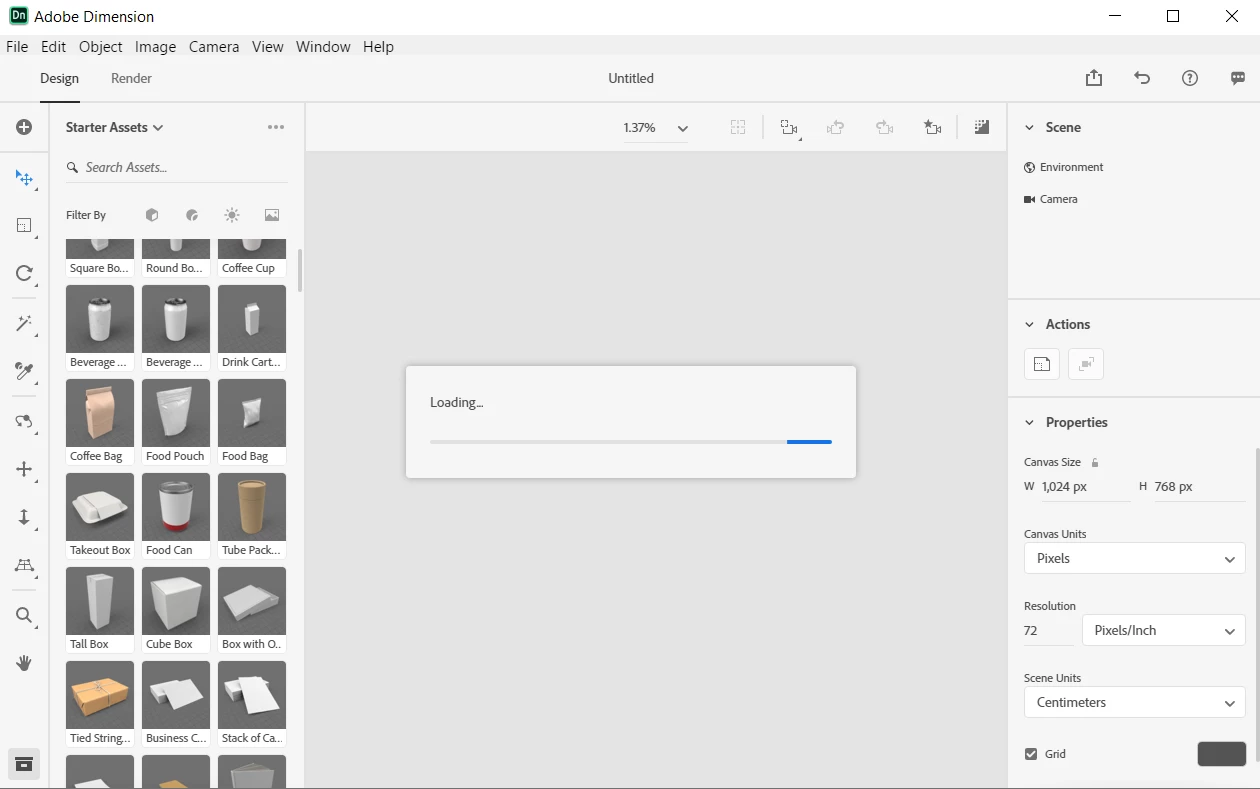
Dimension opens up just fine. Whenever I either create a new document or attempt to take a tour, I'm unable to drag in an object from the sidebar into the scene without getting stuck on a never-ending "Loading..." dialog box. The object never appears, and the only way to restart Dimension is to force close it from the Task Manager. This happens with any type of object that I attempt to drag in. This is my first time using Adobe Dimension, and I'm running the latest version on Windows 10. I've included a screenshot of the screen I get stuck on. My laptop has 8 GB of RAM and an AMD Ryzen 5 processor. I don't think my computer is too slow; after all, it's brand new and runs everything faster than my old computer, but I could be wrong. What causes this?
 AdChoices