



Issues when placing decal on object, render and render preview shows black.
Hey guys,
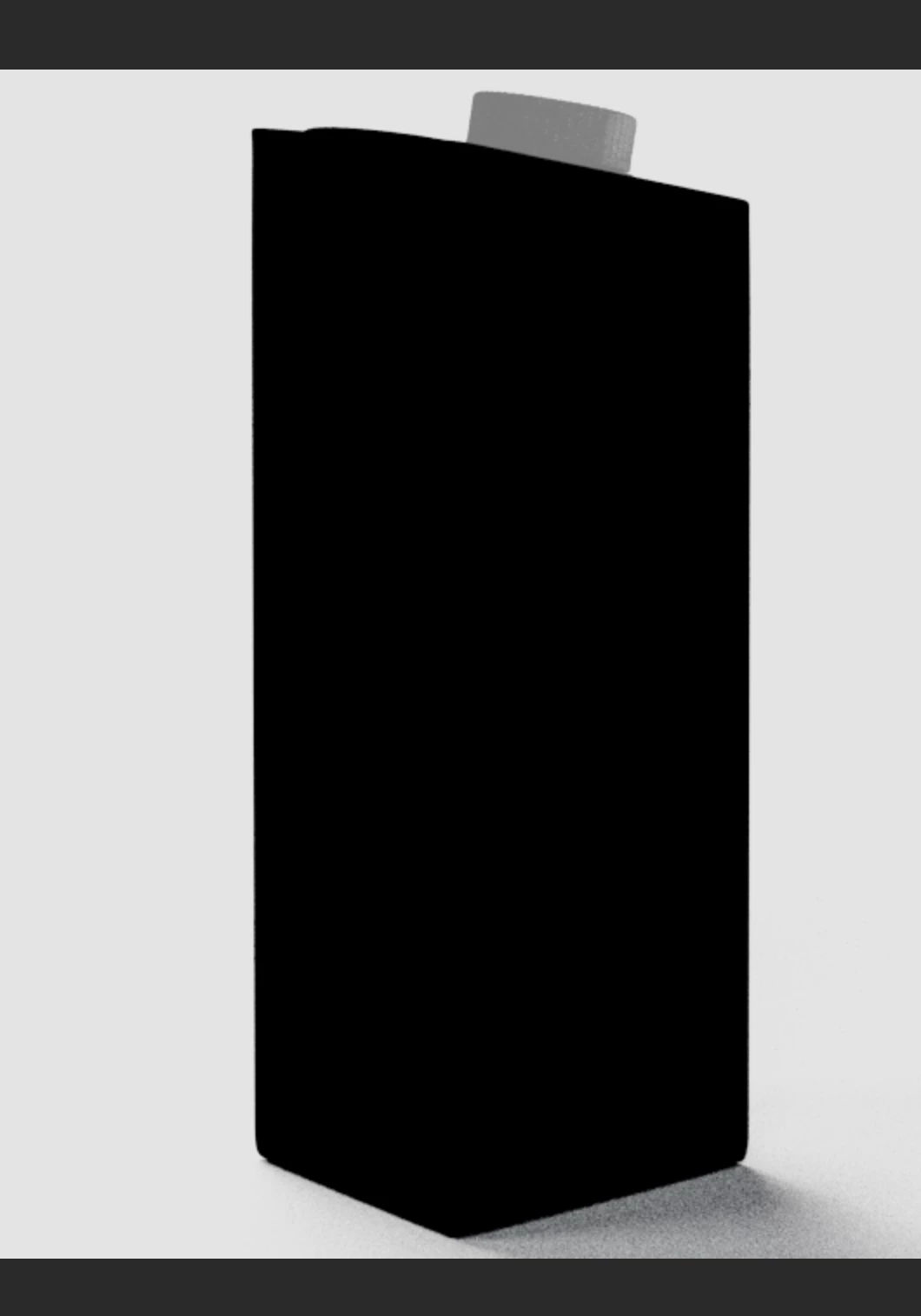
I'm hoping I can get some help. I've been using Dimension for some time now, and it has worked just fine. Yes, there are some issues with decal quality after rendering among other things. But yesterday, I started a new project where the first issue I notice was when placing a decal it was showing up mirrored horizontally. I thought it was maybe a bug or an issue with my JPG, so I used the edit/ open in PS feature in Dimension and resolved the issue. But my biggest issue was not even that, because once I had fixed the decal and set up my scene- looking at the render preview my object would just show up black. If I removed the decal it shows up fine, so I decided to use a good known decal used before and tried getting the render preview- only to find out that the issue persisted. Can someone help out??? Has anyone ran into this same issue?? Should I contact the maker of the 3D model??
PLEASE HELP!!!!
I got my render from this site: www.waldemar-art.com
My 3D model is a OBJ. file.
Here is the image beforer the render preview:
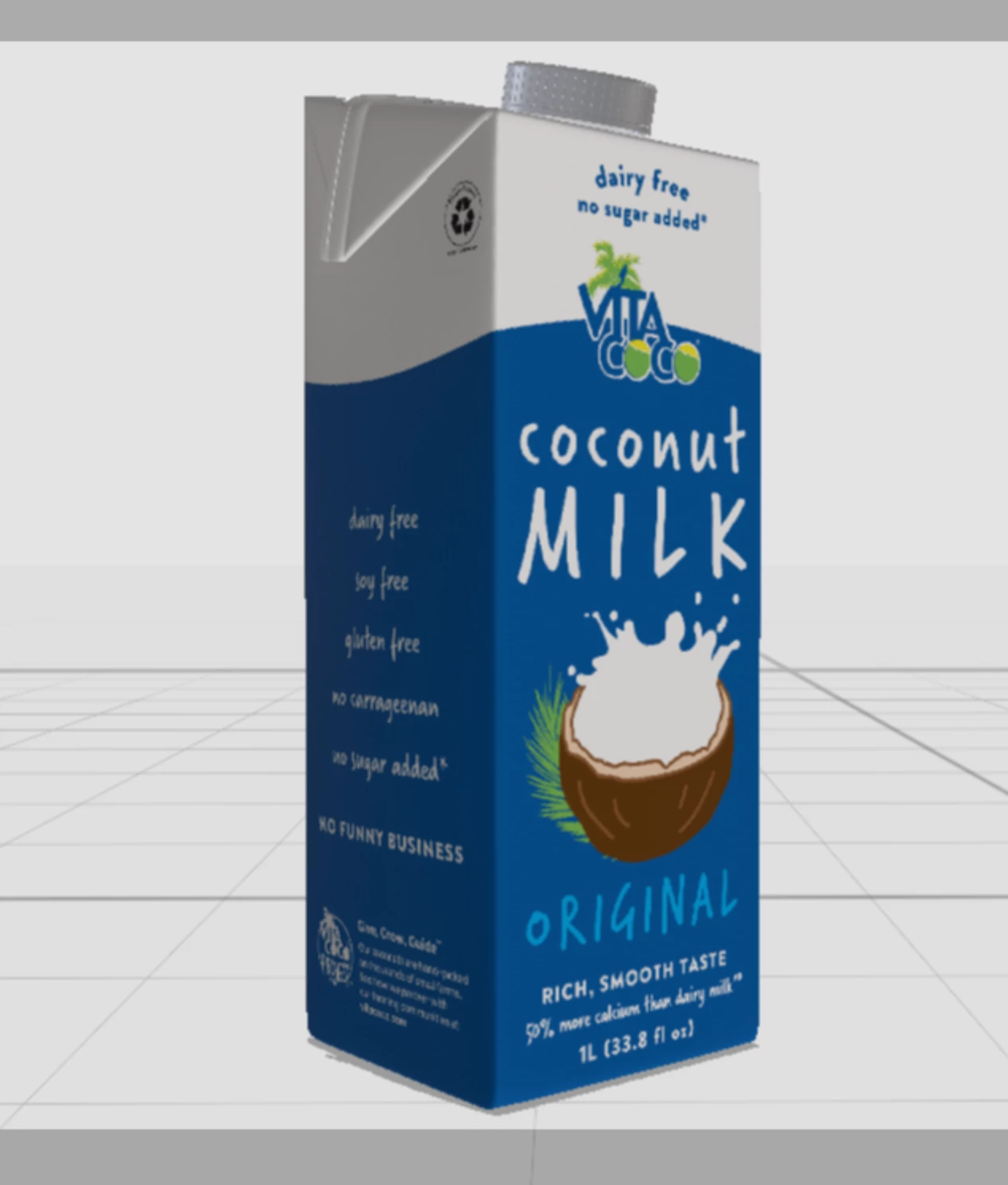
Image when I attempt to render preview or render:
 AdChoices