C Maxwell
Participant
September 4, 2020
Question

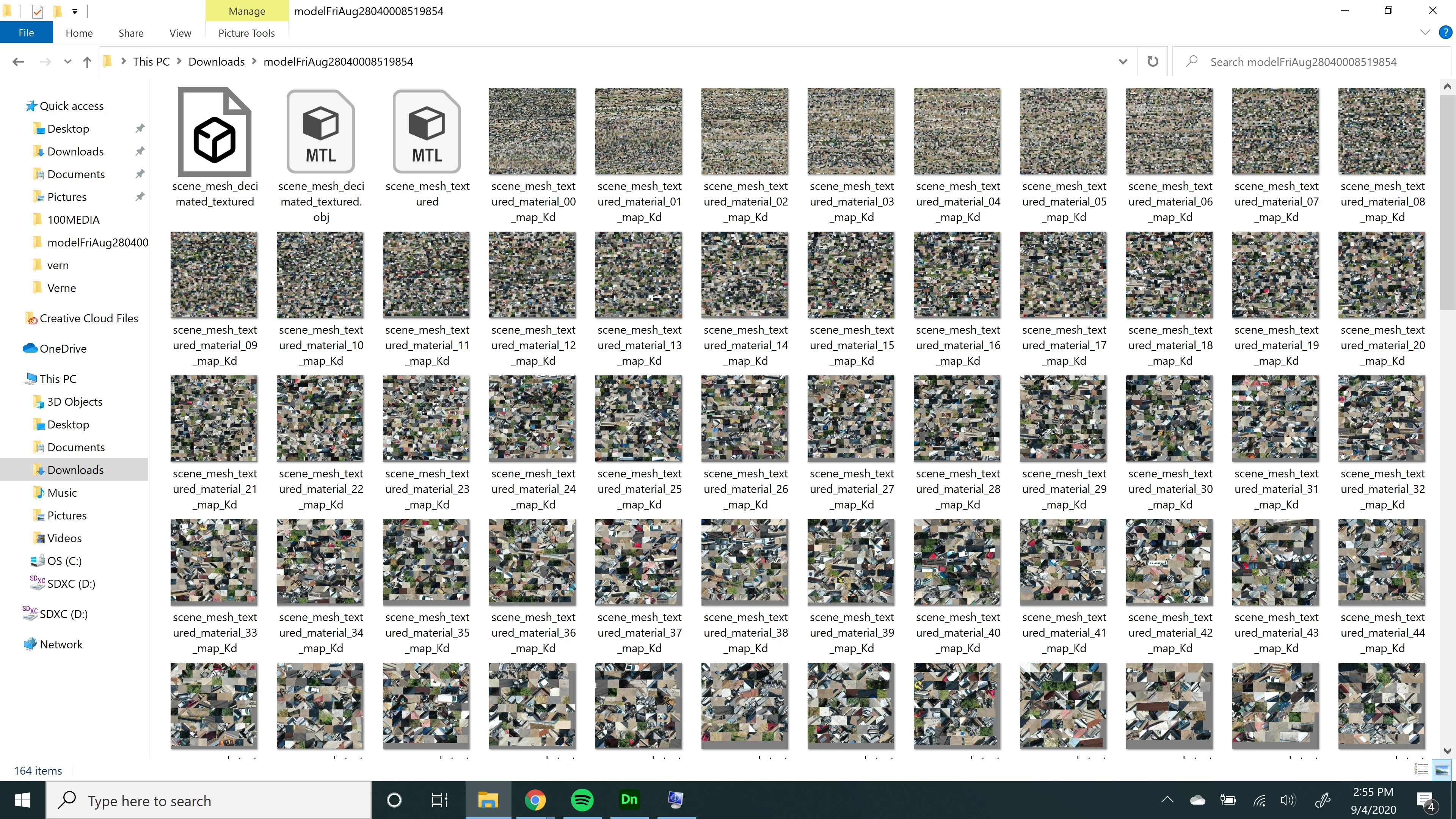
multiple texture files, 2 MTL files, 1 OBJ file... No idea how to use this with dimension..
  • September 4, 2020
  • 2 replies
  • 1550 views

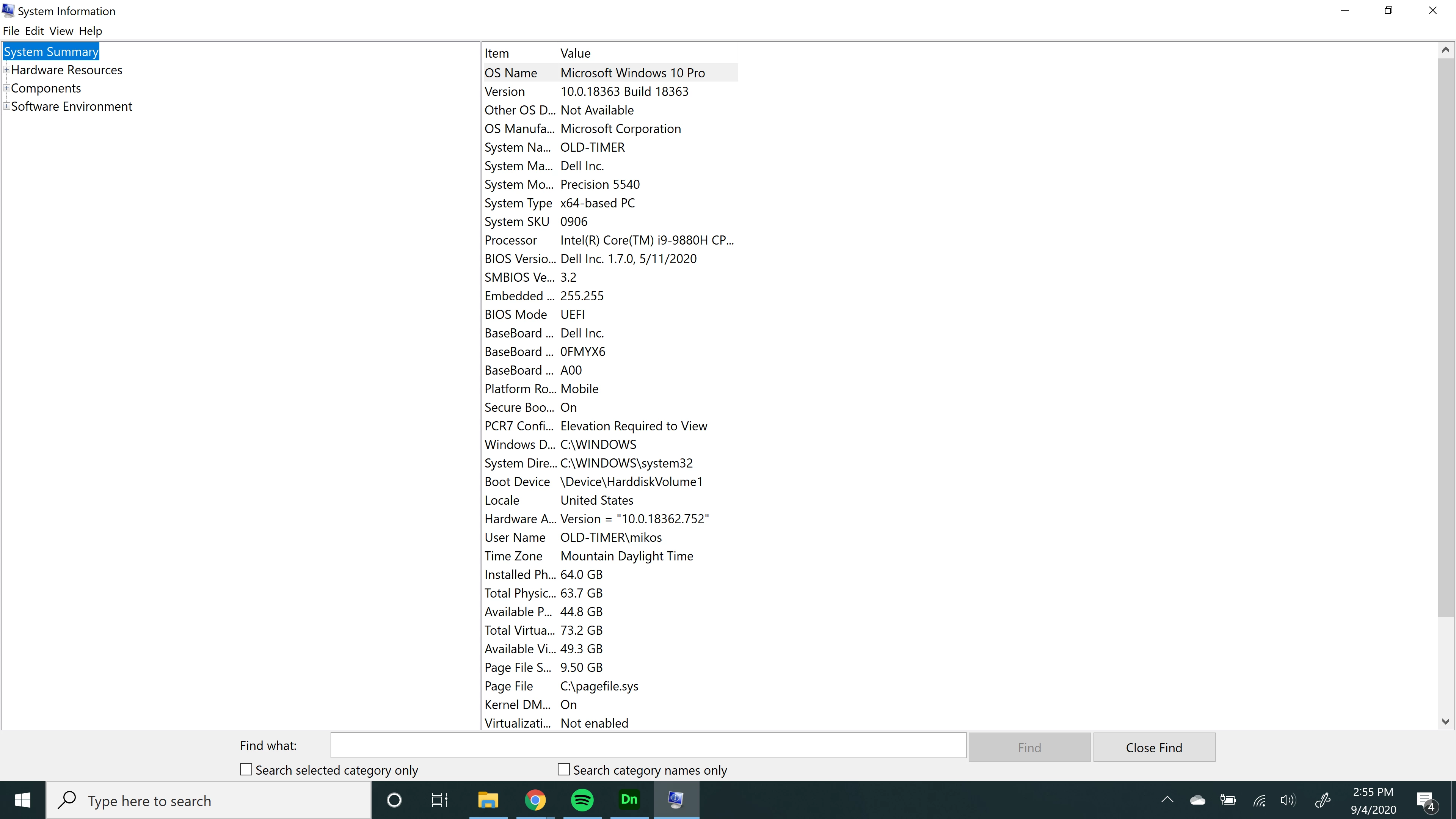
1. System Info
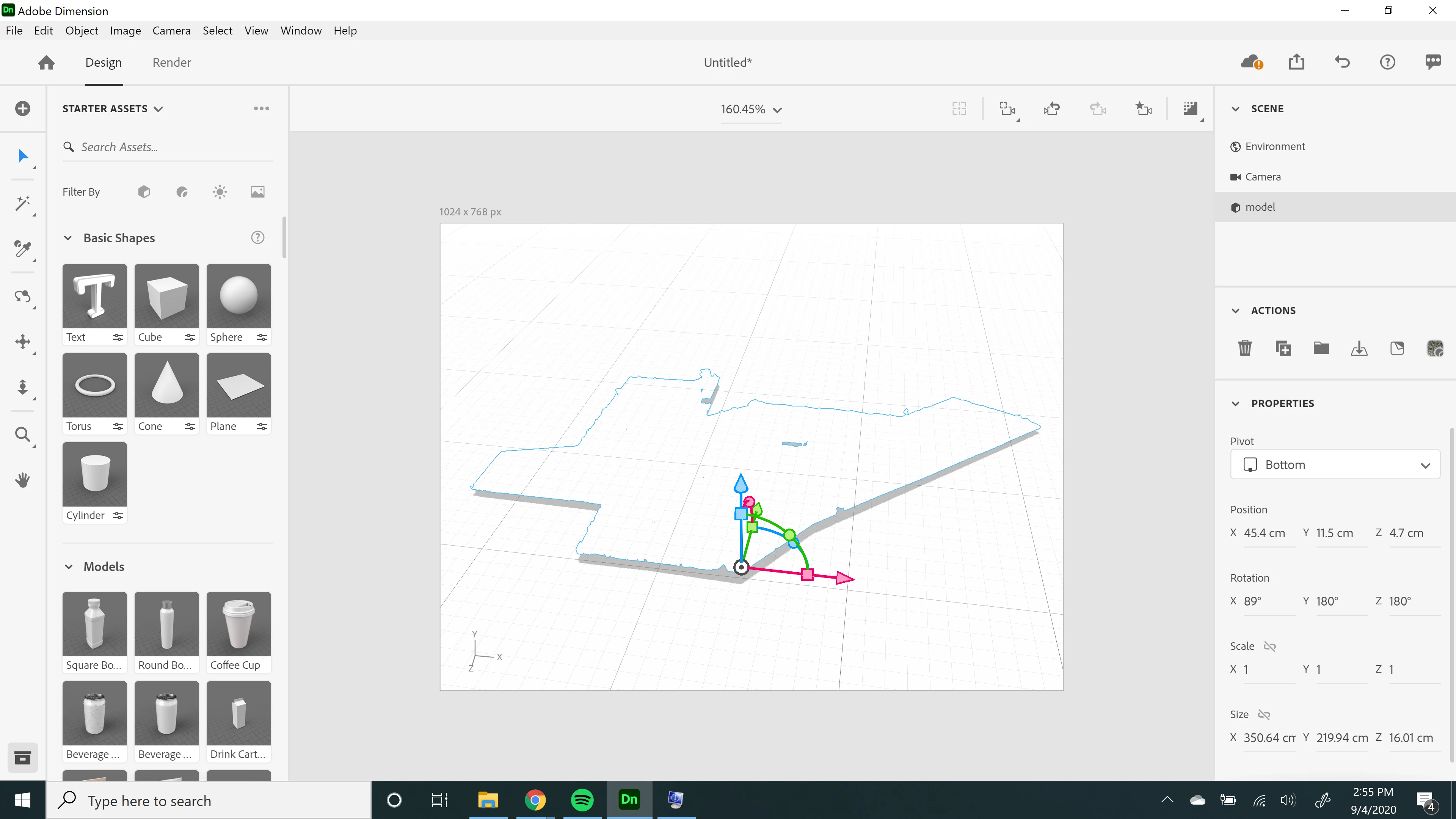
2. My view in Dimension
3. The files I'm working with
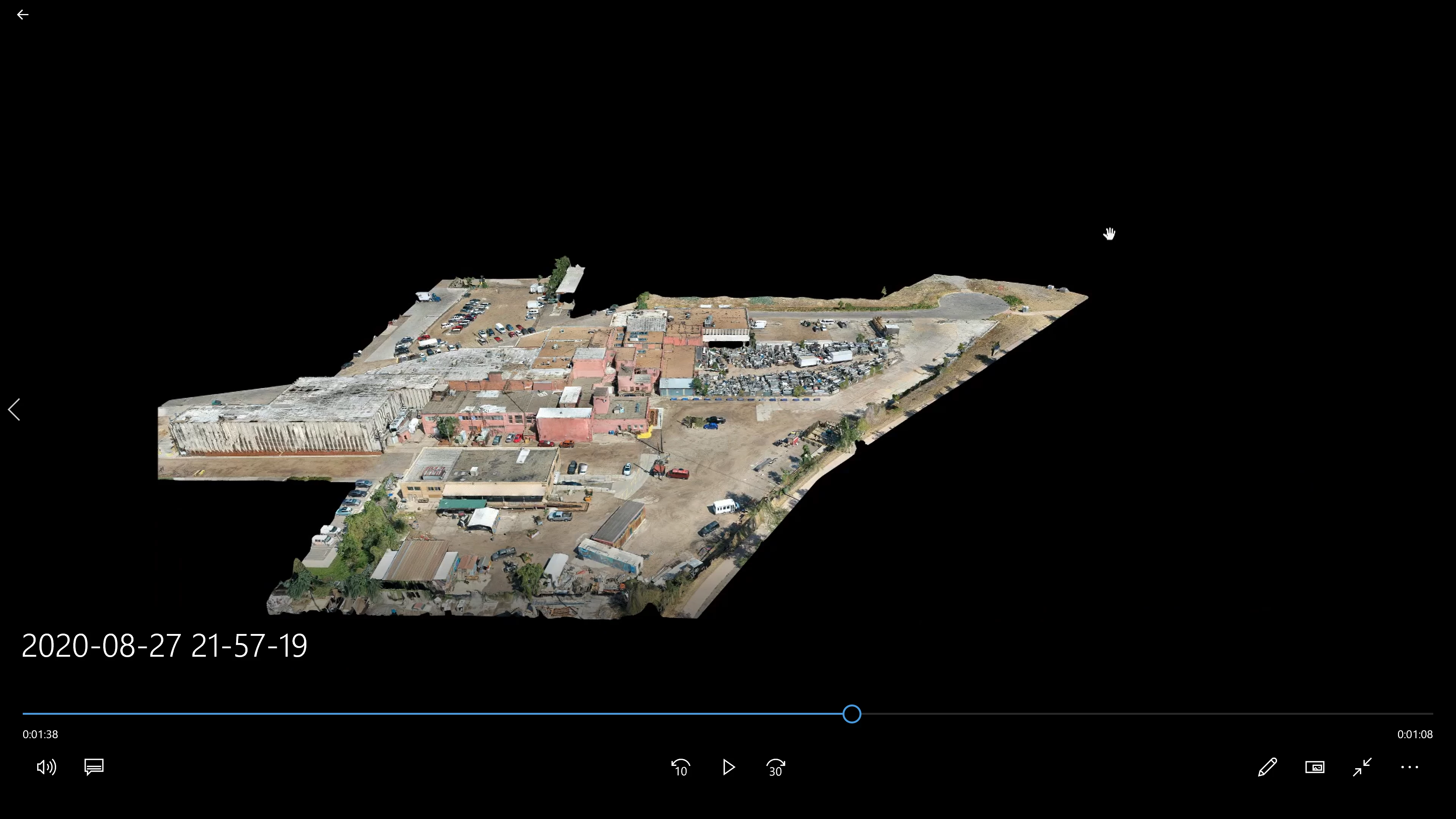
4. What the model looks like if I use a different program.


I dont know what I'm not doing, but render preview doesnt change my view.  I have no clue how to apply the texture map files to the model, but I notice when I click somewhere in the model, different materials become highlighted in the materials panel on the right side of Dimension.  That tells me the materials are there in some way... but I dont know what's going on.

Anybody able to help me work with this file in Dimension?  Is this possible or do i have to go outside of CC to do anything with this model?

This topic has been closed for replies.

2 replies

Ares Hovhannesyan
Community Expert
Community Expert
September 5, 2020

What is your main goal with this file? Was this file created in other 3d program, or you download it?

C Maxwell
C MaxwellAuthor
Participant
September 5, 2020

I used my drone to map the property and am now editing the model in various programs to remove vehicles that didnt map well (movement) or parts of the property that were too small to read from the drone (powerlines).

Ussnorway7605025
Legend
September 5, 2020

yes think of it like an xray or Stl image


those images of yours will need to be converted into one of the standards... Png would be what I would use