


kaylam15421056
Participant
October 20, 2017
Answered

Render and Render preview not working.

  • October 20, 2017
  • 2 replies
  • 1782 views

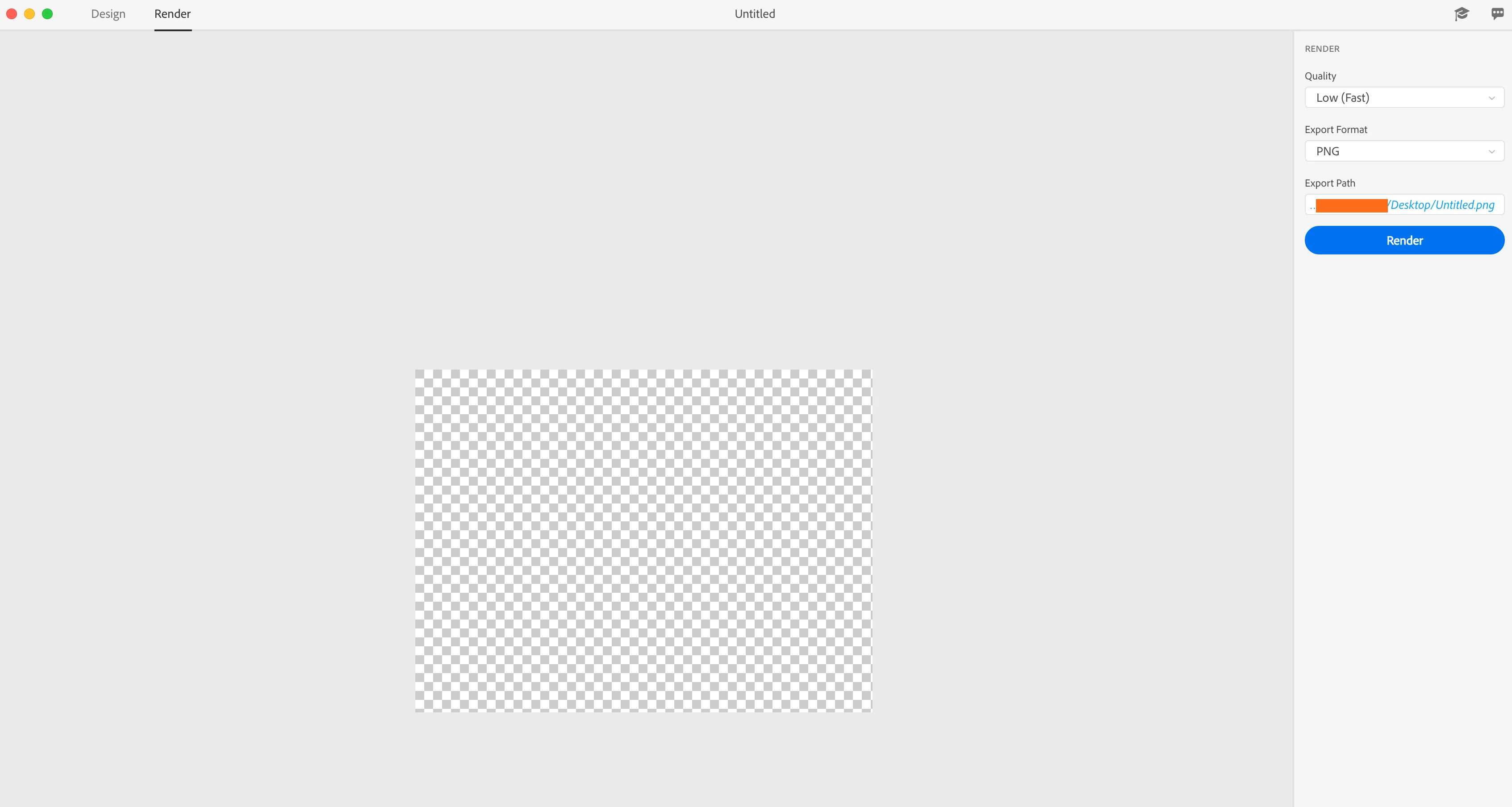
I'm not getting any response when I try to render preview my project, it's just blank. Also when I try to actually render a final nothing happens. I just did a simple box with a texture on it to see how it looked since I've just downloaded the program, but this is all I get when I hit render. (see pic)
This topic has been closed for replies.
Correct answer JeanetteMathews

Hi Kayla, any chance you have another application with Vray installed?  It might be a Project Felix or Dimension beta version, or another application like Maya, 3ds Max etc that use V-Ray.  We think this is a licensing issue where the renderer is not starting up.

Can you also send in your application logs?  You can e-mail to tickets@projectfelix.uservoice.com

Application Logs

DimensionGPUProfiler.log

Dimension.log

Mac:  ~/Library/Logs/Adobe/

2 replies

JeanetteMathews
Adobe Employee
JeanetteMathewsCorrect answer
Adobe Employee
October 24, 2017

Hi Kayla, any chance you have another application with Vray installed?  It might be a Project Felix or Dimension beta version, or another application like Maya, 3ds Max etc that use V-Ray.  We think this is a licensing issue where the renderer is not starting up.

Can you also send in your application logs?  You can e-mail to tickets@projectfelix.uservoice.com

Application Logs

DimensionGPUProfiler.log

Dimension.log

Mac:  ~/Library/Logs/Adobe/

edyksoni52581426
Participant
January 11, 2018

hello , I just this query and only 2 answers .....  I experience the very same problem..... when you say : " We think this is a licensing issue where the renderer is not starting up." plz can you clarify if u don't mind what u mean exactly

JeanetteMathews
Adobe Employee
Adobe Employee
January 11, 2018

V-Ray is a rendering engine created by ChaosGroup.  Adobe has partnered with them to provide the V-Ray renderer in our application, but it has to sort of 'verify' the license at startup.  For some users they are having an issue connecting and getting that verification.  We've found some people can resolve by restarting their computer.  Unfortunately I can't confirm if it's the same issue without your logs, so please follow instructions and e-mail above to provide your application logs.

parthvyas22111
Community Manager
Community Manager
October 20, 2017

Hi

Thank you for posting query on forums.

I request you to please provide information about the GPU. It could be due to some fault due to OpenGL.

kaylam15421056
Participant
October 20, 2017