


Participant
April 19, 2023
Question

Trying to create a SpotUV and matte texture. Can it be done in Dimension?

  • April 19, 2023
  • 3 replies
  • 1791 views

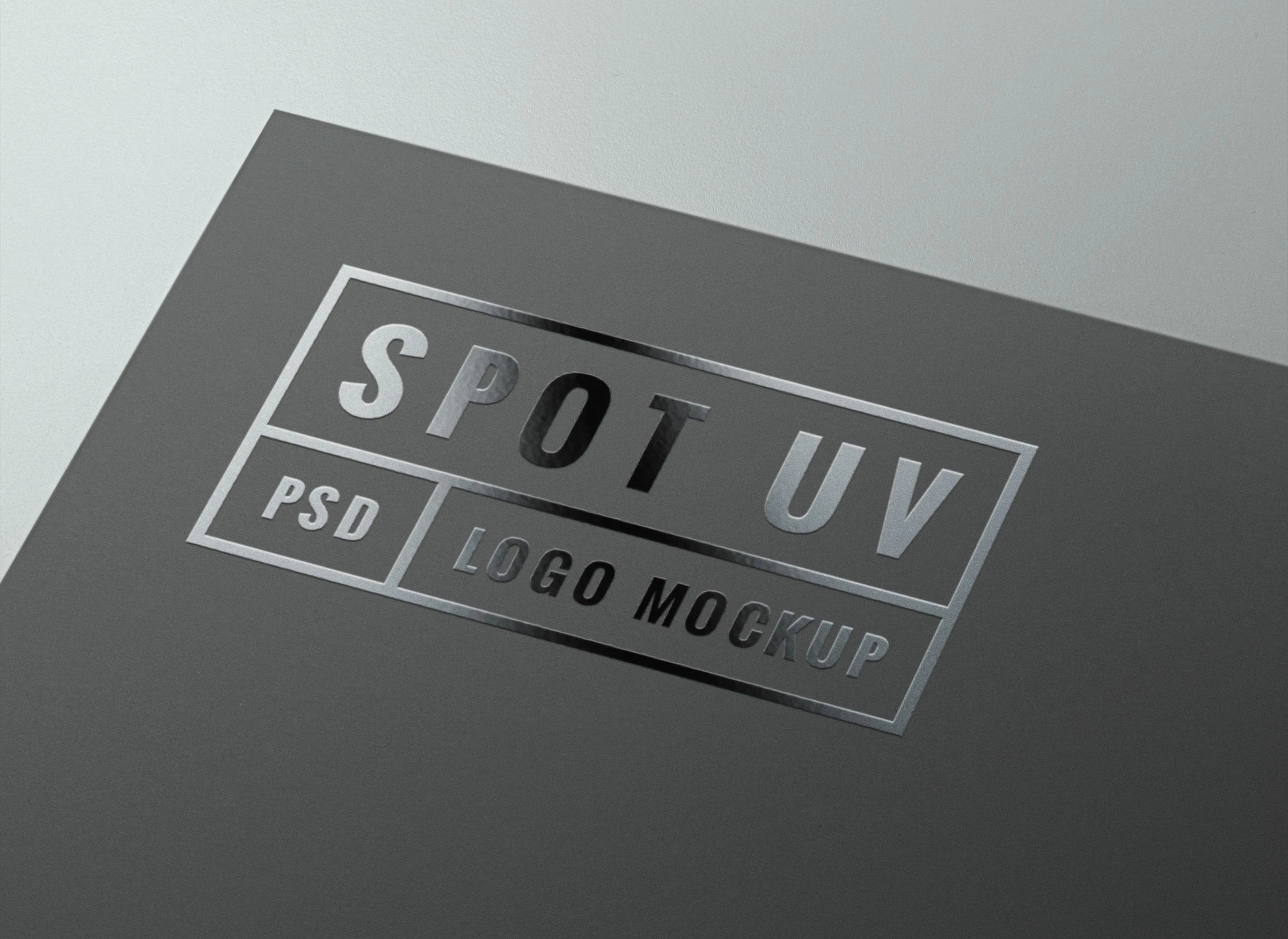
I am trying to create a dual texture on a single surface. Its a product bottle rendering. The label is Matte with Spot uv. So some is matte and there are shiny features. Something like this. Anyone have a solution? Can it be done in Dimension/PS.
This topic has been closed for replies.

3 replies

Inspiring
May 16, 2023

You'll need to export the spot UV graphic as a separate layer and overlay it on top of the non-UV graphic. Then you can reduce the roughness to 0% or add metallic if you need extra shine.

Inspiring
May 16, 2023

Export as PNG files**

Ares Hovhannesyan
Community Expert
Community Expert
April 20, 2023

Try to create material in Adobe Substance 3d Sampler and import into Dimension or use Adobe Substance 3d Painter. In Painter it will possible to do.

Participant
May 6, 2023

How would you perform this in Painter? 1 texture is no problem but the spot UV I cant seem to work around. This is what Im trying replicate.

Ares Hovhannesyan
Community Expert
Community Expert
May 8, 2023

Creating Spot UV in Adobe Substance 3d Painter

- Spot UV is a technique that adds a glossy finish to specific areas of a 3d model, such as logos, text, or details.
- To create spot UV in Adobe Substance 3d Painter, you need to use a mask and a material that has high specular and glossiness values.
- Here are the steps to create spot UV in Adobe Substance 3d Painter:

- Create a new fill layer and name it "Spot UV".
- In the properties panel, set the base color to black, the metallic to 0, and the roughness to 0. This will make the layer shiny and reflective.
- In the layer stack, drag the "Spot UV" layer above the base layer of your model.
- Add a black mask to the "Spot UV" layer by right-clicking on it and selecting "Add black mask".
- In the toolbar, select the paint tool and choose a white color. You can also adjust the brush size, opacity, and hardness as needed.
- Paint over the areas of your model where you want to apply spot UV. You can use the symmetry and lazy mouse options to help you paint more accurately.
- You can also use other tools such as polygon fill, stencil, or alpha to create more complex shapes for your spot UV mask.
- You can preview your spot UV effect by changing the environment map or rotating the model in the viewport.

Ussnorway7605025
Legend
April 20, 2023

its two surfaces not one and the way its made is with a mesh, bitmap or bumpmap depending on software the model came from

in the past you could make it easy with Photoshop as a bumpmap but Adobe has dropped that 3D tool so I'd make it Sketchup with something like https://extensions.sketchup.com/extension/7b8322ae-f6d1-4727-b5b3-39df098e0c6b/bitmap-to-mesh