

how to make a good bottle in Photoshop for Dimension [my way]
this question keeps coming up so I'm putting my steps down for others to try
step 1; open Photoshop and use the bottle preset template... this makes a correct bottle everytime and is the single best option for most senarios
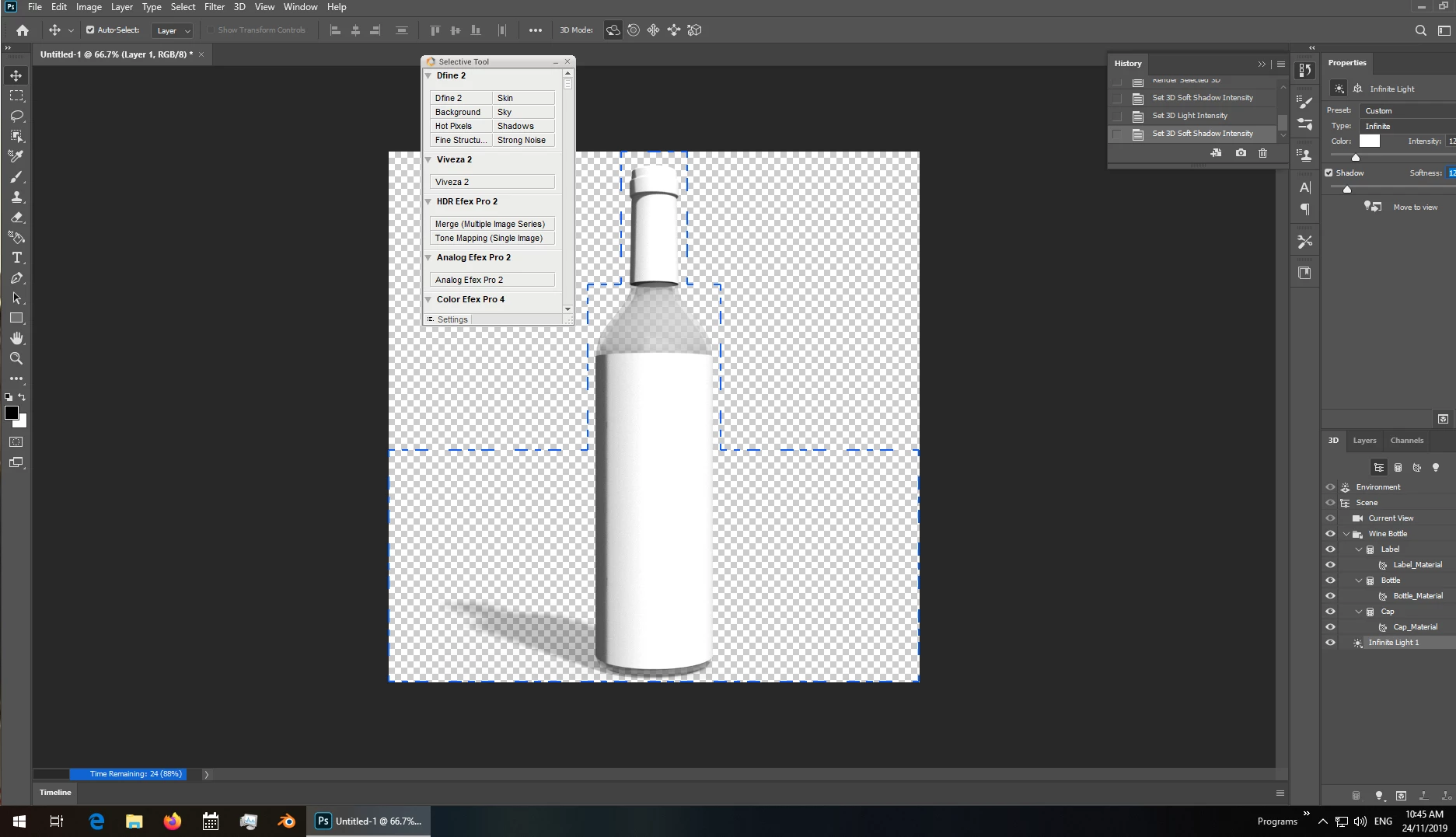
- templates are great but sometimes you need a special shape and this is how i make mine
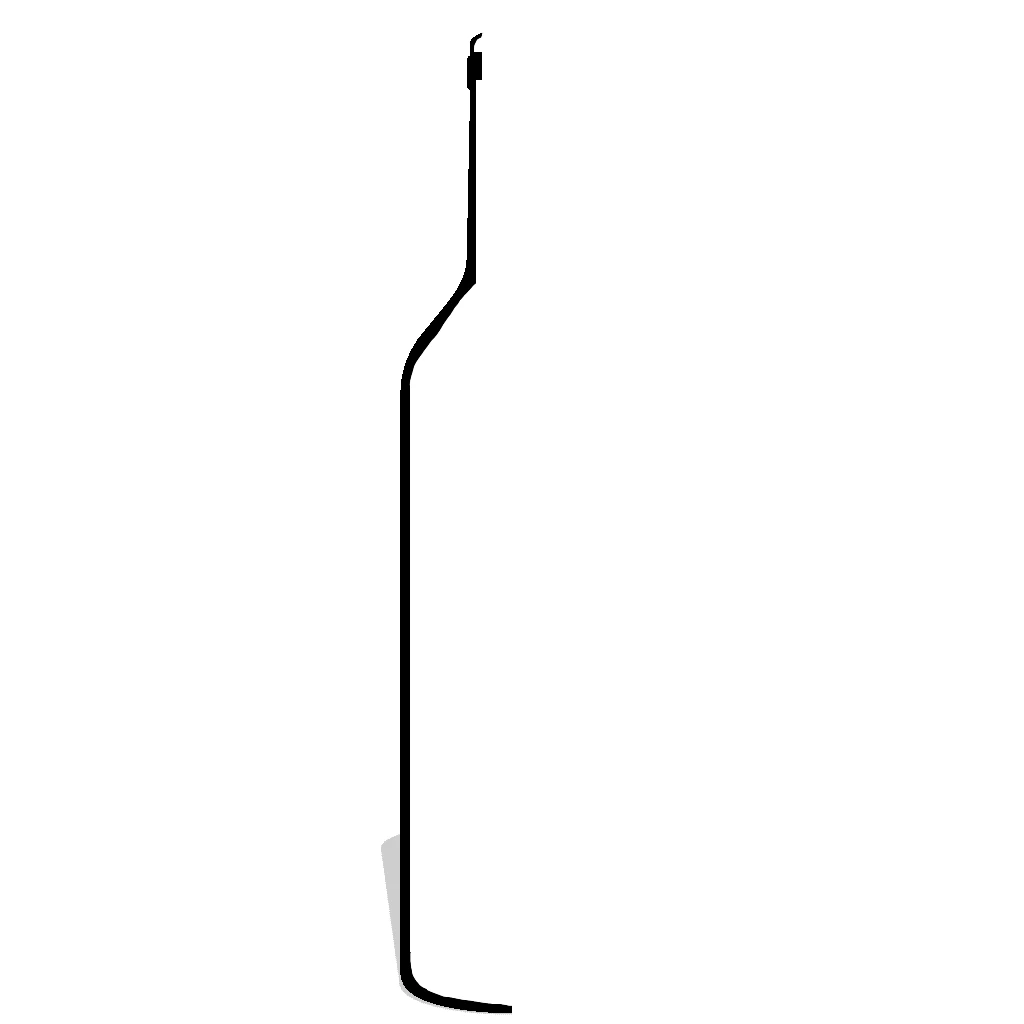
the key points are that it has a hole at the top (because i want this bottle to allow things inside it) and it touches at the bottom (because I don't want things to leak out)... yes 3d objects don't need to follow real world rules but they look better if you do
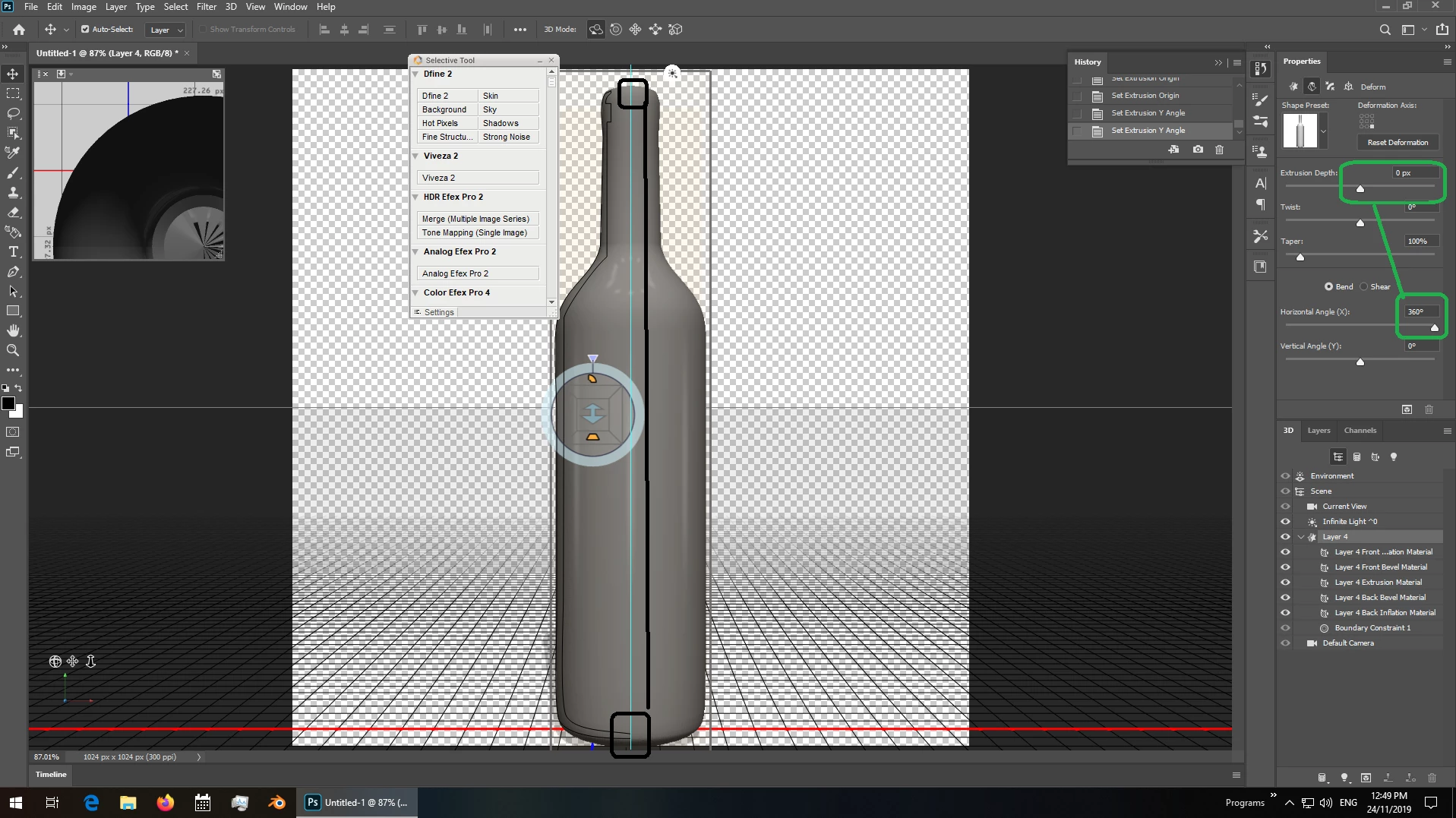
transform = bottom right
extrusion = zero
hoz angle = 360
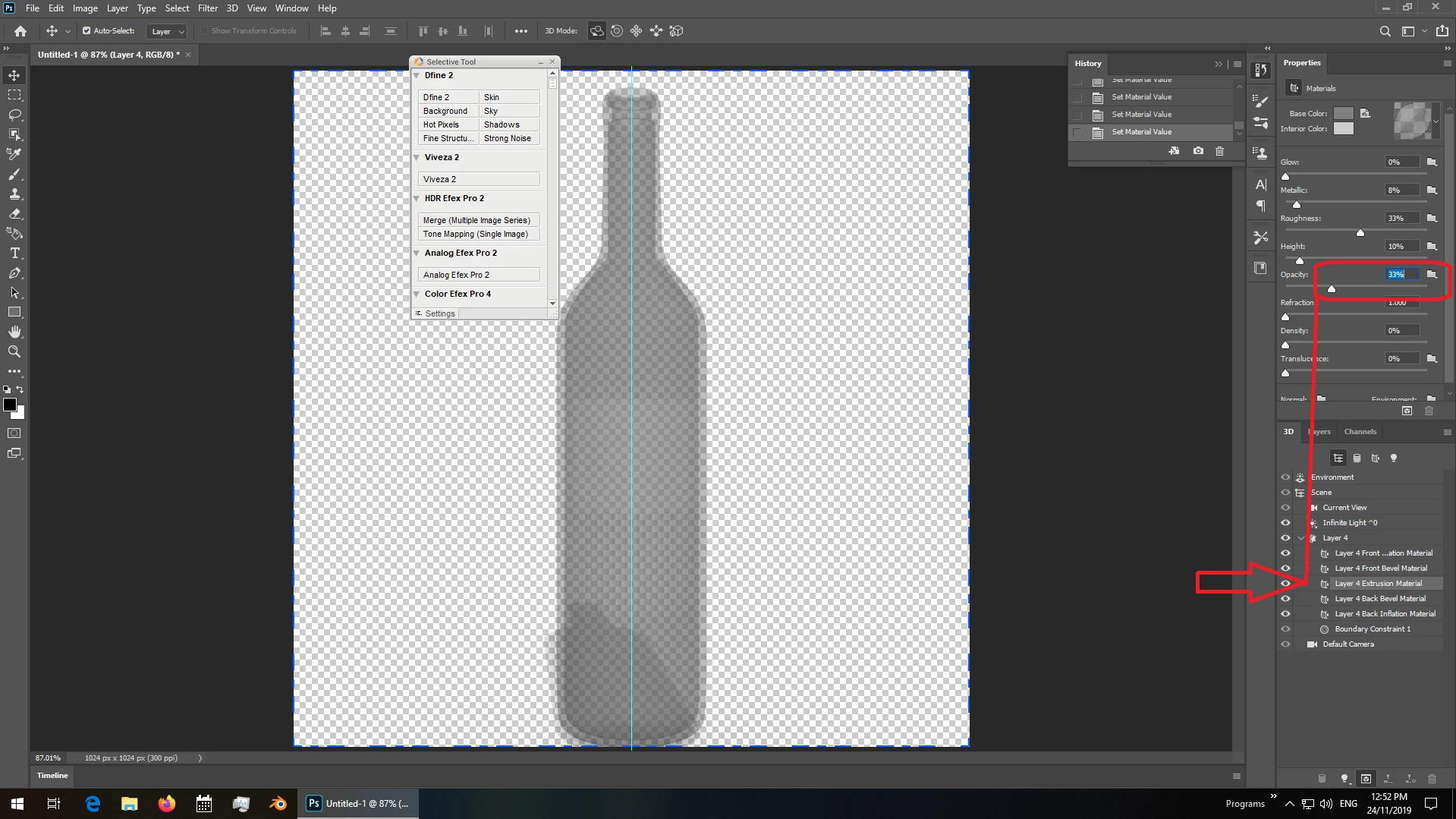
step 2 now that we have a base bottle i set the opacity
extrusion = 33%
all others set to zero
important: always export the model as wavefront Obj with Png textures [not Jpeg]
Dimension work flow
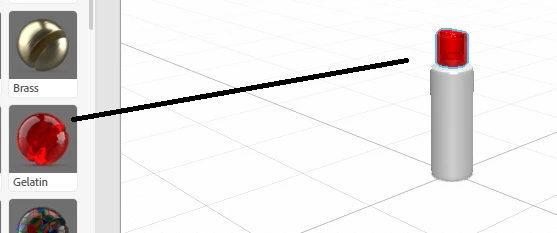
step 3 import the model, pick the background, materials [frosted glass and a top from another model in this example] then do a quick rendor
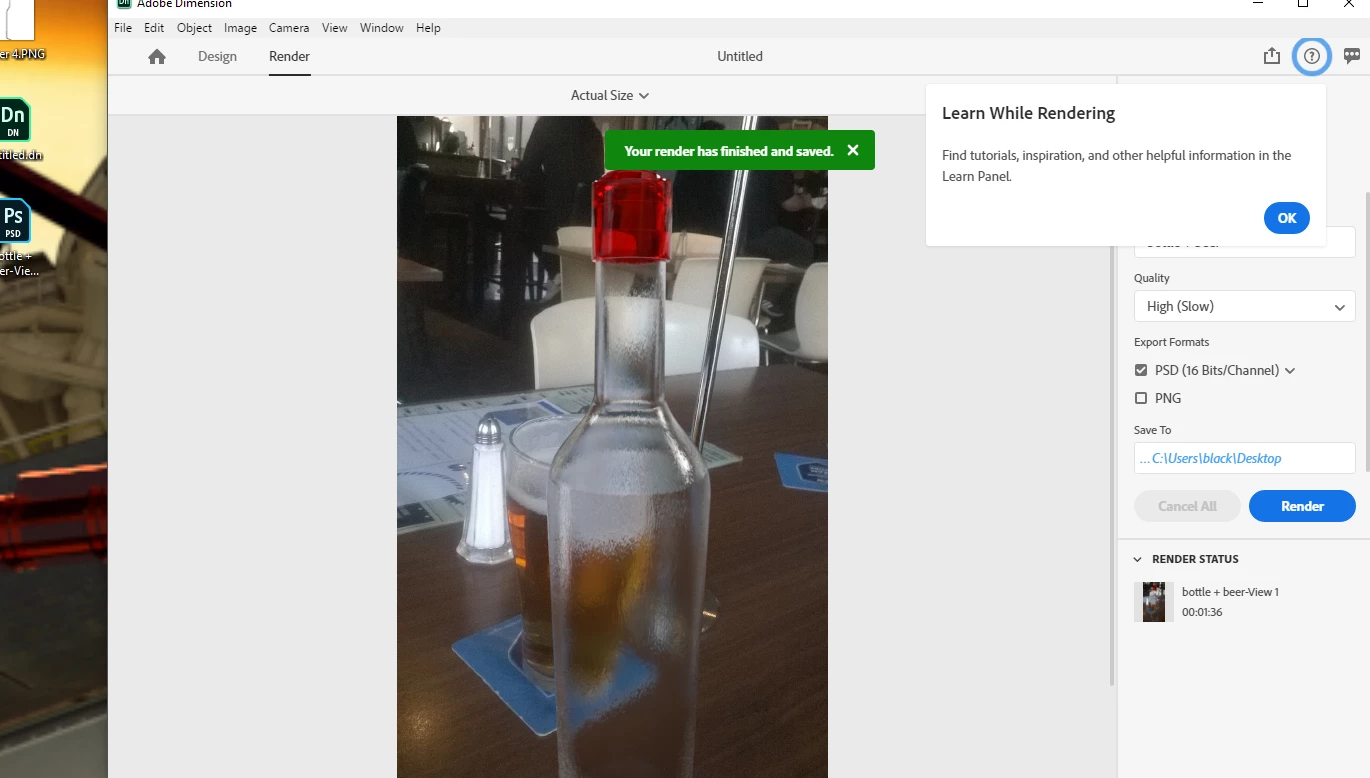
step 4 add the extra beer to the base model
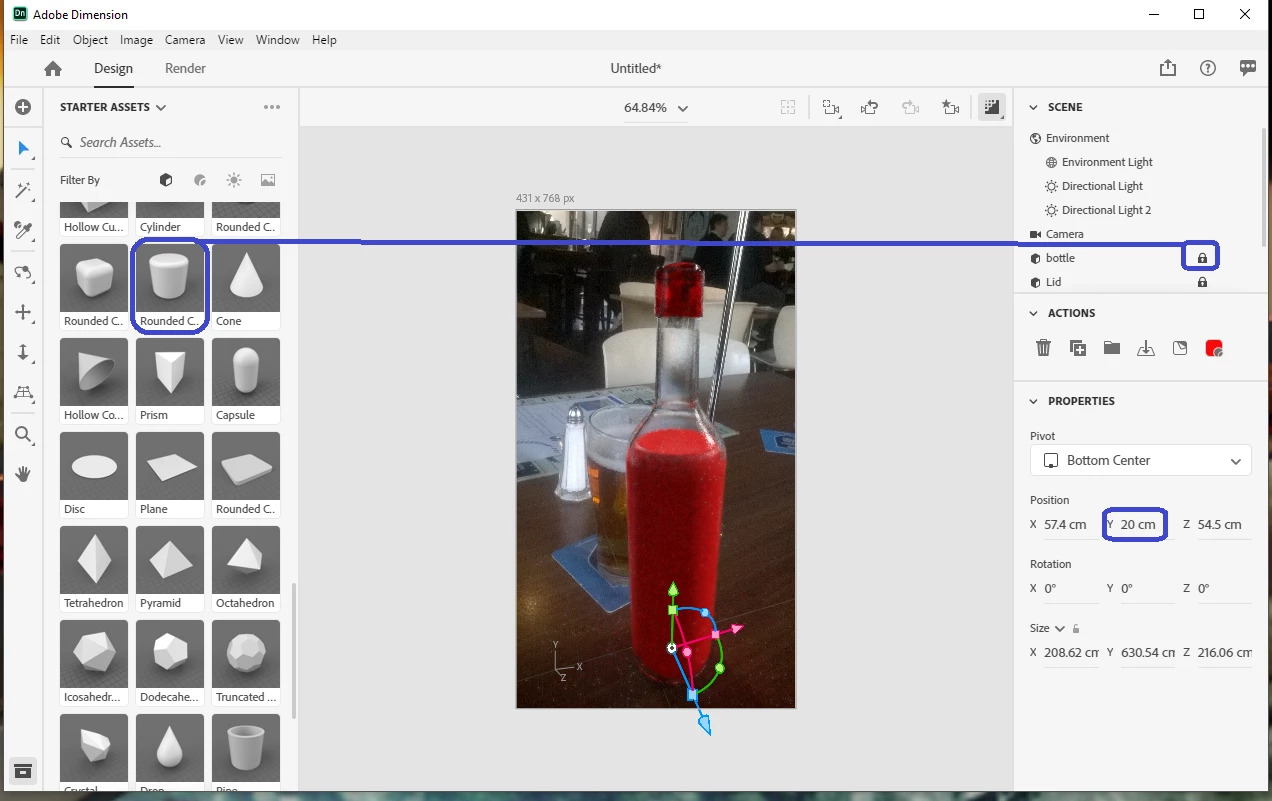
save the scene i.e, view 1... this allows you to move the camera around to fit then jump back to rendor
i always lock the bottle
pick a colour that is easy to see until you have the beer lined up
about 20 cm up from the base is best done with the numbers instead of trying to move it around by hand


 AdChoices