


timothy sh30513815
Participant
October 7, 2022
질문

Access temporarily disabled

  • October 7, 2022
  • 2 답변들
  • 600 조회

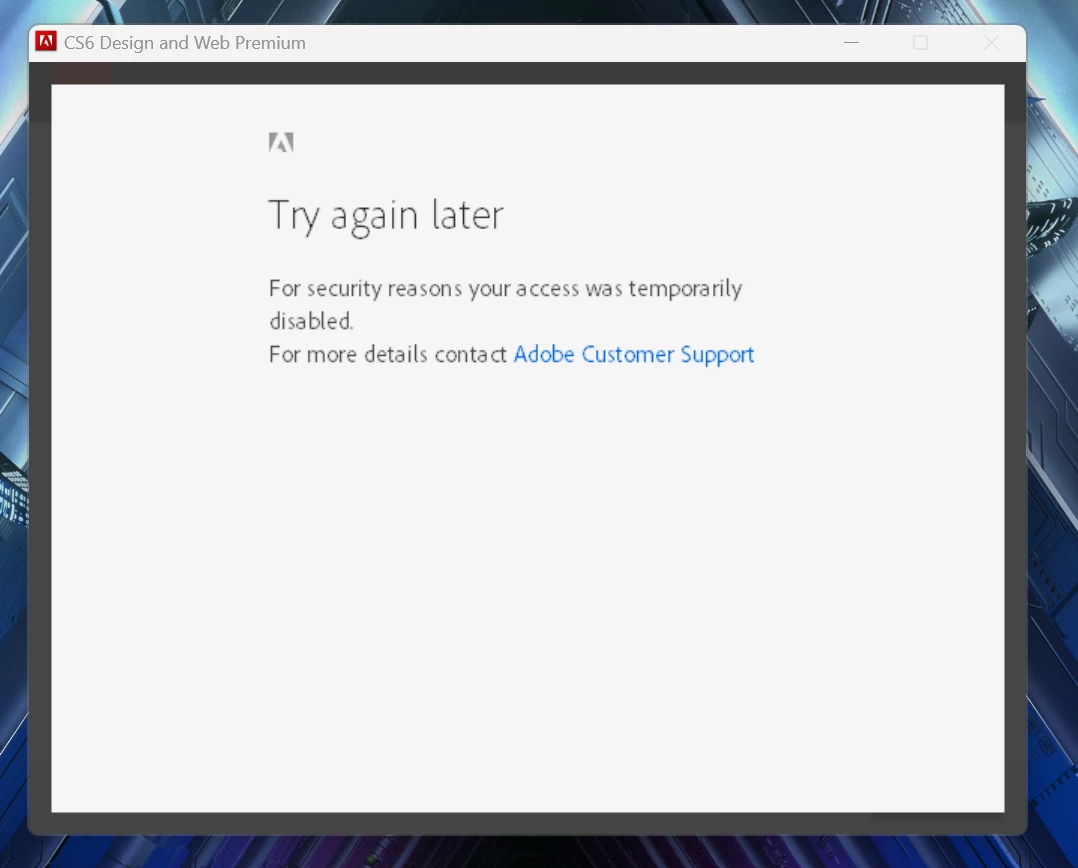
I am tring to install my copy of CS6 Design and Web Premium on a new Windows 11 laptop I installed it fine on my Windows 10 laptop in the past but on 11 I am getting an error of for your security access to your account was temporarily denied. I have an educational licence. I can sign into the website just fine only the program is throwing the error.
 

이 주제는 답변이 닫혔습니다.

2 답변

Community Expert
October 7, 2022

Is this from an enterprise license with your school/university?  All the information I can find on that is linked to enterprise licenses which are controlled by your on-site IT department so you would need to contact them. If you don't know who that is this KB article could help you: https://helpx.adobe.com/enterprise/kb/contact-administrator.html

timothy sh30513815
Participant
October 7, 2022

No it's a personal licence it was bought at uni with educational funds but registered to my private email.

kglad
Community Expert
Community Expert
October 7, 2022

did you previously or do you currently have adobe cc installed on your win 11 computer?

timothy sh30513815
Participant
October 7, 2022

No I don't brand new no Adobe products

kglad
Community Expert
Community Expert
October 8, 2022

Ok I checked the activation issues and it's all clear, went through the common conectivity issues and it is all clear as I am fully connected do not have a firewall or antivirus as of yet and I have tried both my home network and my uni network. I am not sure about how to whitelist the endpoints as I never had to do that anymore so is there a step by step on how to do that?


use a browser that allows popups and cookies and contact adobe support by clicking here, https://helpx.adobe.com/contact.html?rghtup=autoOpen
in the chat field (lower right), type AGENT
be patient, it can take quite a while to reach a human

p.s you can also use phone (but chat is usually quicker), https://helpx.adobe.com/contact/phone.html

p.p.s. you can also use twitter to tweet @AdobeCare

p.p.p.s. if you're contacted by anyone (via email or private message), it's much more likely to be a scammer than an adobe representative. ie, double check for an employee badge if contacted in the forums and look for an adobe.com domain in the email address if you click reply to an email. then check again and be very suspicious. any other method of contacting (or offering to contact you) is almost certainly a scam, https://community.adobe.com/t5/using-the-community-discussions/staying-safe-in-the-adobe-support-community/td-p/12919684/redirect_from_archived_page/true