


Known Participant
January 14, 2019
질문

Not possible to get in to Creative Suite Applications (spinning wheel)

  • January 14, 2019
  • 3 답변들
  • 488 조회

Hello,

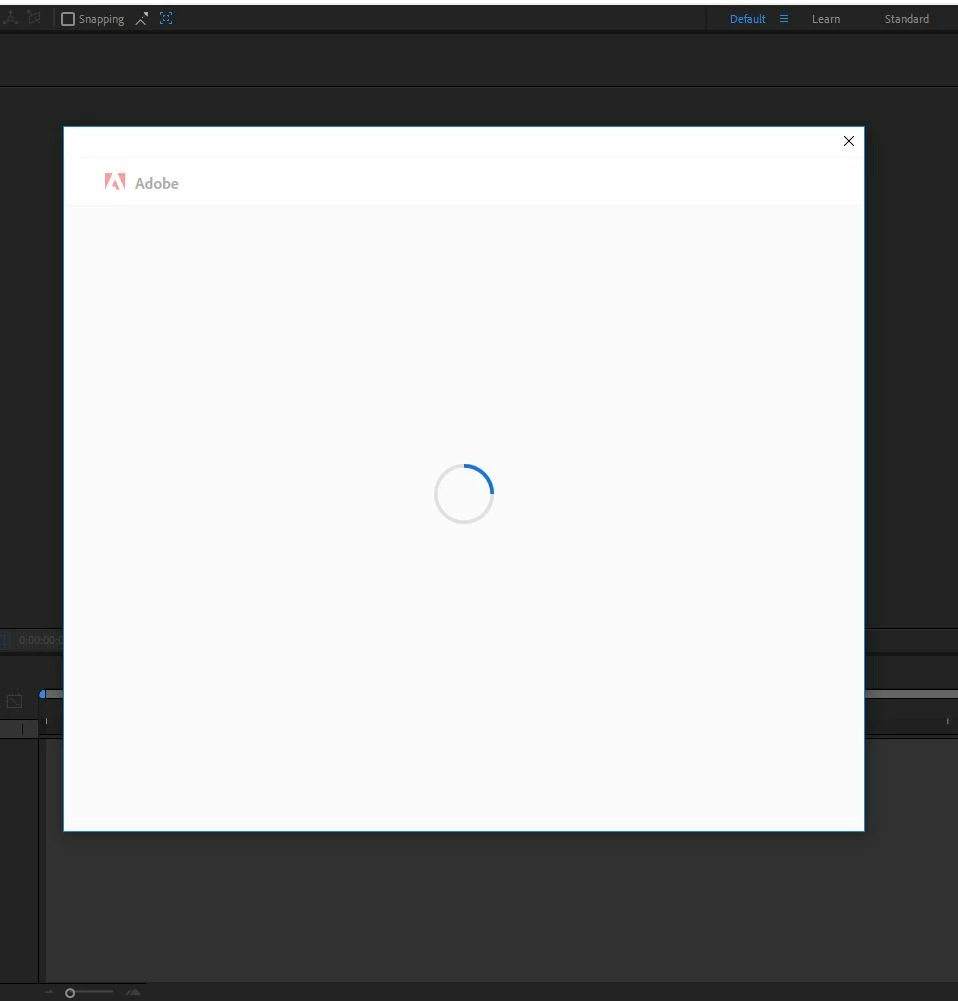
I have a similar or same problem like others. I don't get into my CS applications on my laptop anymore. It looks like this.

When I cancel the window with the wheel the entire application disappears.
I tried everything what I found as advise:

- Deinstalling CC and all CC applications and reinstalling

- Emptying OOBE

- Above as well in combination

- Updating drivers

- Emptying caches of browsers

Now, I don't know what else to do.

I need CC on this laptop, so I really need a solution.

Many thanks.

Best regards

Frank

이 주제는 답변이 닫혔습니다.

3 답변

Participant
January 17, 2019

HI
Are you using a Windows OS or a Macintosh OS ?

franklond909작성자
Known Participant
January 17, 2019

windows

franklond909작성자
Known Participant
January 15, 2019

Thanks for the reply. I followed this thread already earlier and did it again (incl. restarting of the computer), but I have still the same issue. Is it maybe that the most recent Creative Cloud app doesn't work? And if, how can I install an older version?

kglad
Community Expert
Community Expert
January 15, 2019

using a browser that allows popups and cookies,  contact adobe support during pst business hours by clicking here and, when available, click 'chat', http://helpx.adobe.com/x-productkb/global/service-ccm.html

franklond909작성자
Known Participant
January 17, 2019

Hi,

Many thanks for your reply. I actually followed the advise and contacted the adobe support. A friendly colleague went through my computer, did more or less what I did as well and had the same result: Still only the spinning wheel window and no access.

He said he escalated it to his seniors, but I haven't received a response. So, I don't know what to do and I need the Adobe applications  on my laptop..

kglad
Community Expert
Community Expert
January 14, 2019

uninstall everything cc including preferences, https://helpx.adobe.com/creative-cloud/help/uninstall-remove-app.html

then uninstall the cc desktop app, https://helpx.adobe.com/creative-cloud/help/uninstall-creative-cloud-desktop-app.html

clean your computer of cc files per http://www.adobe.com/support/contact/cscleanertool.html

restart your computer (don't skip this)

reinstall the cc desktop app, https://creative.adobe.com/products/creative-cloud.

if you're unable to install the cc desktop app at this stage, use an administrator account (solution 4 here, https://helpx.adobe.com/creative-cloud/kb/creative-cloud-missing-damaged.html)

use the desktop app to install your cc programs/trials