
Why Adobe Creative Cloud download manager is not showing properly the installed applications?
Hello,
I know that this forum has lot of experts, I can admit that I know nothing about what I'll mention here, but I am trying to survive with the Creative Cloud CC download process, please consider this as an apology and appreciation for your time, I would like your kind help regarding the following:
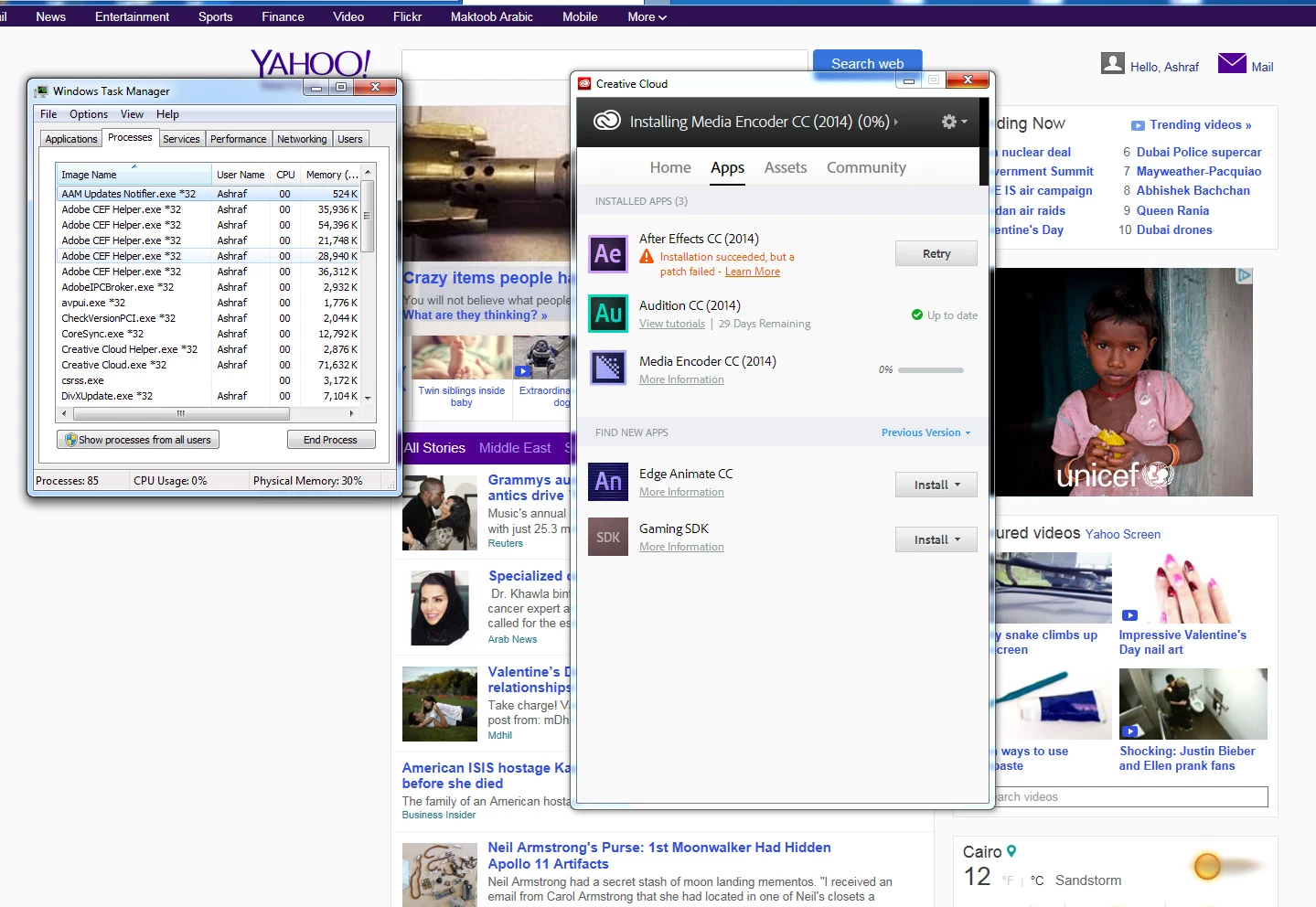
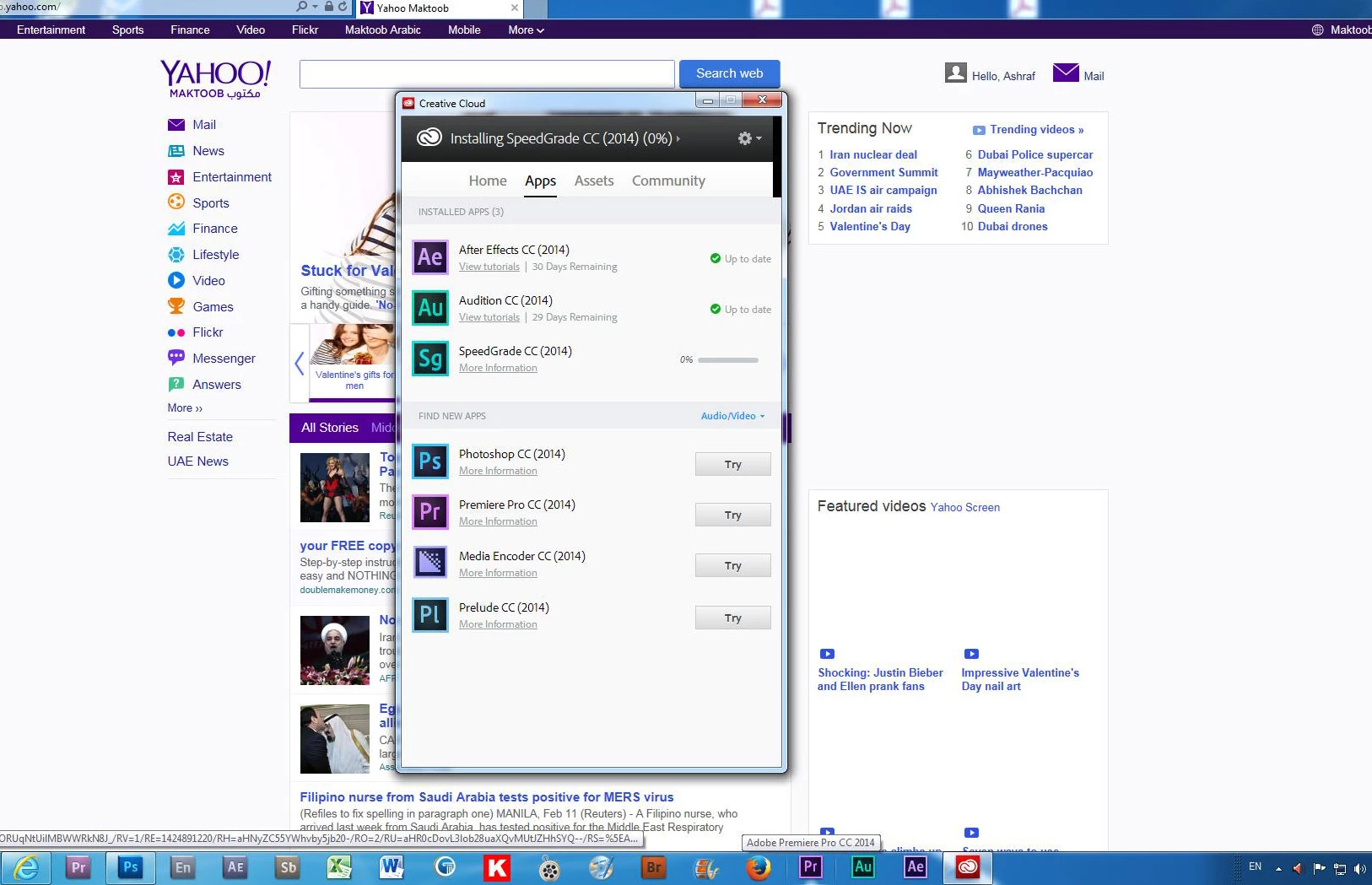
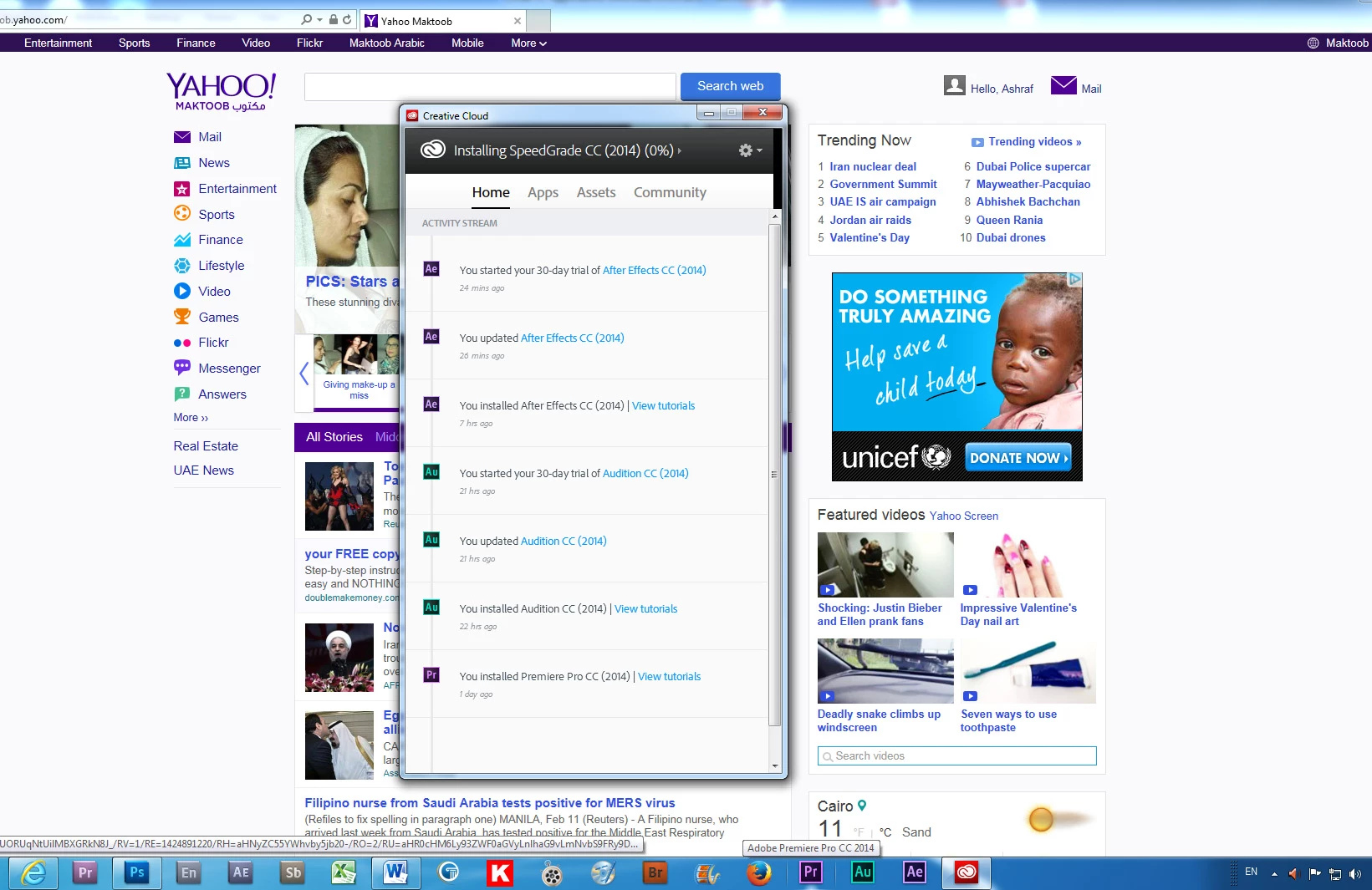
I started yesterday after installing the Creative Cloud download manager to download the PrPro CC (2014), it showed success and I started my trial period for the application, then I downloaded the Audition CC (2014) without problems, followed by AE CC and here the problems started and I couldn't gess the cause until I got help from a member, something which consumed lot of hours, and the reason of the AE download problem was that my Bridge CS5 was affecting the download, so, I had to disable Bridge, and after several attempts I could install the AE CC application and it's update. Now I have another problem, I can't start to use the PrPro CC with confidence (I don't want to lose my current project) since the download manager is not showing the presence of the PrPro CC right, because for some reason the Download manager is showing the (AU CC) and the (AE CC) as the only downloaded applications (which unfortunately, is not true Pls. check the pictures below). I thought at first that maybe the PrPro CC download of yesterday, had some errors and I didn't notice that by the time I was tired following up the download for at least 6 hours with an internet speed of 512 kb, but that came to be untrue as I could start PrPro CC normally and worked with some old CS5 projects with no problem at all. But still I am not confident that the download was successfull unless it shows that on the download manager.Then, I thought maybe I have to quit the download manager and re-sign again to refresh the info but I found a warning message before I quit that all the installed applications would be cancelled from my computer. I would appreciate very much anyone who can enlighten me what did I do wrong, am I missing something? The following are PrintScreens to show you what I mean, pls. notice that the ProPro CC is listed (picture 2) as an apllication which is not installed yet but going to the download manager home (picture 3) you can see the the PrPro is installed????
I have the Windows 7 Ultimate Version and all the pc configuration is right as per Adobe recommendation. Thank you for a prompt reliable response.
 AdChoices