andspence1
Known Participant
February 11, 2019
Answered

Change bars to an anchored frame?

  • February 11, 2019
  • 2 replies
  • 1013 views

FrameMaker 2019 Release, Version 15.0.2.503

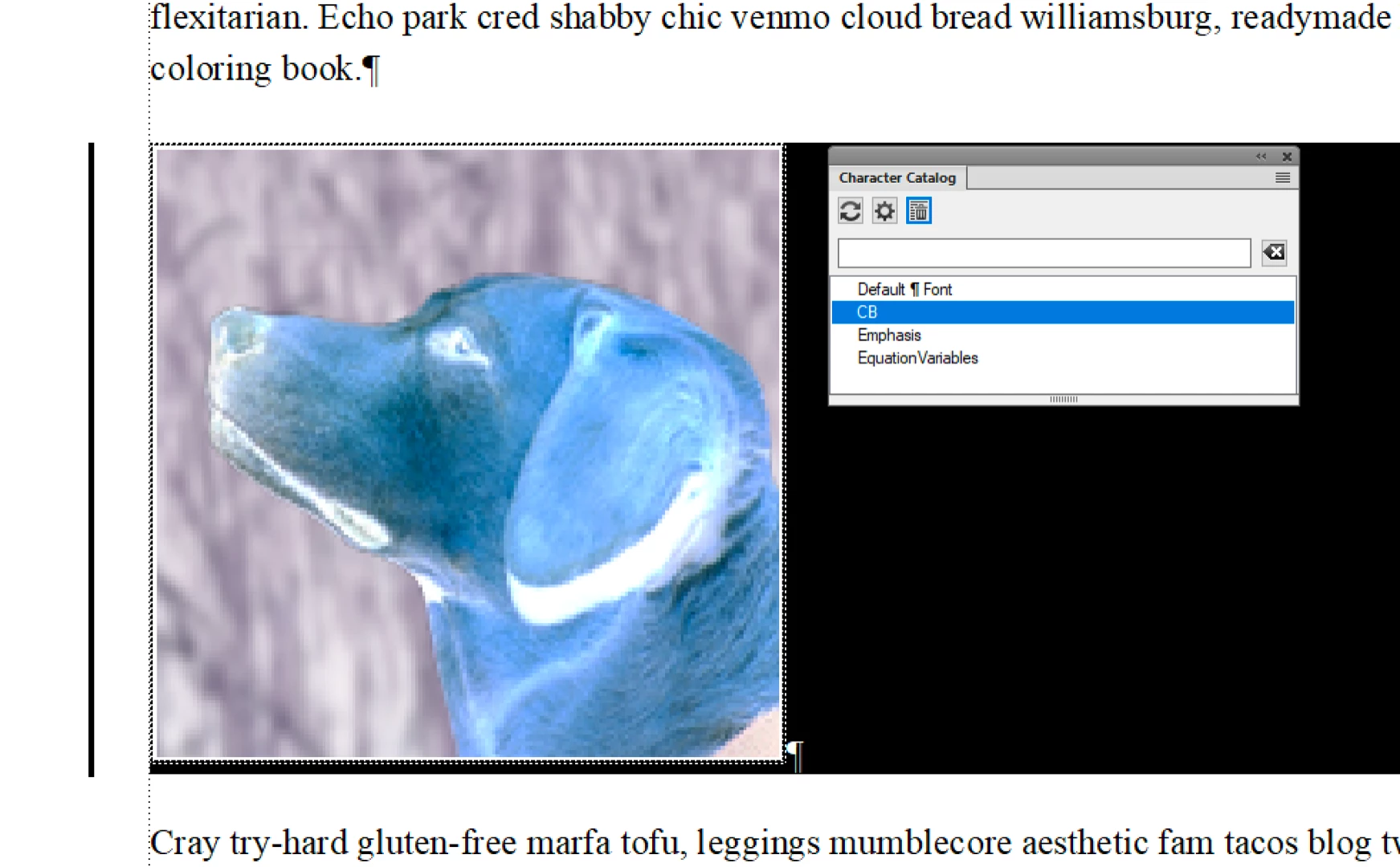
Is there a way to apply change bars to an anchored frame?  I have had some luck if I create empty paragraphs before and after, select both empty paragraphs (and everything in between and then apply a change bar.  But I have inconsistent results, and this seems like a clumsy workaround.  I have been drawing them in manually (gasps).

This topic has been closed for replies.
Correct answer Barb Binder

Hi Andrew:

This isn't perfect, but since you seem flexible on the anchoring, this may work for you:

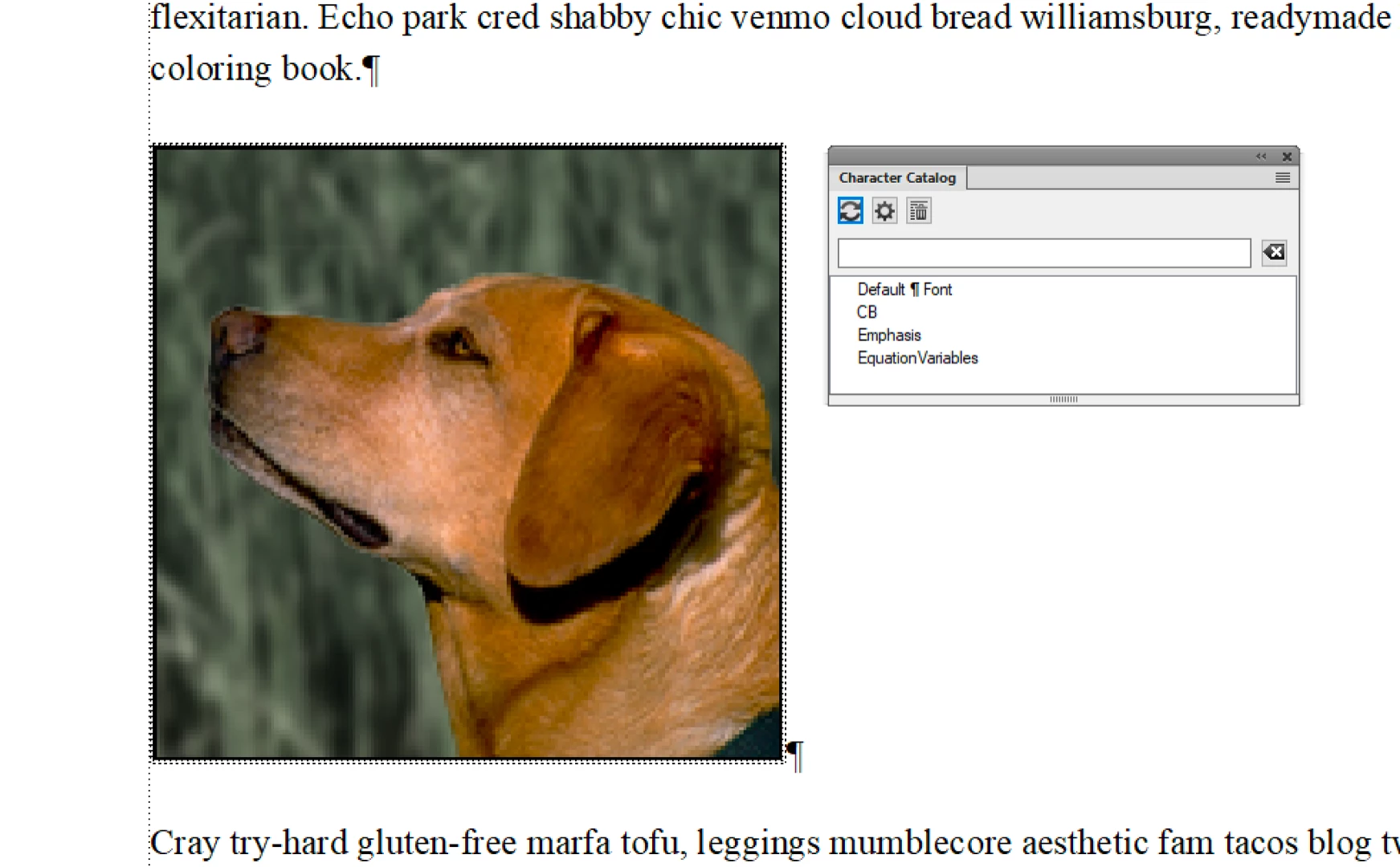
  1. Anchor the frame to its own ¶—define a tag like "anchor" to control the space above, below, alignment and indent.
  2. Set the anchoring position to Anchor at insertion point so that the bottom of the image is aligned with the bottom of the ¶.
  3. Make a character tag, like "CB" for change bars


  4. After an edit to an anchored frame, triple click the ¶ and apply the character tag

~Barb

2 replies

Barb Binder
Barb BinderCorrect answer
Community Expert
February 11, 2019

Hi Andrew:

This isn't perfect, but since you seem flexible on the anchoring, this may work for you:

  1. Anchor the frame to its own ¶—define a tag like "anchor" to control the space above, below, alignment and indent.
  2. Set the anchoring position to Anchor at insertion point so that the bottom of the image is aligned with the bottom of the ¶.
  3. Make a character tag, like "CB" for change bars


  4. After an edit to an anchored frame, triple click the ¶ and apply the character tag

~Barb

~Barb at Rocky Mountain Training
LinSims
Community Expert
February 11, 2019

Putting the anchor in its own paragraph with a special paragraph tag (the one I have is called, oddly enough, A Anchor) and then using At Insertion Point for placement is how I normally handle graphics. I hadn't mentioned that because it's specific to the At Insertion Point type of anchoring and I wasn't certain which he was using.

You don't need to create a character tag, though. When using the At Insertion Point placement in a paragraph that holds only the anchor, you can triple-click to select the whole paragraph and graphic and then press Esc-c-h, or use Format > Style > Change Bar.

LinSims
Community Expert
February 11, 2019

LOL, it's hipster ipsum: https://hipsum.co/​. I'm too old to be a hipster but it still makes me laugh. When I get bored of that one, there are plenty more: 15 Funny Lorem Ipsum Generators to Shake Up Your Design Mockups

~Barb


I don't think I've tried that one. I have used the Swedish Chef one in the past because, seriously, who doesn't love the Swedish Chef?

LinSims
Community Expert
February 11, 2019

I don't believe so. As you've discovered, you'll need to highlight the frame anchor, the entire frame, and the paragraph below. Not only that, but even if you have automatic change bars turned on, they are not applied to anchored frames when they are inserted or changed.