


Chapter Title Text Frame Questions
I have a book with some side heads, and I made a master page with a simple grey background. It works great when the chapter title is short:
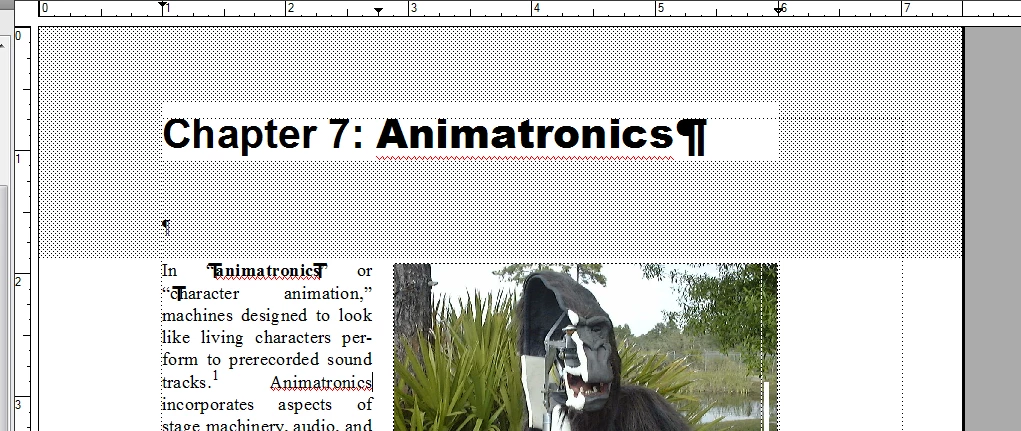
(the grid pattern is a screen capture artifact--on my screen is a solid grey)
I put an empty paragraph in there to scroll down the next body paragraph, and while it's not an elegant solution, it does work.
However, some chapter titles are longer and push things down:
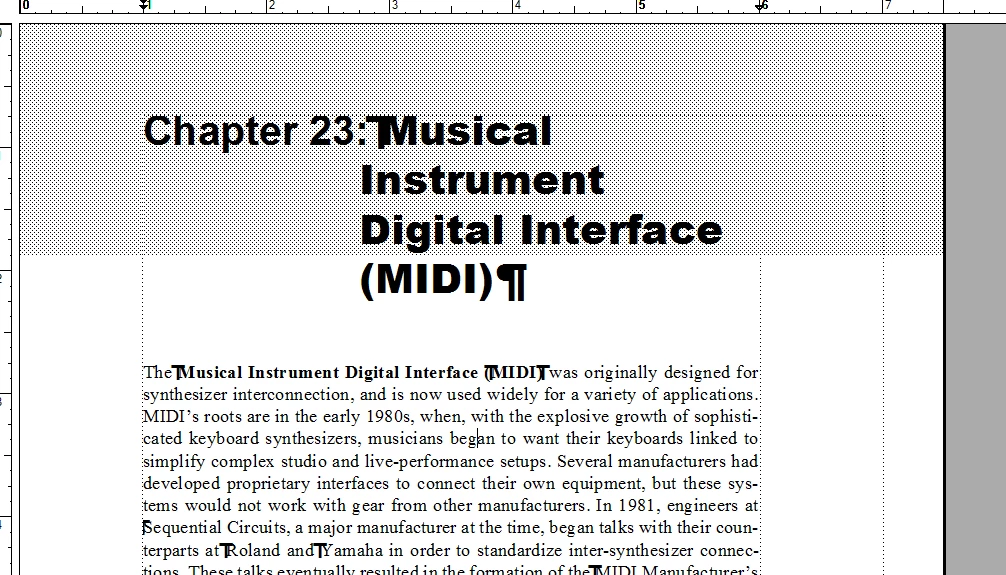
And that pushes down the body text. So, I tried adding a chapter title text frame to the master page:
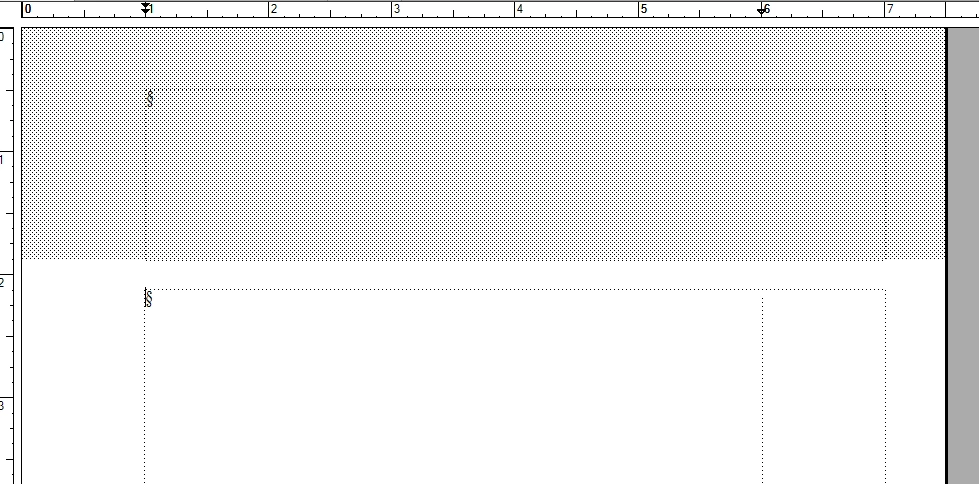
This works great visually, and also gives the chapter title more room since the upper text frame doesn't have side heads:
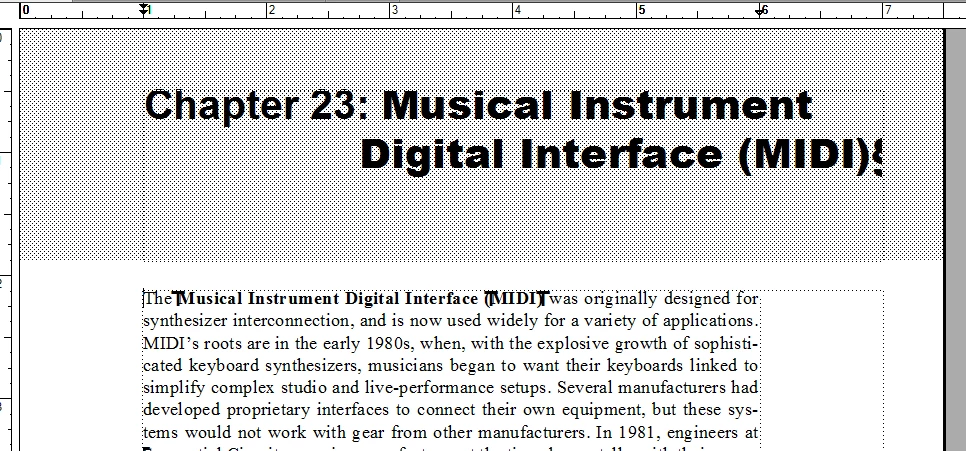
However, now the book files listing seems not to be recognizing the chapter title, and instead is just picking up body text from the document:
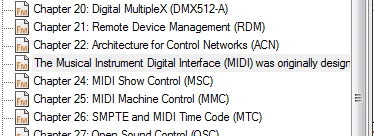
The first text frame has "autoconnect" turned off, and I named that "A" and the main body text frame "B".
Any suggestions as to how to get the book files listing to recognize the chapter title?
Thanks!
John
 AdChoices