


Inspiring
March 12, 2013
Question

FM v11 - Can't delete color definitions

  • March 12, 2013
  • 1 reply
  • 20067 views

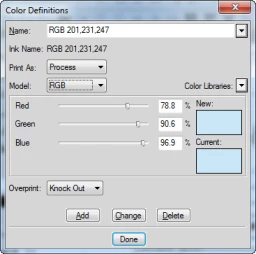
I'm trying to delete a pile of unwanted color definitions, via View > Colors > Definitions. As I recall, one should be able to select a custom color definition, and simply click Delete to remove it from the colors list.

I select a color definition (RGB 201, 231, 247), click Delete,
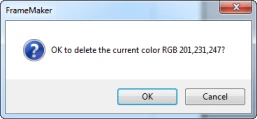
FM asks me to confirm (Ok),
and the color (RGB 201, 231, 247) is still listed as if I never deleted it.
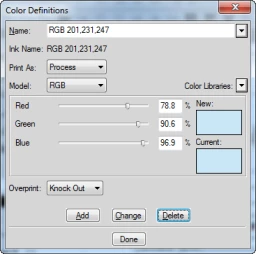
Anyone know what I'm doing wrong?

    This topic has been closed for replies.

    1 reply

    Arnis Gubins
    Inspiring
    March 13, 2013

    It's probably due to an imported graphic that you're using actually having that specific colour - FM keeps adding it back in because it is being used.

    This format of colour naming most often comes in with Indexed colours (usually a PNG or GIF file). It's easier & less frustrating to re-create the graphic and save it as a 24-bit colour image.

    Also, to quickly delete these wayward colour defintions, save the file in MIF format, and then use any text editor to delete these from the <ColorCatalog... section - be careful not to remove the first 16 colours - they're special reserved FM ones.

    LCareyAuthor
    Inspiring
    March 13, 2013

    Thanks Arnis! I would never have suspected indexed graphics to be the culprit, but I do have imported PNGs in this document...good to know!