



Answered
How to "save as PDF" a FrameMaker file with web fonts?
My (2017 release) FrameMaker file contains web fonts (the Font Awesome you can download there: https://fontawesome.com/icons?d=gallery&m=free).
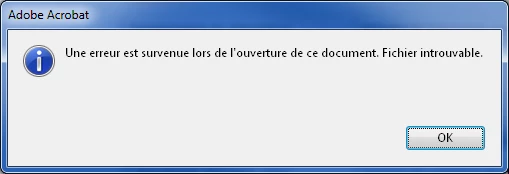
- When I "Save as PDF" my FrameMaker file, I get an error that says: 'An error occurred when opening thie file. File cannot be found'. No PDF file is produced and if I was replacing an existing pdf file, that pdf file is deleted.
- When I use the PDF printer, in the options I uncheck option 'Limit to system fonts, do not use document fonts.' (in French Se limiter aux polices système, ne pas utiliser les polices du document.) and the PDF file is produced. But that pdf file contains no links (I have several cross references). So I cannot send that pdf document to my customers.
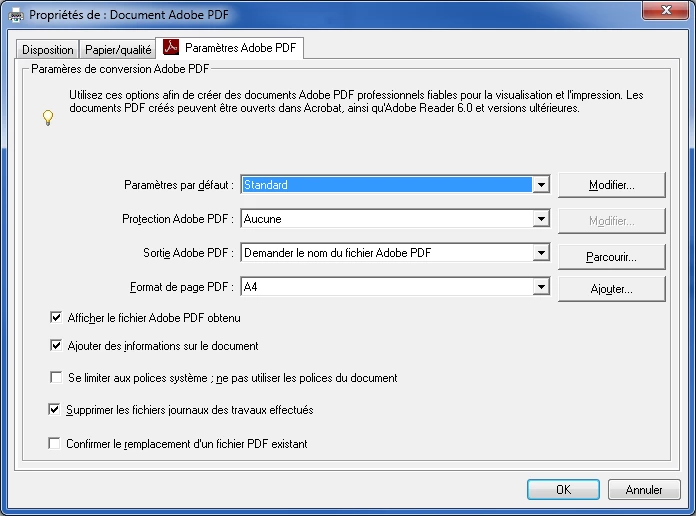
I checked my Acrobat Settings, but I couldn't find any similar font option in the joboptions files.
I hope that you can help me produce a PDF file containing both web fonts and hyperlinks! Thanks
 AdChoices