The character tag is replaced by the text I just copy. |
That sounds like you chose Edit > Copy and not Edit > Copy Special > Character Format.
This will work—I use it all the time. Let's try it again. In this example I want to replace the character format called "Numbers" with the character tag called "Emphasis":
- Assign the new character format (Emphasis) to selected text.
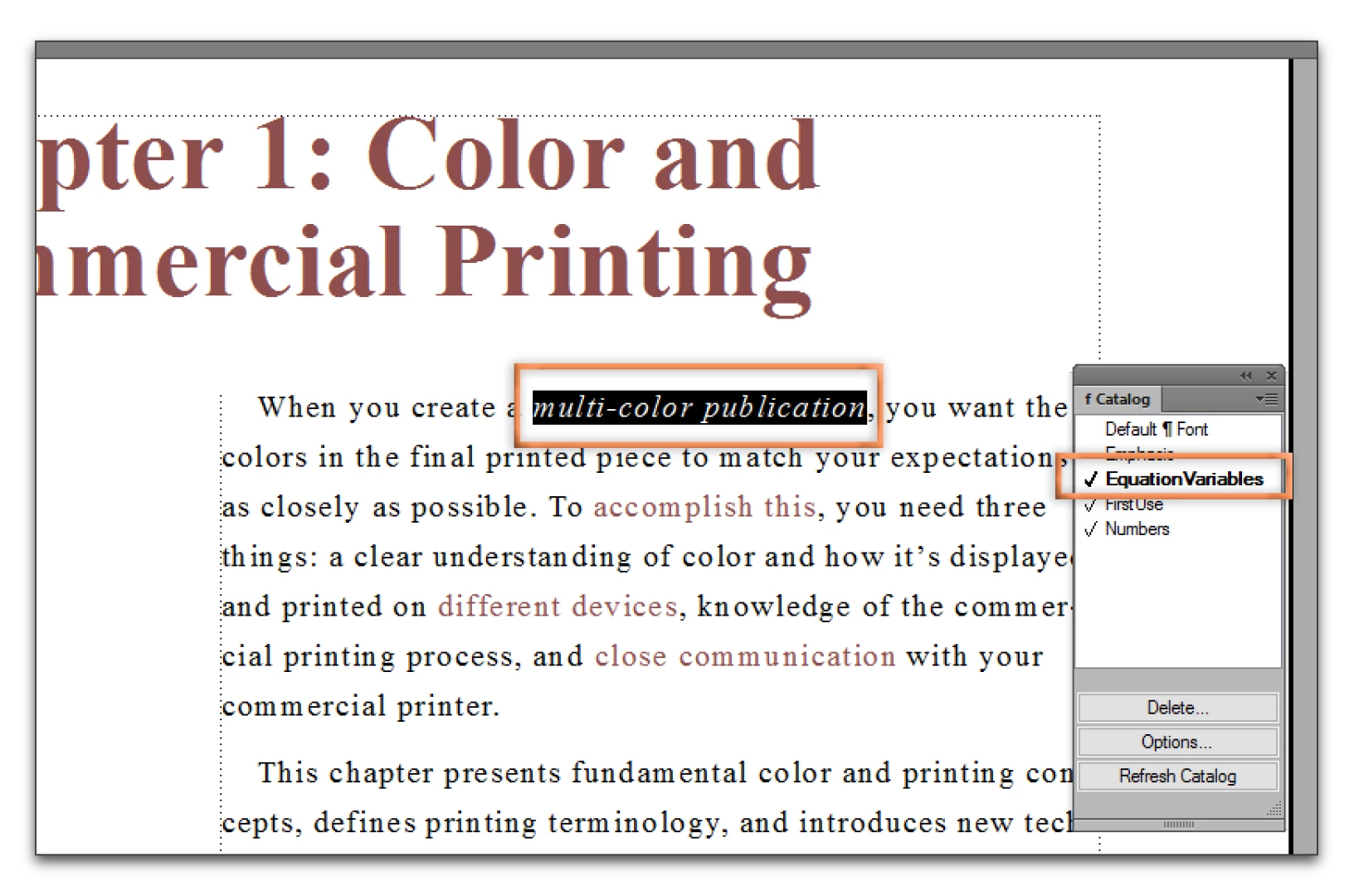
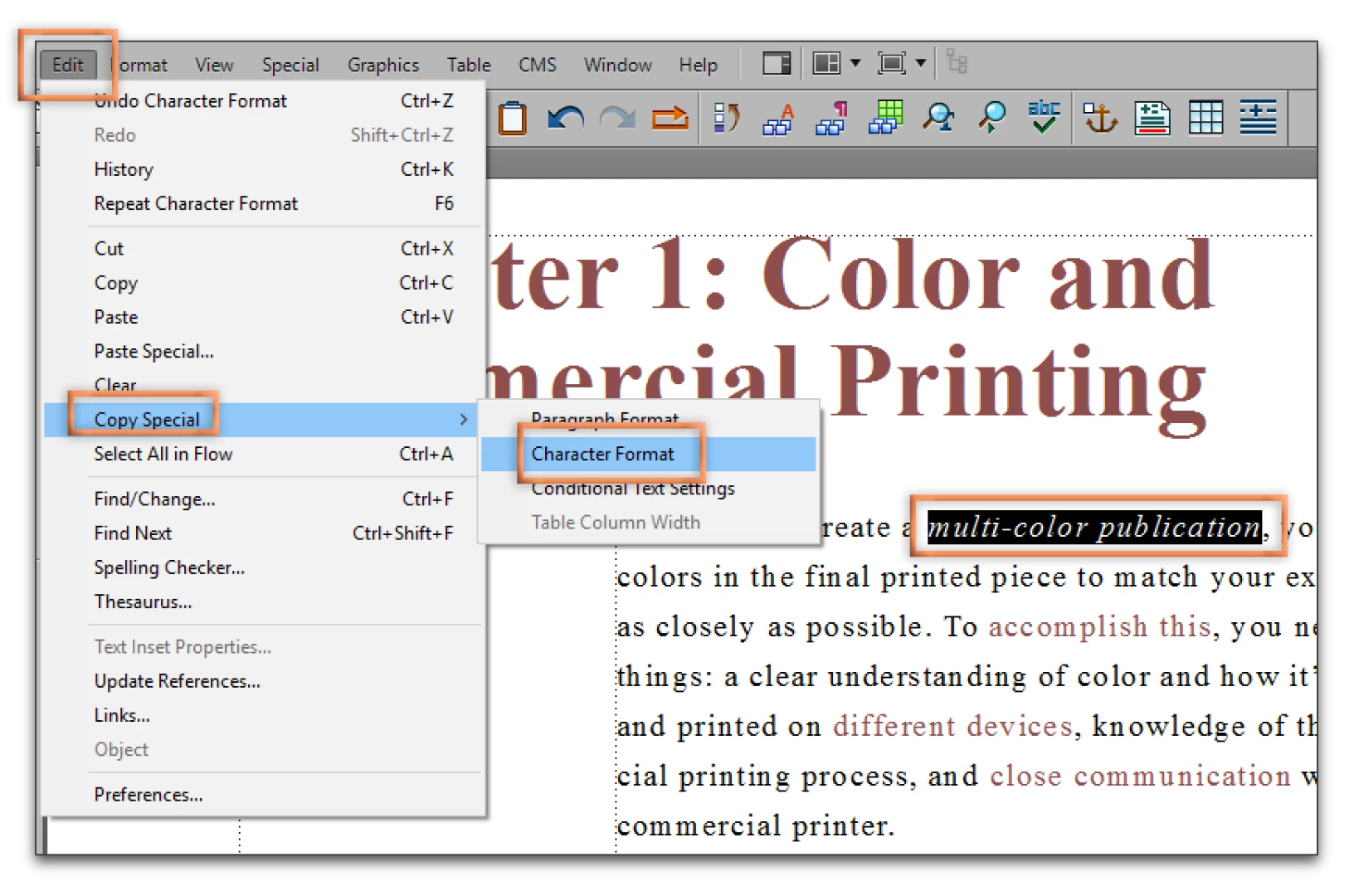
- Keep the same text selected and choose Edit > Copy Special > Character Format. The character format called Emphasis is copied to the clipboard.
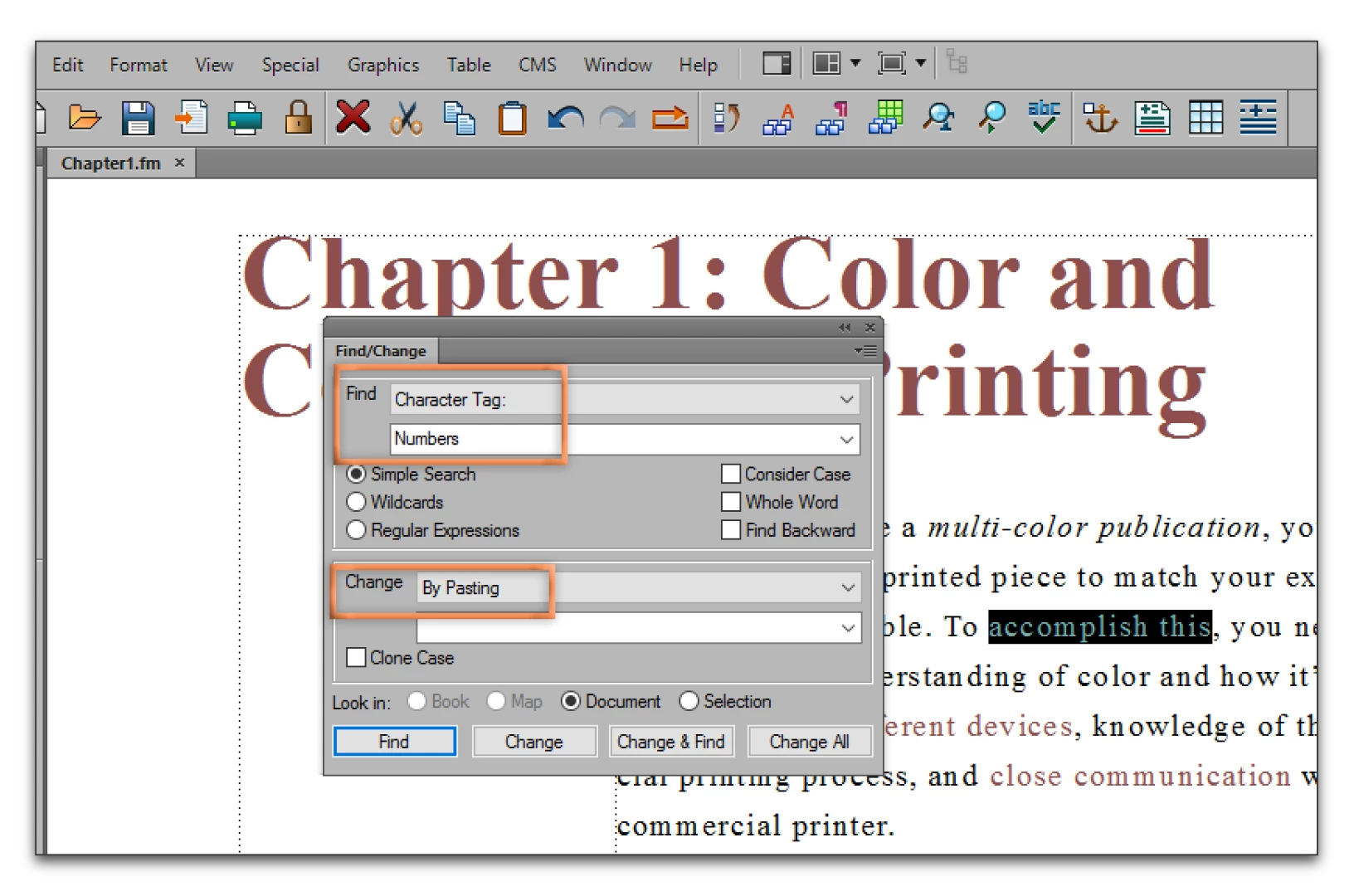
- Edit > Find/Change. Find the new character format "Numbers". Change by pasting. This will remove the format called "Numbers" and replace it with "Emphasis".
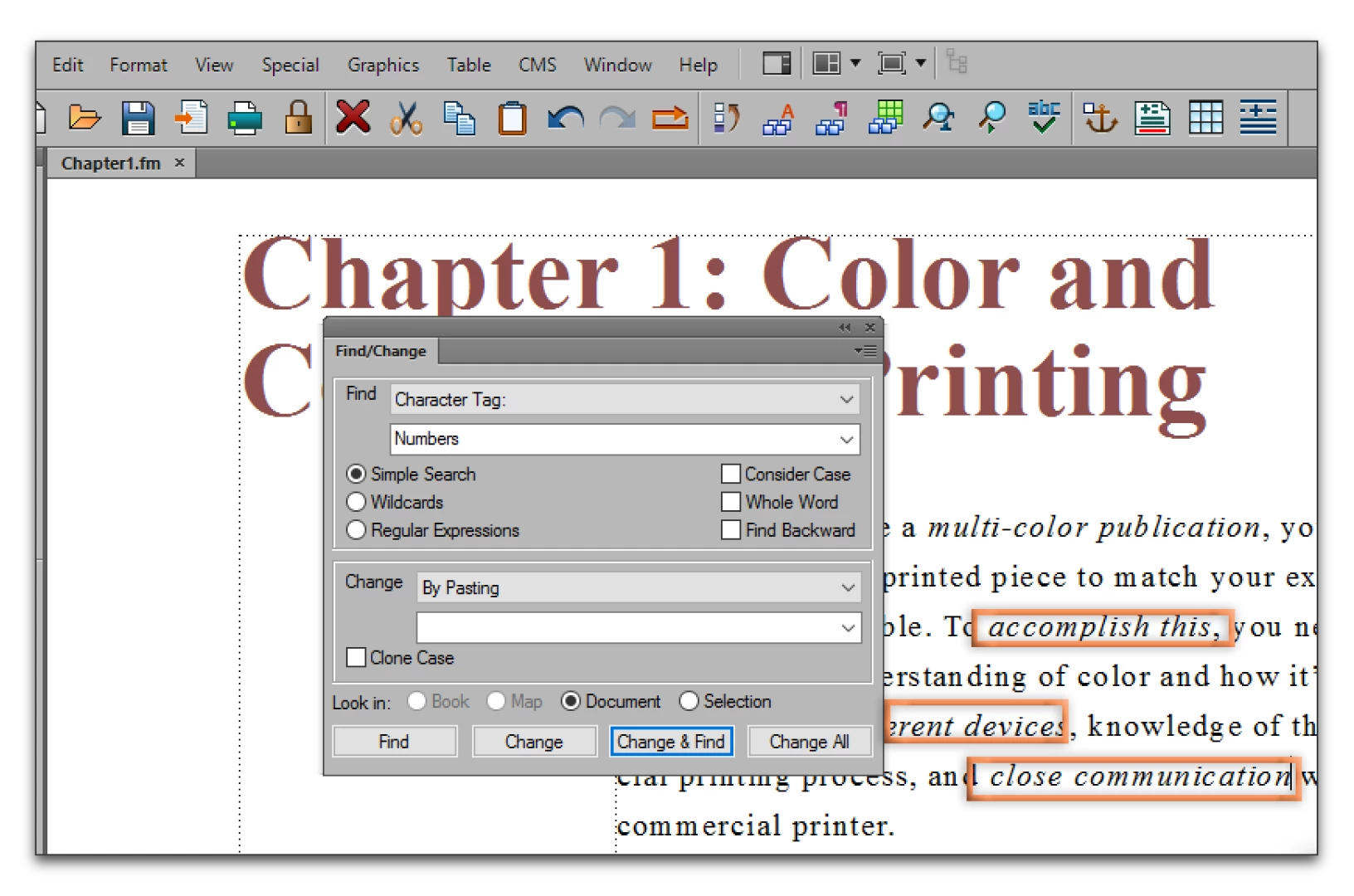
- Change or Change All to replace all occurrences of Numbers with Emphasis.



 AdChoices