

Inspiring
February 14, 2024
Answered

HTML5 Responsive Help - Accessing the CSS used for publishing

  • February 14, 2024
  • 1 reply
  • 4073 views

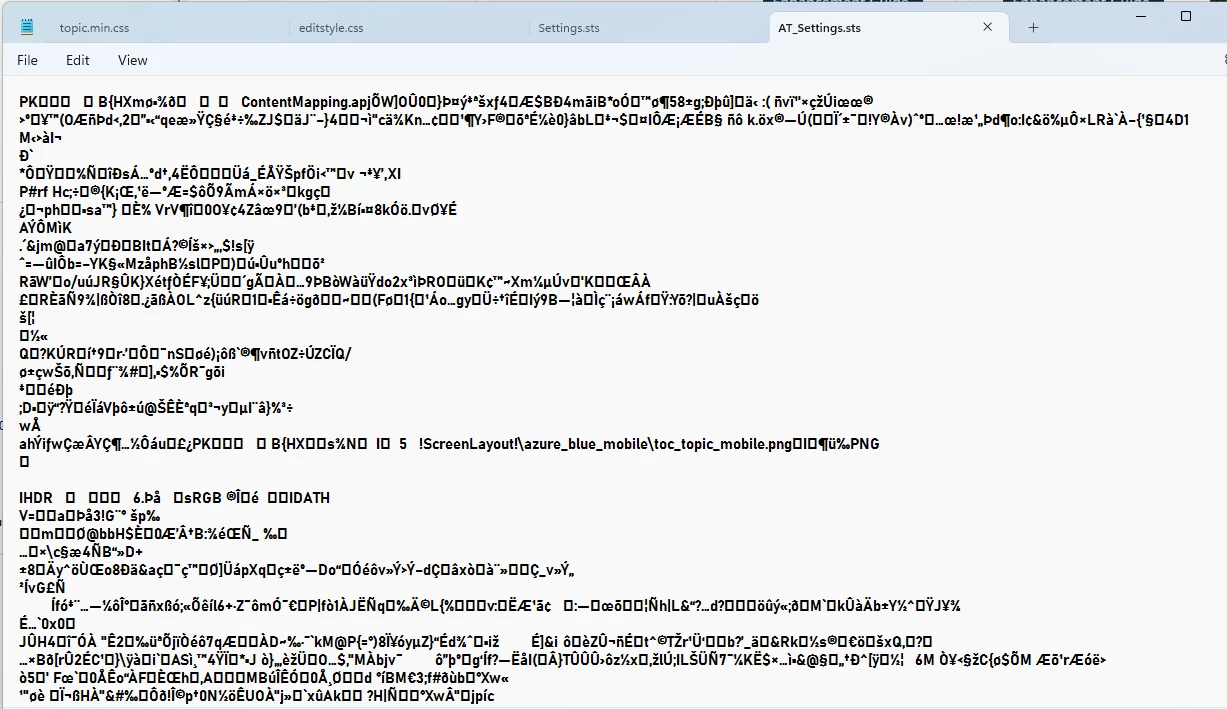
I need to make some modifications to my Help file's sts file, but when I open it in Notepad it isn't readable. Any ideas how to resolve please?:



This topic has been closed for replies.
Correct answer Suzanne354505080jq6

What's the issue...that the topic doesn't display? Check what the bookmark is looking for and what the file name is. I'm betting there is an issue with odd/unexpected characters in the fm filename


It turns out you can't use brackets or dashes in the Headings. As soon as I removed it the topic displayed! You will both be very relieved to hear that the Help file now looks 100% how I want it. Thank you both so much for your patience with me and getting me to this very happy end point 🙂


1 reply

Adobe Expert
February 14, 2024

Hi,

The sts file is just a zip file. Rename the file name extension to zip and then open it.

Best regards, Winfried

Inspiring
February 14, 2024

Hi Winifried

Thank you so much for your suggestion, but unfortunately I couldn't get that to work. 

I compressed the .sts to zip file, but extracting the file did nothing.

Matt-Tech Comm Tools
Adobe Expert
February 21, 2024

Not sure whether to laugh or cry! 
I have now tried both approaches. In the latest attempt I used Matt's heading formats to define Headings 1, 2 & 3 in the rhystylemapping.css and imported that into the project. Re-imported only to have the same result.  When I look at the source HTML it refers to a layout.css. I've opened that and pasted in the styles I want to use, but it still refuses to play ball. 

I really am at a loss what to try/do next!


It sounds like you've moved too many levers at the same time.

The HTML holds the key...not the reference to the stylesheet, but the HTML (in the case of your headings) for the heading itself.

You've spent considerable time on this issue, but you may find that starting over with a new STS and default definitions will help you uniquely format your items, without the layers of CSS formatting that you've applied via default formatting and extra stylesheets, and HTML formatting that's worked its way into your setup.

Once you know more about the mechanics, it should only take about 15 minutes to configure as you like.

-Matt SullivanFrameMaker Course Creator, Author, Trainer, Consultant