


Issue in applying customized FM 11 template as per company branding to existing document
Hi There,
There was a business need to apply customized template as per company branding to existing document.
However, after applying the template, I am facing the below mentioned issue:
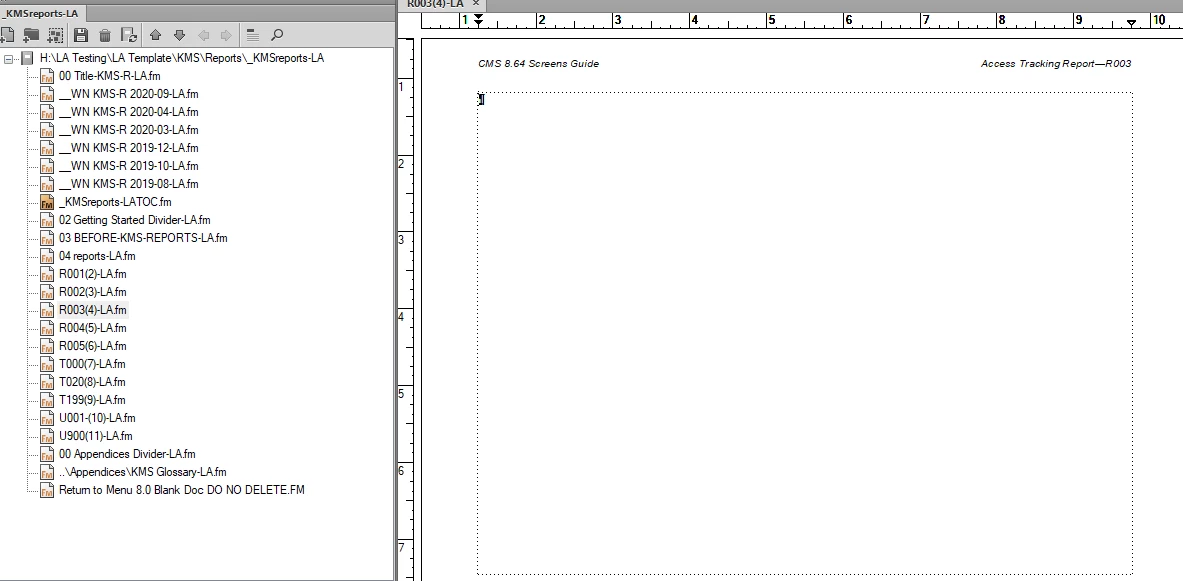
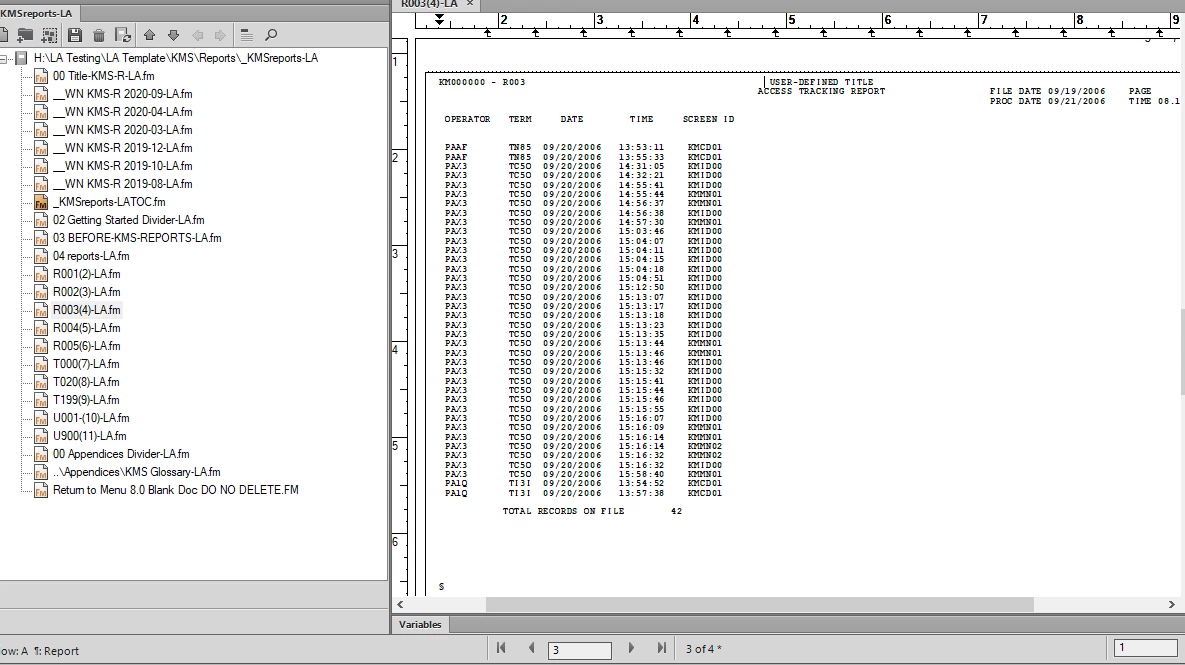
The screenshot shown on page 3 should be on page 2 just below the bar. I tried deleting page 2, but that deleted page 3 as well. I tried giving backspace and click the delete button as well, but that didn't move the screenshot above.
I mapped the styles, style definitions, reference pages, master pages of this document with the existing published document, but everything was same.
It is strange because the same styles and definitions are used in our existing document and we are not facing any such issue, but after applying template we got this issue.
I want the output as below:
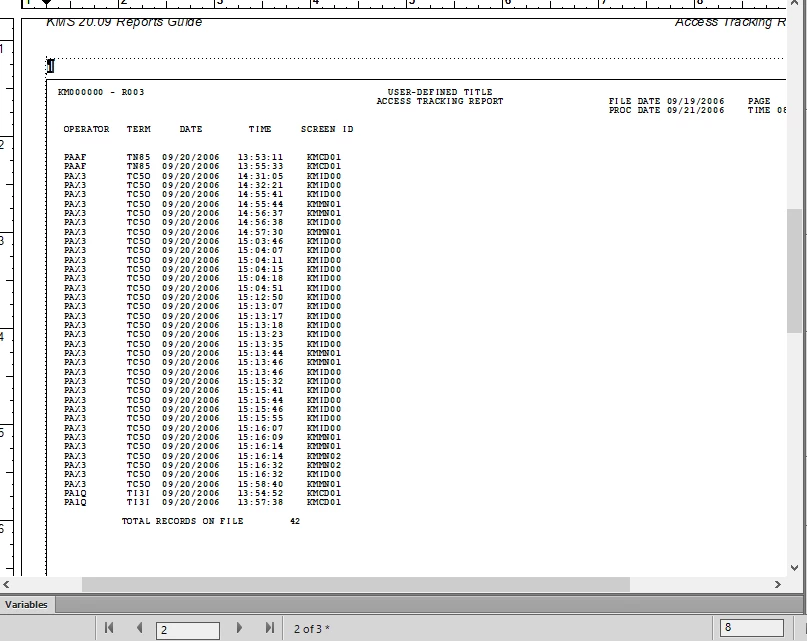
I tried almost every workaround that I was aware of, but the issue still persists.
Can someone please help me in resolving this issue?
 AdChoices