


Community Manager
July 29, 2020
Question

Out-of-the-box translation support

  • July 29, 2020
  • 2 replies
  • 2250 views

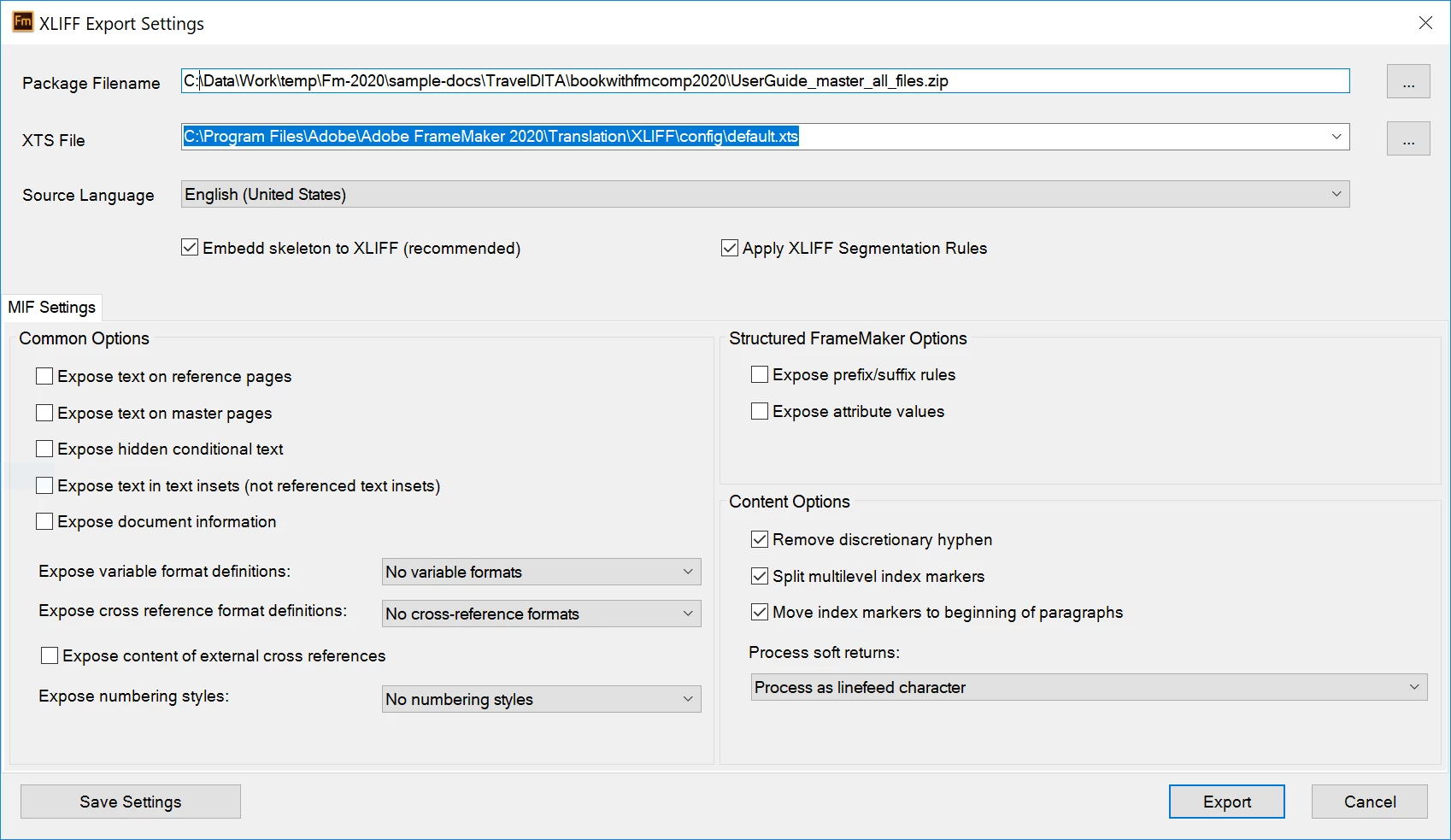
The latest release of FrameMaker comes with an out-of-the-box support for the translation framework. Easily convert your FrameMaker book or a DITA map into XLIFF (XML Localization Interchange File Format) and share it with your localization vendor for easy processing. Once you have the translated files back, use the import feature to get the converted content back into FrameMaker. With a wide range of options to control what in included in your translation package, you have a better control over your content.
 

This topic has been closed for replies.

2 replies

Participant
October 19, 2022

We are having difficulties importing all XLIFF files provided by our translation provider. Tried various settings in export dialog, many contacts with translation service who claim file is according to standard.
Have tried to contact via tcssup@adobe.com  yet no answer. Is this the correct contact address?
Thank you

Jeff_Coatsworth
Community Expert
Community Expert
October 19, 2022

@Rex26678658kkid - what version of FM? And yes, that's the correct e-mail address for the FM folks.

Participant
October 19, 2022

Thanks for the quick reply. We are using version 16.0.4.1062
Good to know I got the correct address. We have been working on this with our translation provider for a while now, so thought email would be better as it gets very technical (not just what button to push).

Participant
July 30, 2020

Hi!

It is really good news, but unfortunately I Can't find this function in my Framemaker.
Is it only available in 32bit version (I installed 64bit version, and I got 6th update patch installed)?

Community Manager
July 30, 2020

Hi,

The XLIFF Translation support is available in the latest version of FrameMaker. You can download the trial version from here: 

https://www.adobe.com/in/products/framemaker/download-trial/try.html


Hope this helps.